Read-Only by Design
Broader visibility into PeopleSoft, without broader access.
psLens gives PeopleSoft teams a read-only way to research metadata, review security, and monitor operations without handing out broad App Designer or database access.
It is built for the work that happens around production systems every day: understanding what exists, tracing access, sharing findings, and spotting issues early.
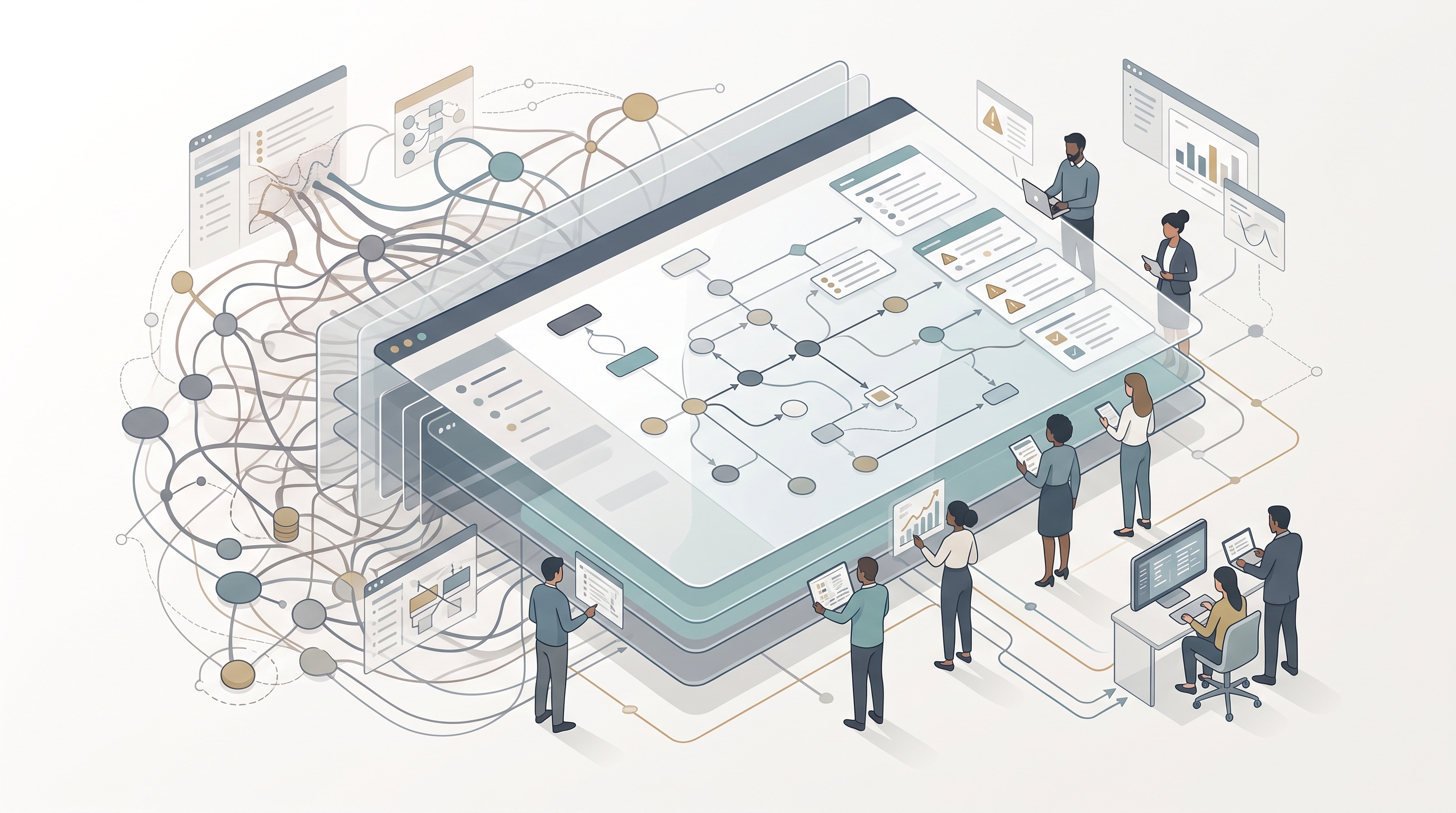
Most PeopleSoft teams use change tools for read-only work. They open App Designer to inspect a record, write SQL to trace security, or refresh Process Monitor and IB Monitor until a problem appears. That works, but it is slow, hard to share, and broader than many team members need.
psLens covers that day-to-day work in a browser. It gives teams one place to research object definitions, run repeatable audit reports, and watch for operational problems that should not wait for the next manual check.
What psLens Changes in Daily Work
Metadata Research Without App Designer
Search records, components, roles, permission lists, messages, and other PeopleSoft objects from a browser instead of opening a desktop client just to look something up. Each object page has a permanent URL, so the result can go straight into a ticket, wiki, or chat thread.
For teams that document configuration, psLens also exports object pages as Markdown. That removes the screenshot-and-copy-paste loop that usually follows App Designer or SQL research.
Security Review Without Custom SQL
Security review is one of the clearest gaps in standard PeopleSoft tooling. psLens ships with 14 on-demand reports, including Full Access Permission Lists, Nodes Without Passwords, and Web Service Access. Results are rendered in the browser, downloadable as Markdown, and stored for 90 days for follow-up and audit history.
The same UI also lets you trace the security chain in either direction. Start from a user, role, permission list, or component and click through the relationships instead of stitching together queries across PSROLEUSER, PSROLECLASS, and PSAUTHITEM. See Security Admins for the workflow.
Operational Monitoring Without Manual Page Checks
psLens runs 16 alert types on a 5-minute timer across connected databases. That covers Process Scheduler failures, long-running jobs, locked operator IDs, Integration Broker contract errors, stalled messages, sync exceptions, and volume anomalies.
Instead of waiting for a user ticket or refreshing monitoring pages by hand, the dashboard shows current findings and clears them automatically when the condition resolves.
Knowledge Sharing Without Screenshots
PeopleSoft knowledge usually gets trapped inside App Designer sessions, SQL results, or someone’s local notes. psLens makes that work easier to share because pages are read-only, linkable, and exportable.
That matters for onboarding, production support, and cross-team reviews. A developer can send the exact record or component page to an analyst. A security reviewer can attach a report result. A support lead can point a new team member at the same screen everyone else is using.
Where psLens Fits
psLens is not a replacement for App Designer. App Designer is still the right tool for:
- Creating and modifying PeopleSoft objects (records, pages, components)
- Writing and debugging PeopleCode
- Building and deploying projects
- Managing data migration
psLens is the better fit when the job is read-only and operational:
- Researching object definitions and relationships
- Auditing security configuration
- Monitoring processes and Integration Broker
- Onboarding new team members
- Sharing PeopleSoft knowledge across teams
- Day-to-day production support
App Designer requires a client install, training, and access to a tool that can modify the system. psLens runs in a browser and keeps the workflow read-only.
That matters because App Designer is a trusted-developer tool. It belongs in the hands of people who are expected to build, change, and migrate PeopleSoft objects. Handing it to a wider audience just so they can look something up expands risk in two directions at once: security exposure and system stability.
For team members who only need to inspect metadata, trace access, review operations, or answer audit questions, App Designer grants far more capability than the task requires. It opens the door to object changes, SQL access, and direct interaction with production systems through a tool designed for development work.
psLens is the safer way to widen visibility. Business analysts, auditors, support staff, project managers, and new team members can research PeopleSoft objects without getting the keys to the kingdom. They get read-only pages, reports, and links. They do not get object editing, SQL tooling, or direct database connectivity. In production environments, that separation is often the difference between broad understanding and broad risk. See Reducing App Designer Access for the full case.
Comparison at a Glance
The day-to-day question is not which tool can do everything. It is which tool is the best fit for research, audit, and monitoring work.
| Capability | App Designer | Direct SQL | psLens |
|---|---|---|---|
| Runs in a web browser, no client install | ✗ | ~ | ✓ |
| Read-only by design (safe for broad team access) | ✗ | ✗ | ✓ |
| Browse security setup, process schedules & IB config (PIA-side objects) | ✗ | ~ | ✓ |
| Fast object search for read-only research | ✗ | ~ | ✓ |
| Built-in audit & security reports | ✗ | ✗ | ✓ |
| Background alerts for Process Scheduler & IB | ✗ | ✗ | ✓ |
| Markdown export for docs and AI workflows | ✗ | ✗ | ✓ |
| Permanent URL for every object page | ✗ | ✗ | ✓ |
| Cross-database project comparison | ~ | ~ | ✓ |
| Right tool for building & modifying objects | ✓ | ~ | ✗ |
Legend: ✓ Strong fit · ~ Possible but awkward or partial · ✗ Not supported
Why Teams Roll It Out Broadly
Read-Only Access for More Roles
The browser UI changes who can safely participate. Teams no longer need to choose between keeping PeopleSoft knowledge locked inside a small developer group or handing out a development tool that can change the system.
With psLens, business analysts, auditors, support staff, project managers, and new team members can inspect the same objects trusted developers use, especially in production-facing workflows, without getting change capability. That opens up the system to the people who need visibility while keeping development-grade access narrow.
There is a coverage point here too: much of what these roles ask about was never in App Designer to begin with. User profiles, roles, permission lists, process schedules, and Integration Broker configuration live in PIA administration pages, and the components that display that configuration are mostly the same components that edit it. psLens shows all of it read-only, alongside the development objects, so widening visibility does not mean widening admin-page access either.
Permanent URLs for Any Object
Every object page has a stable URL. That makes tickets, runbooks, and review notes easier to maintain because the source page is a link, not a screenshot.
Structured Markdown for Documentation and Analysis
Report results download as Markdown, and object pages can be exported the same way. Teams use that output for internal documentation, change records, and AI-assisted review workflows where plain text works better than image-based exports.
Repeatable Audit and Monitoring Workflows
The reports and alerts pages turn one-off checks into repeatable workflows. Reports keep 90 days of history. Alerts run every 5 minutes and clear automatically when the underlying issue resolves.
Those details matter during audits and during production support. The same page that helps an analyst look up a permission list can also help a security reviewer run Full Access or Node security checks, or help an operator spot a stalled message before users escalate it.