Architecture Overview
How psLens connects to PeopleSoft: a small SWS framework inside your PeopleSoft environment, and a psLens Docker container hosted externally.
Install SWS in PeopleSoft, run the psLens container, point it at SWS, log in. The pages in order:
psLens is a single self-contained application: a Go binary that serves the web interface and stores report data locally. There is no separate database to manage. It connects to your PeopleSoft environment through the SWS (Secure Web Services) framework, which must be installed and configured in PeopleSoft first.
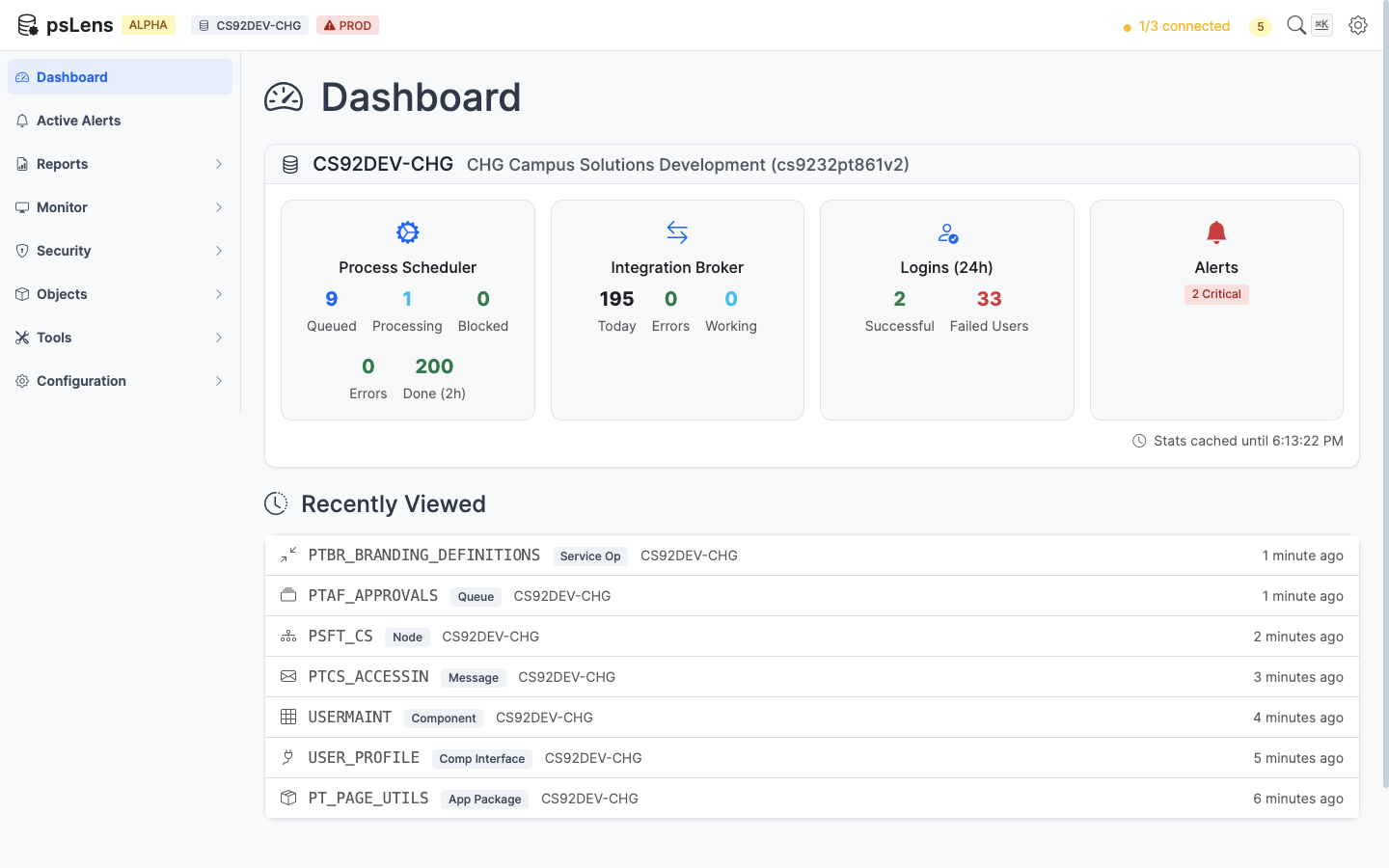
The psLens dashboard — your starting point for monitoring PeopleSoft environments
Hosting psLens in production? Read Deployment Options for HTTPS, version pinning, backups, and upgrade paths.
Once the SWS framework is installed in PeopleSoft:
# Create a directory for psLens
mkdir pslens && cd pslens

# Create config.yaml with your PeopleSoft connection details
# (see Configuration for full details)

# Start psLens with Docker
docker compose up -d

# Open http://localhost:8080 in your browser
If you are still evaluating architecture, security, or operator workflow, see it running first. A live demo is the quickest way to answer fit questions before you commit to an install path.
How psLens connects to PeopleSoft: a small SWS framework inside your PeopleSoft environment, and a psLens Docker container hosted externally.
psLens uses a Cedar Hills Group, Inc. web service inside your PeopleSoft environment to connect to the psLens web application. This page describes how to install and configure the SWS framework for psLens.
psLens controls which PeopleSoft tables can be queried through a whitelist table (CHG_PSLENS_WL). You need to whitelist every table that psLens reads.
psLens reads a config.yaml file from the same directory as the binary.
This page is for clients who want to host psLens themselves in a Docker container. It covers three questions in order:
Restrict hosted psLens instance access strictly to authorized corporate IP addresses and CIDR subnets.
Set up native Single Sign-On (SSO) using OpenID Connect discovery for Microsoft Entra ID, Okta, Google Workspace, Keycloak, or Auth0.