IB Monitor
The IB Monitor shows the real-time status of PeopleSoft Integration Broker message traffic.
Categories:
IB Monitor
URL: /ibmonitor
The IB Monitor shows the real-time status of PeopleSoft Integration Broker message traffic. Open it when an integration is failing or messages aren’t moving.
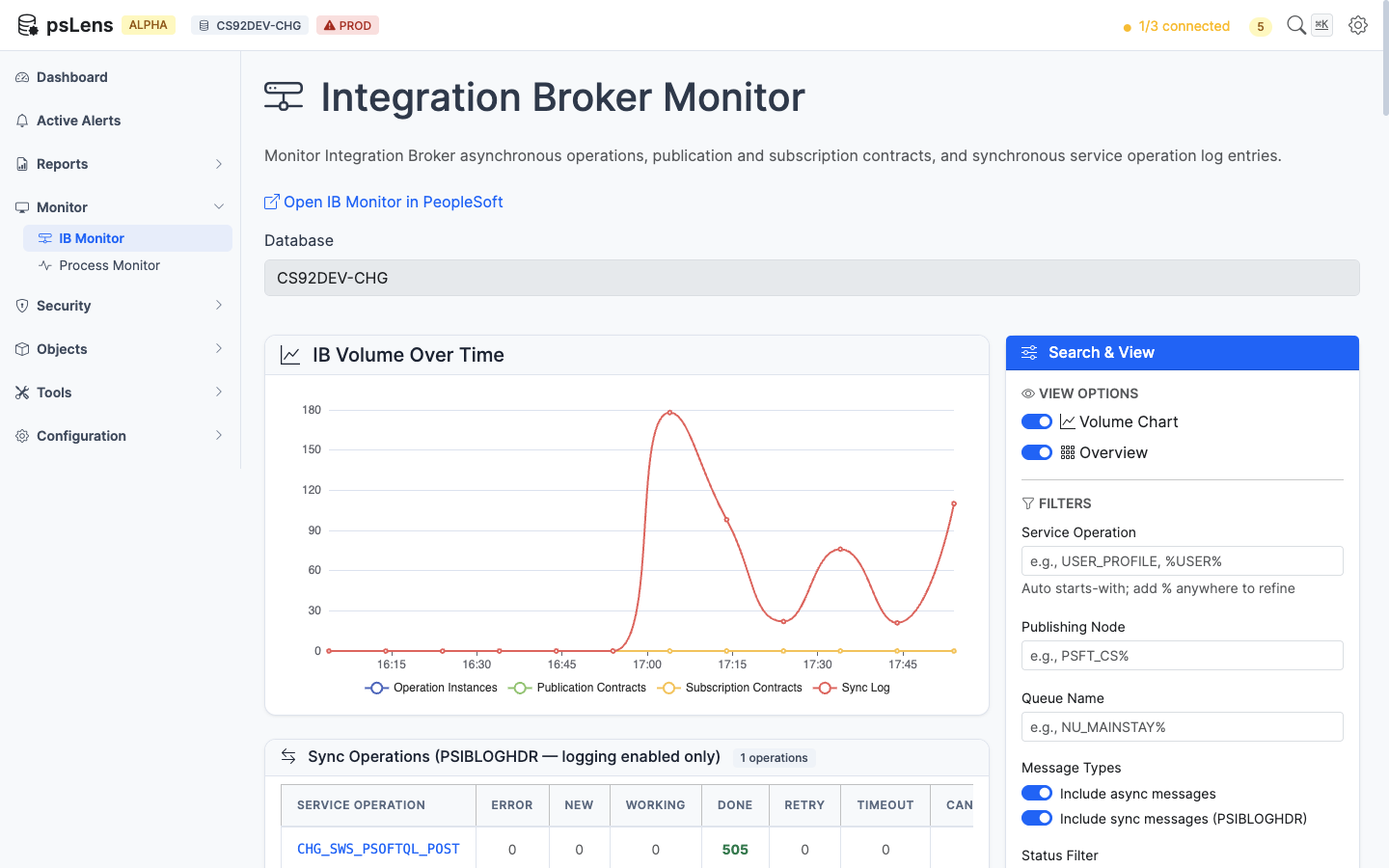
Integration Broker Monitor with status filters, time range selection, and operation/contract tabs
What You Can Do
- View Transactions: Monitor Integration Broker operation instances, publication contracts, and subscription contracts.
- Filter and Search: Filter message traffic by status, operation name, node, and date range.
- Analyze Failures: See detailed information for each transaction, including status, timestamps, and error messages.
- View Payload: Drill into individual transactions to see full request/response details.
When It’s Useful
- Investigating why an integration isn’t working.
- Checking whether messages are being processed.
- Responding to IB alert notifications from the dashboard.
- Auditing message traffic for a specific operation.
Message Status Reference
| Status | Meaning |
|---|---|
| New | Message has been created and is waiting to be processed |
| Working | Message is currently being processed |
| Done | Message was processed successfully |
| Error | Processing failed with an error |
| Timeout | Processing exceeded the allowed time |
| Cancelled | Message was cancelled |
Integration Broker Alerts
Six alert types monitor the Integration Broker automatically:
Error and Timeout alerts (look back over a configurable window):
- IB Operation Errors — Finds async operations in Error or Timeout status.
- IB Publication Contract Errors — Finds pub contracts in Error or Timeout status.
- IB Subscription Contract Errors — Finds sub contracts in Error or Timeout status.
Stalled alerts (find messages stuck too long in New or Working status):
- IB Operations Stalled — Operations stuck in New or Working.
- IB Publication Contracts Stalled — Pub contracts stuck in New or Working.
- IB Subscription Contracts Stalled — Sub contracts stuck in New or Working.