Component Interfaces
Categories:
- Target Database: —
- Context Type: —
- Alert Severity: —
- Triggered Time: —
- Firing Context:
—
Component Interfaces (CIs) are PeopleSoft’s programmatic façade over a component. They expose component properties as get/set properties and component events as callable methods, so integration code can drive the same business logic the UI uses. psLens reads PSBCDEFN for the CI header, PSBCITEM for the property/key list, and PSBCMETHODS for the methods. It also runs two consistency checks against the underlying component to catch the most common breakage: properties that no longer map to a valid record field, and required fields the CI doesn’t expose.
Object Relationships
Component Interfaces expose interactive transaction components for programmatic API access:
- Wraps Components: Component Interfaces (
PSBCDEFN) target an underlying component (PNLGRPNAME,MARKET) to expose its validation logic. - Maps Properties to Record Fields: CI items (
PSBCITEM) bind exposed API properties to specific record fields (PSRECFIELD) on the component. - Secured by Permission Lists: Permission lists (
PSAUTHBUSCOMP) grant action-level permissions (Get, Create, Save) on Component Interfaces.
How psLens Improves Component Interface Inspection
Evaluating Component Interfaces in Application Designer requires opening the CI item tree, cross-referencing record fields on the underlying component, manually scanning for missing required fields, and running Find In PeopleCode for calling programs.
psLens automates consistency checks—flagging invalid property bindings and missing required component fields—while displaying methods, properties, referencing PeopleCode, and project membership in one place.
Search Page
URL: /componentinterfaces?db={database}
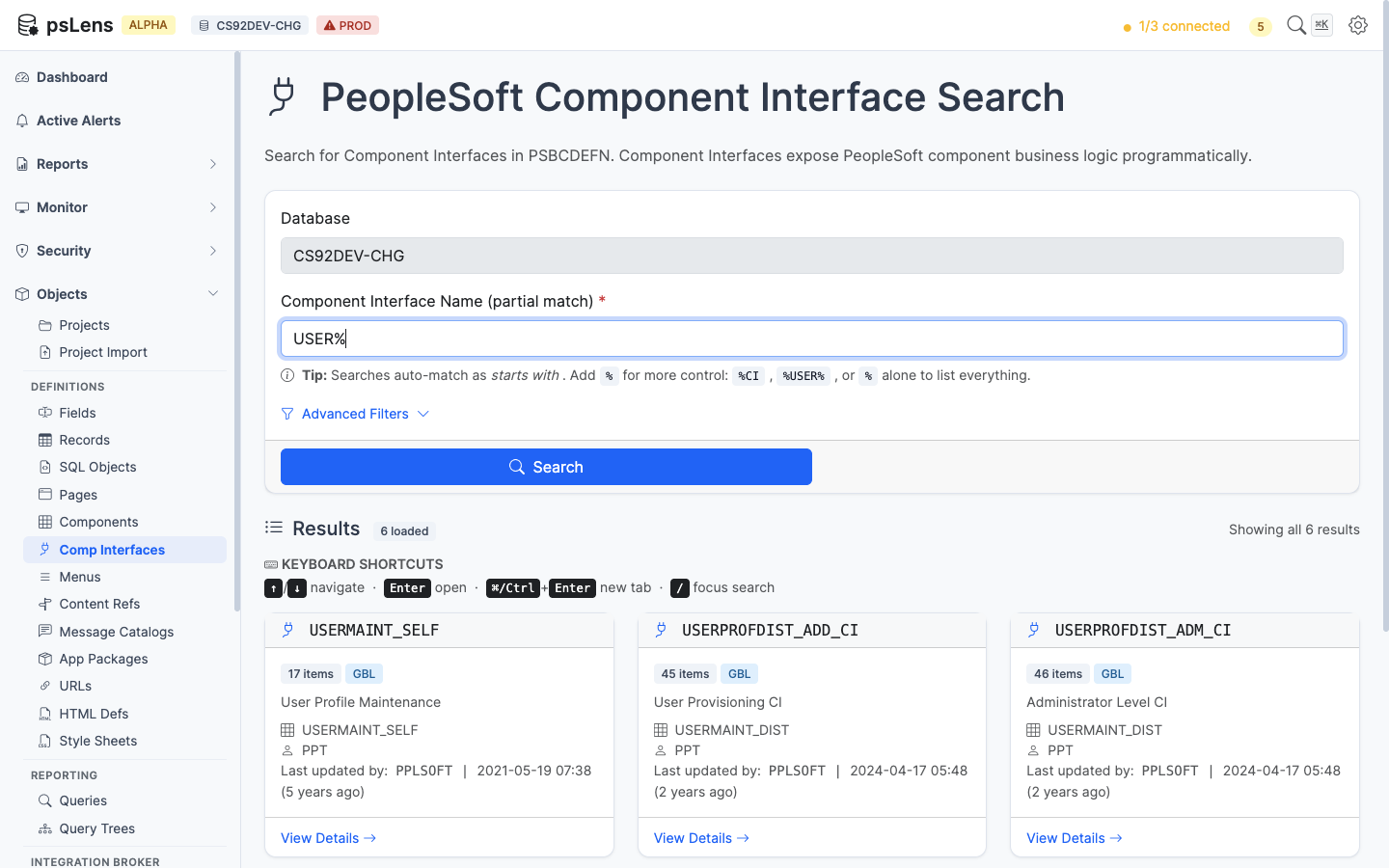
Component Interface search results for USER%
Wildcard % search supported. Each result card shows the underlying component and CI description.
Detail Page
URL: /componentinterfaces/{CINAME}?db={database}
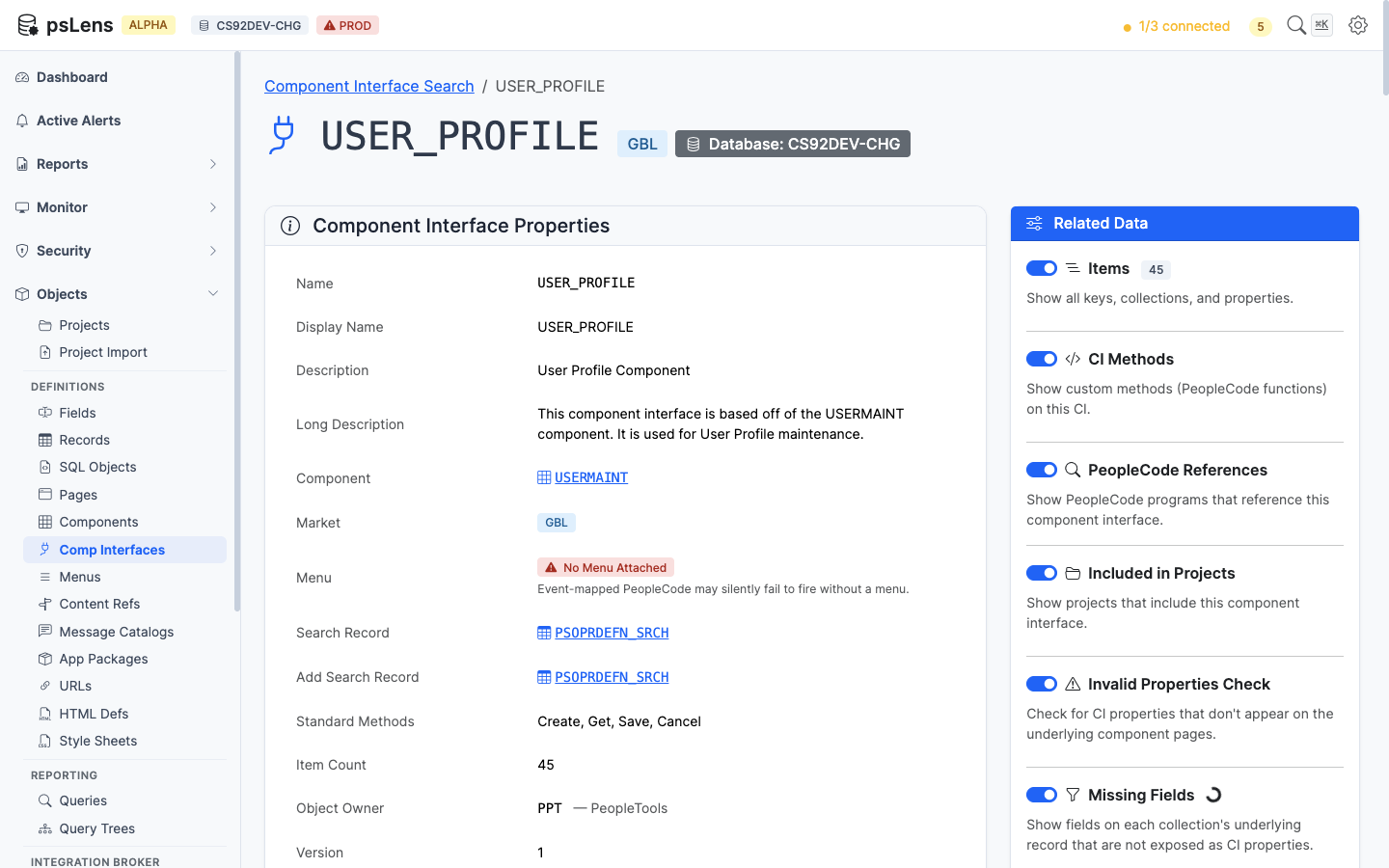
Component Interface detail page for USER_PROFILE
The main pane shows Component Interface Properties (underlying component, market, security access, owner) plus the items list. The sidebar has 6 related-data toggles, including two consistency-check panels unique to CIs.
Related Data Panels
Items
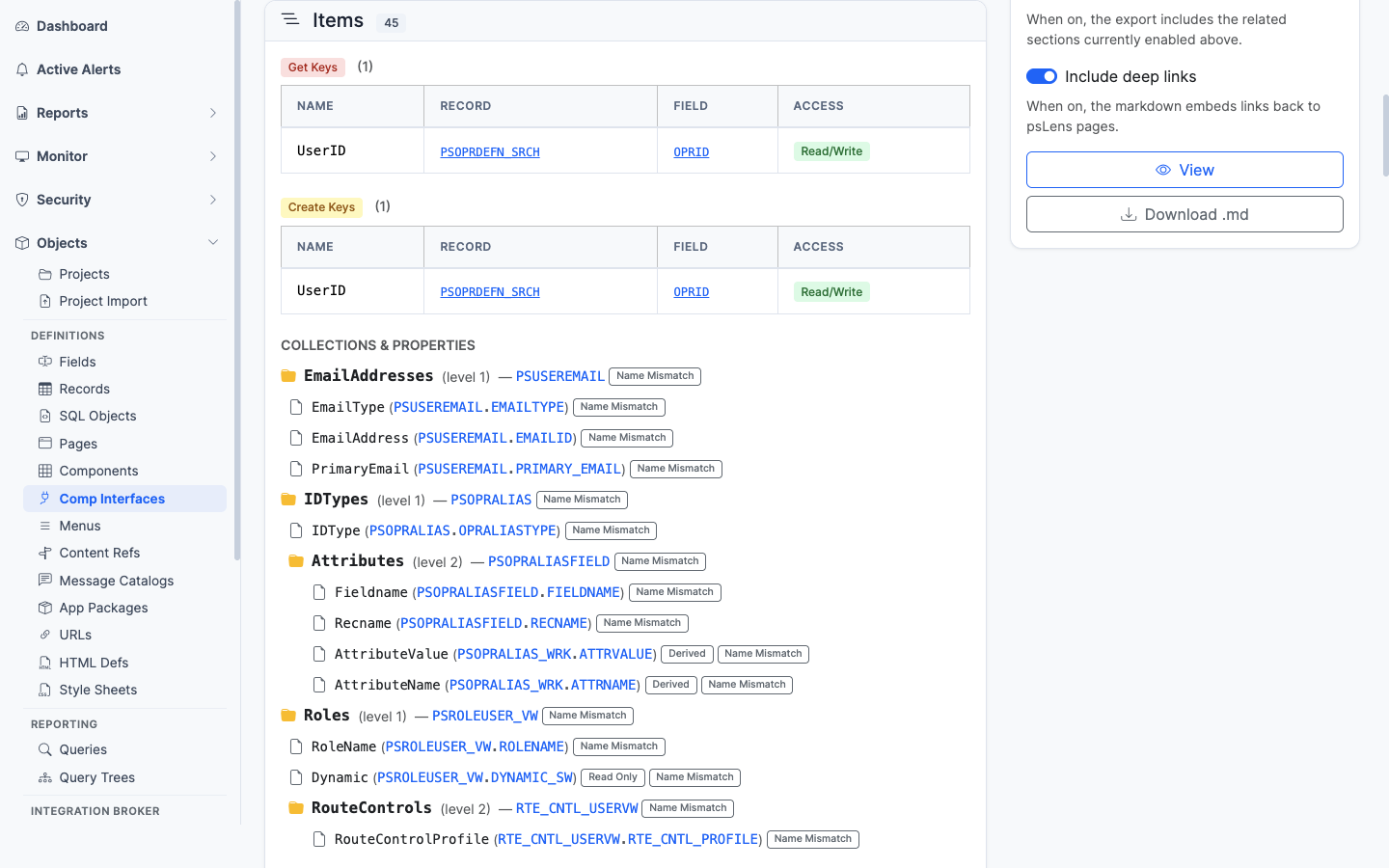
Every CI property with key flag, record/field binding, and standard/custom indicator
Every CI property (PSBCITEM): its record/field binding, key indicator, and whether it’s a standard or custom-named property.
CI Methods
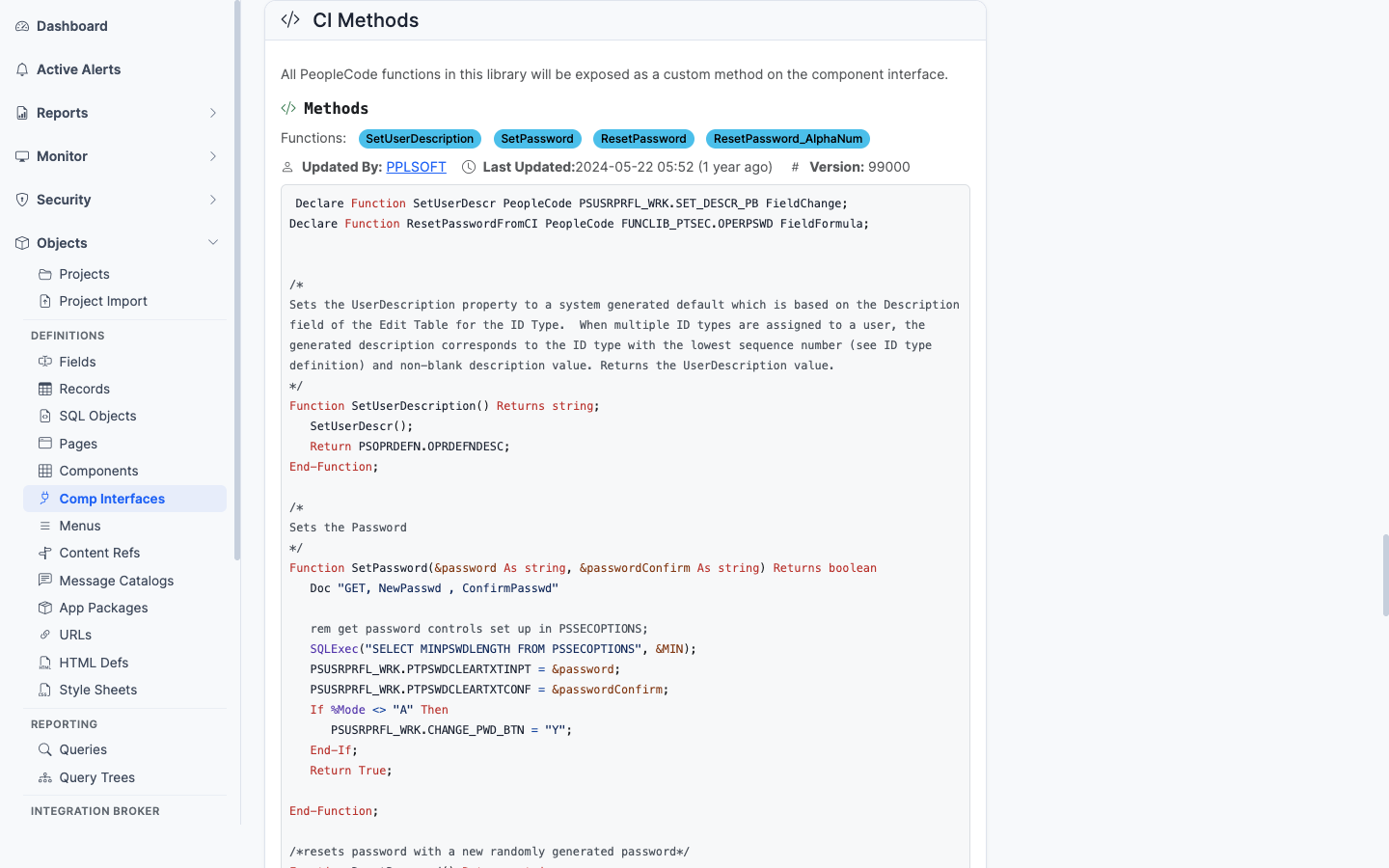
Standard and user-defined methods on the CI
Standard methods (Get, Find, Create, Save, Cancel) plus any user-defined methods. Each method links into the matching PeopleCode.
Invalid Properties Check
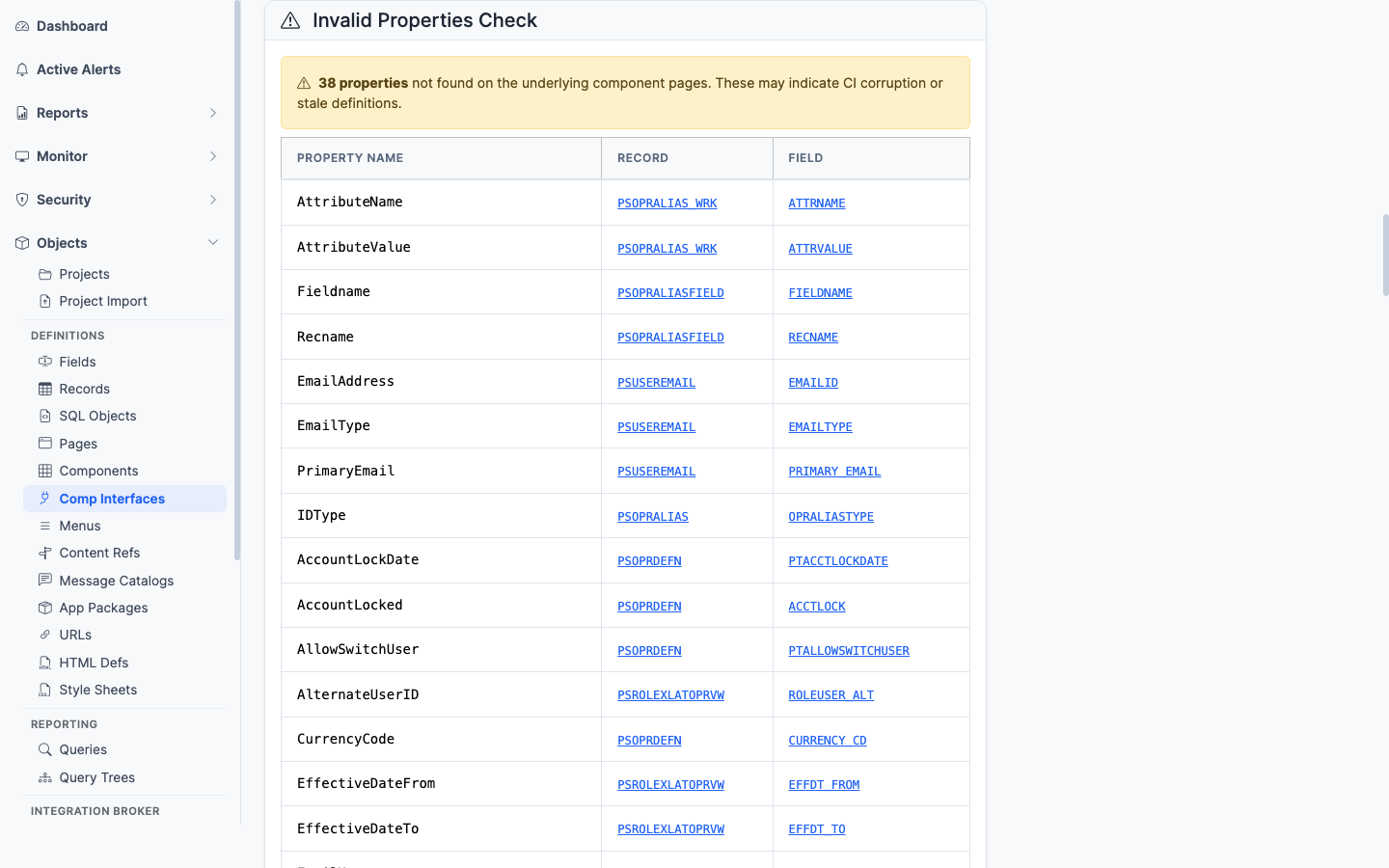
Items that no longer match a valid record field on the underlying component
A consistency check. Flags CI items that no longer match a valid record field on the underlying component — the most common failure mode after a record schema change.
Missing Fields
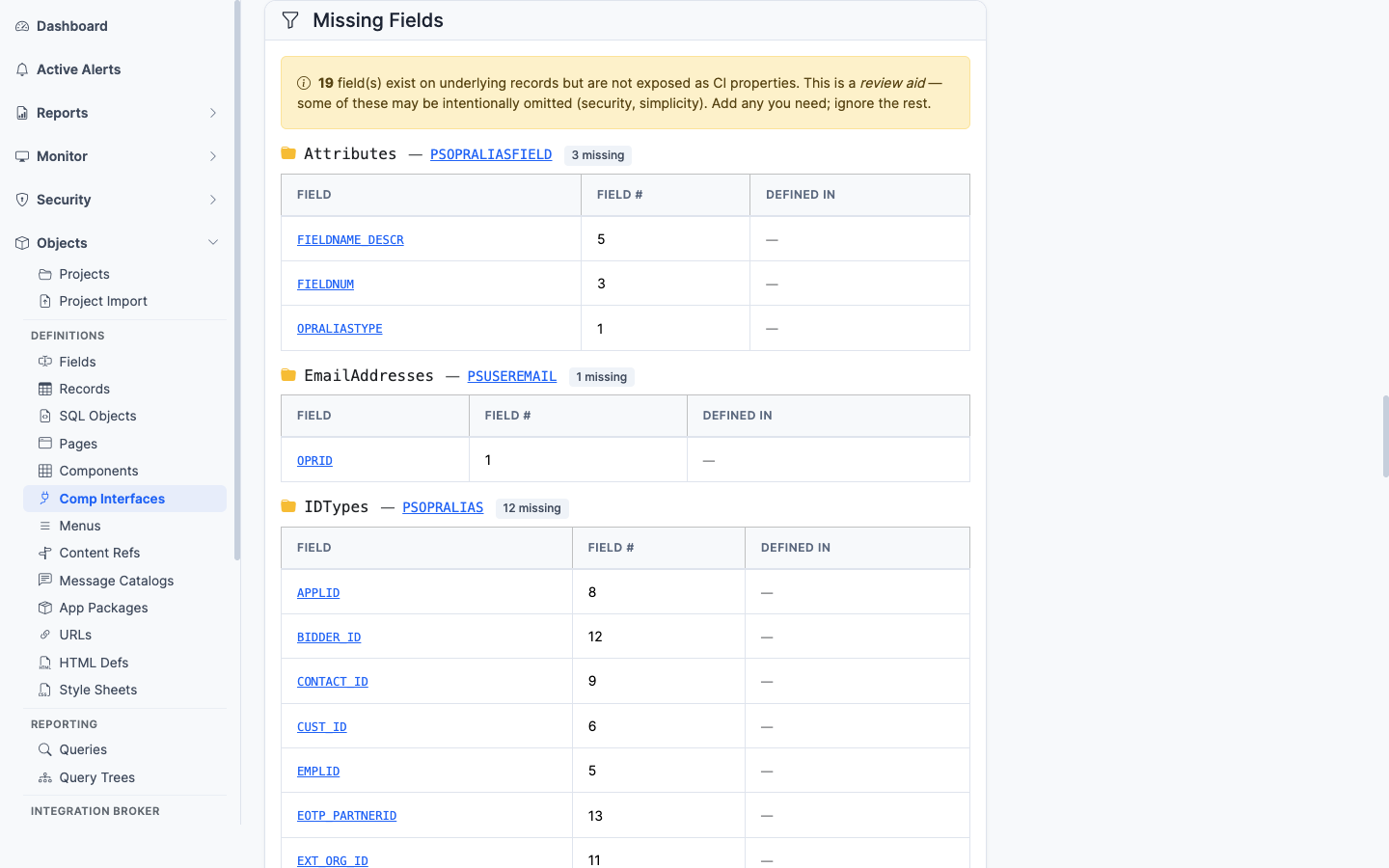
Required fields on the underlying component that the CI does not expose
A consistency check. Flags fields on the underlying component that are required (key fields, search keys, required-input fields) but are not exposed as CI properties. Helps spot where a CI cannot drive a transaction to completion.
PeopleCode References
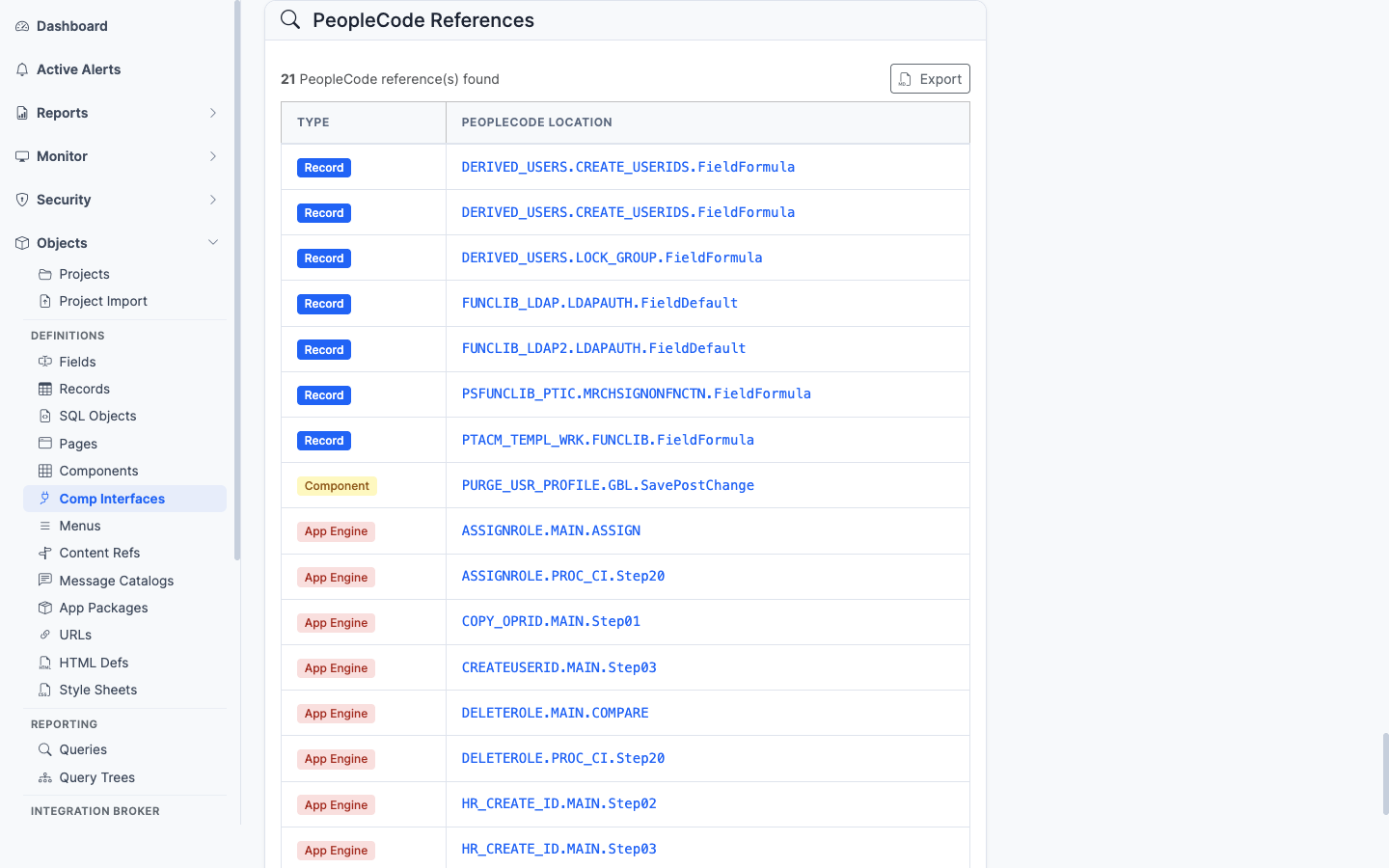
PeopleCode programs anywhere in the database that instantiate this CI
PeopleCode programs anywhere in the database that mention this CI by name. Useful for finding the App Engine, Service Operation handler, or other CI program that drives this interface.
Included in Projects
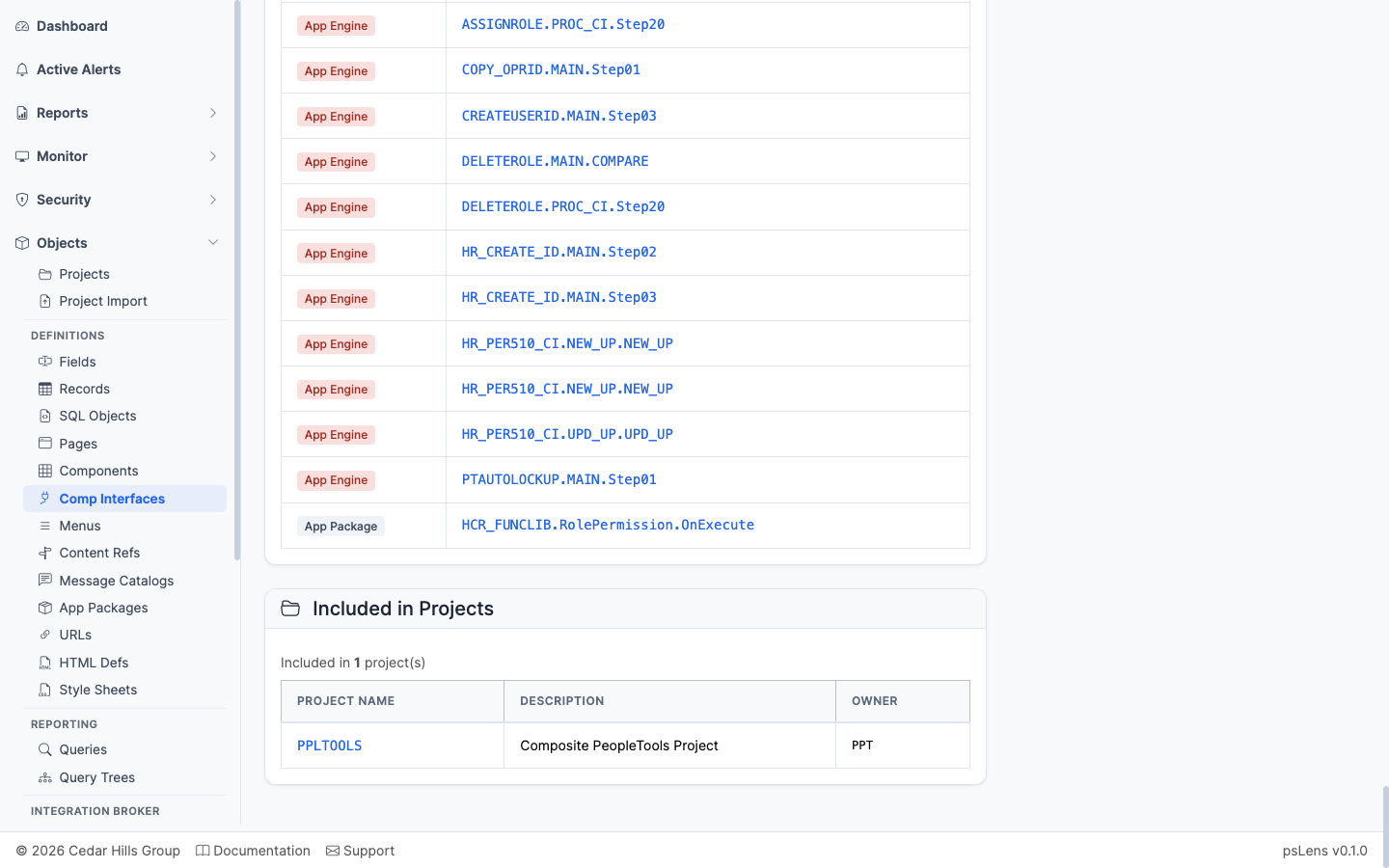
App Designer projects that include this CI
App Designer projects that include this CI.