Fields
Categories:
- Target Database: —
- Context Type: —
- Alert Severity: —
- Triggered Time: —
- Firing Context:
—
Fields (PSDBFIELD) are the fundamental, individual data elements in PeopleSoft—like an employee ID, first name, date of birth, or monetary amount. Think of a field as an individual column in a spreadsheet or a single entry box on a form. Every database table column and page control across PeopleSoft is built on top of a field definition. psLens reads field definitions from PSDBFIELD (and field labels from PSDBFLDLABL) and stitches them together with the rest of the metadata so you can see, in one place, everywhere a given field is used.
Object Relationships
Fields form the lowest-level data layer in the PeopleSoft object hierarchy:
- Included in Records: Fields (
PSDBFIELD) are grouped into record definitions (PSRECFIELD) to form physical database tables, SQL views, and derived work buffers. - Bound to Page Controls: Fields are bound to user interface controls (
PSPNLFIELD) on pages to view or edit data. - Exposed in Component Interfaces: Fields map to Component Interface properties (
PSBCITEM) for programmatic API integrations. - Referenced in Queries & PeopleCode: Fields are selected in PeopleSoft Queries (
PSQRYFIELD) and referenced in PeopleCode logic across the application.
How psLens Improves Field Inspection
In Application Designer, assembling a complete picture of a field’s usage requires opening the field definition for properties and labels, right-clicking to run Find Object References for record usage, executing a separate Find In search across PeopleCode, manually running SQL against PSPNLFIELD and PSBCITEM to find page and CI usage, running Query Manager searches across databases, and inspecting containing App Designer projects one at a time for migration history.
psLens surfaces field properties, label definitions, containing records, page bindings, Component Interface properties, PeopleCode call sites, and query references on a single screen with one-click drilldowns.
Search Page
URL: /fields?db={database}
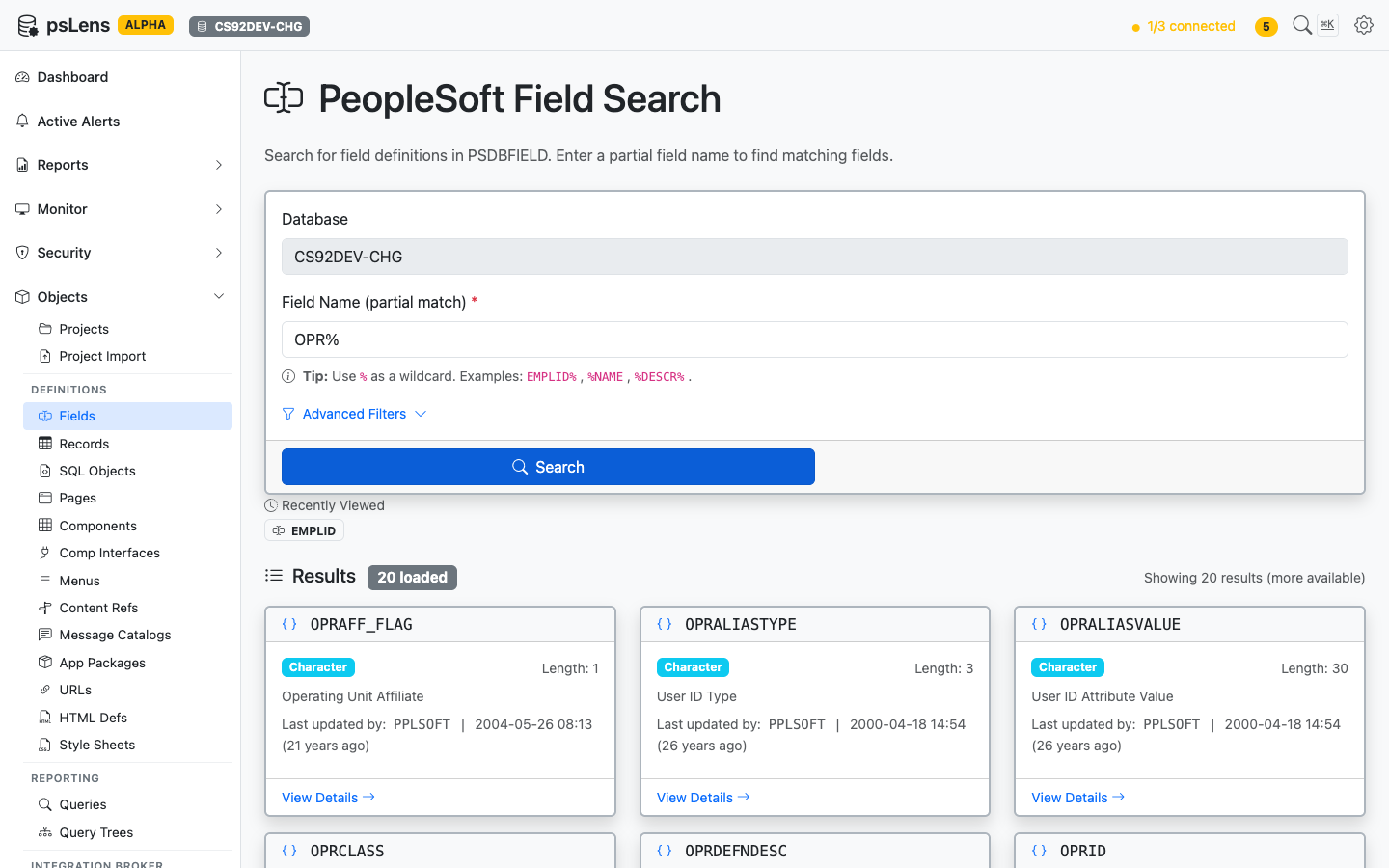
Field search results for OPR%
Type a partial field name to find matching definitions. Search auto-matches as starts with — EMPLID finds EMPLID, EMPLID_TBL, EMPLID_PNL, etc. Include % yourself for more control: %NAME (ends with), %DESCR% (contains), or just % to list every row. Each result card shows the field type and length, the long-name description, and the last-updated timestamp so you can spot recently modified objects at a glance. The Advanced Filters panel lets you narrow by field type, last-updated date, or owner. Recently viewed fields are surfaced just above the results.
Detail Page
URL: /fields/{FIELDNAME}?db={database}
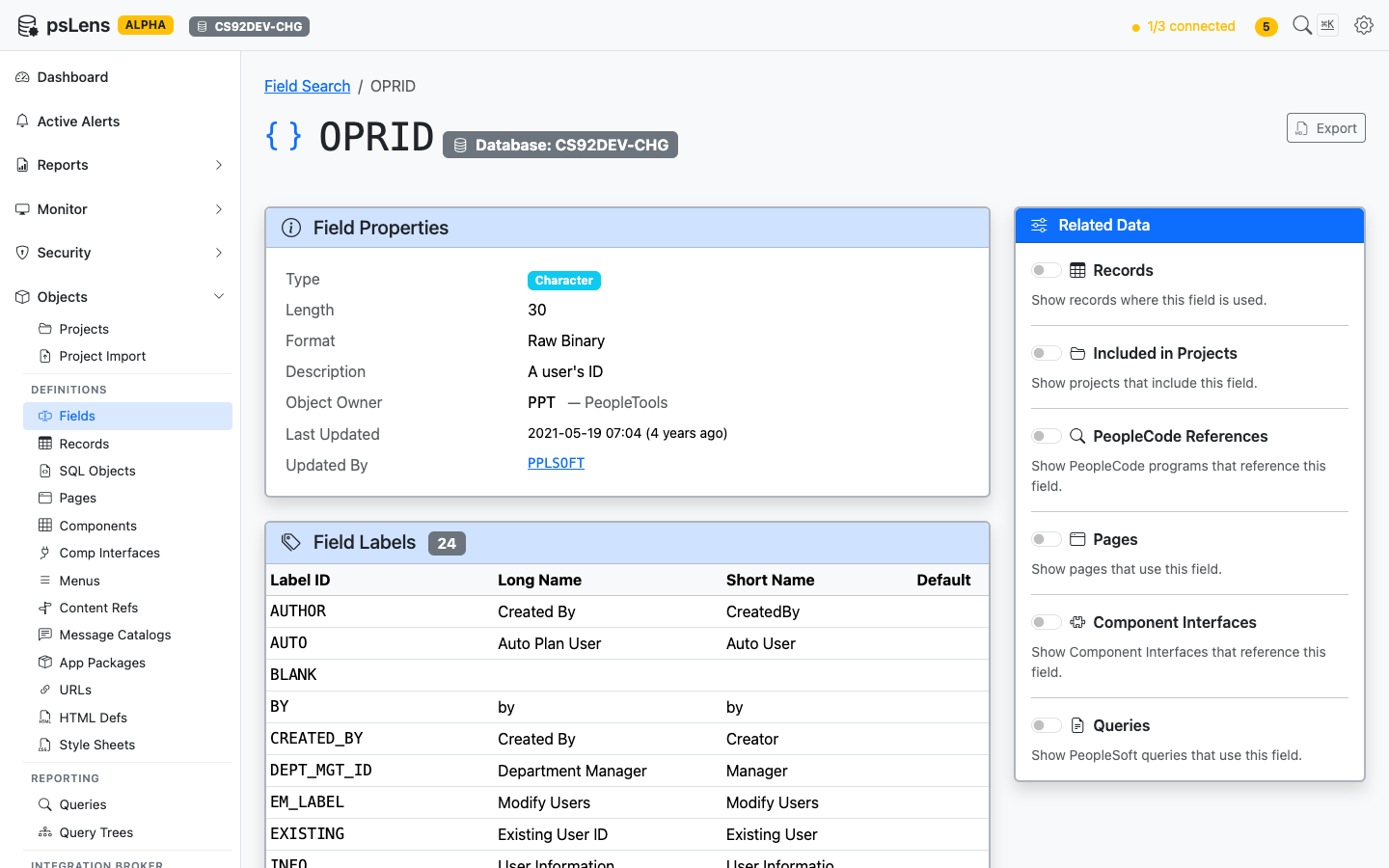
Field detail page for OPRID — default view, no panels expanded
The main pane shows the Field Properties card (type, length, format, description, object owner, last-updated metadata) and a Field Labels card with every long/short name pair defined in PSDBFLDLABL, including which one is the default label. The Export button in the top right downloads the full definition as Markdown. The Related Data sidebar holds six toggles that fetch additional context on demand.
Related Data Panels
Toggle any panel on to load it inline beneath the main content. Each panel returns the count of objects found and a sortable list with deep-links into the corresponding psLens detail pages, so you can chase a field reference into the record, page, or PeopleCode program that uses it without losing your place.
Records
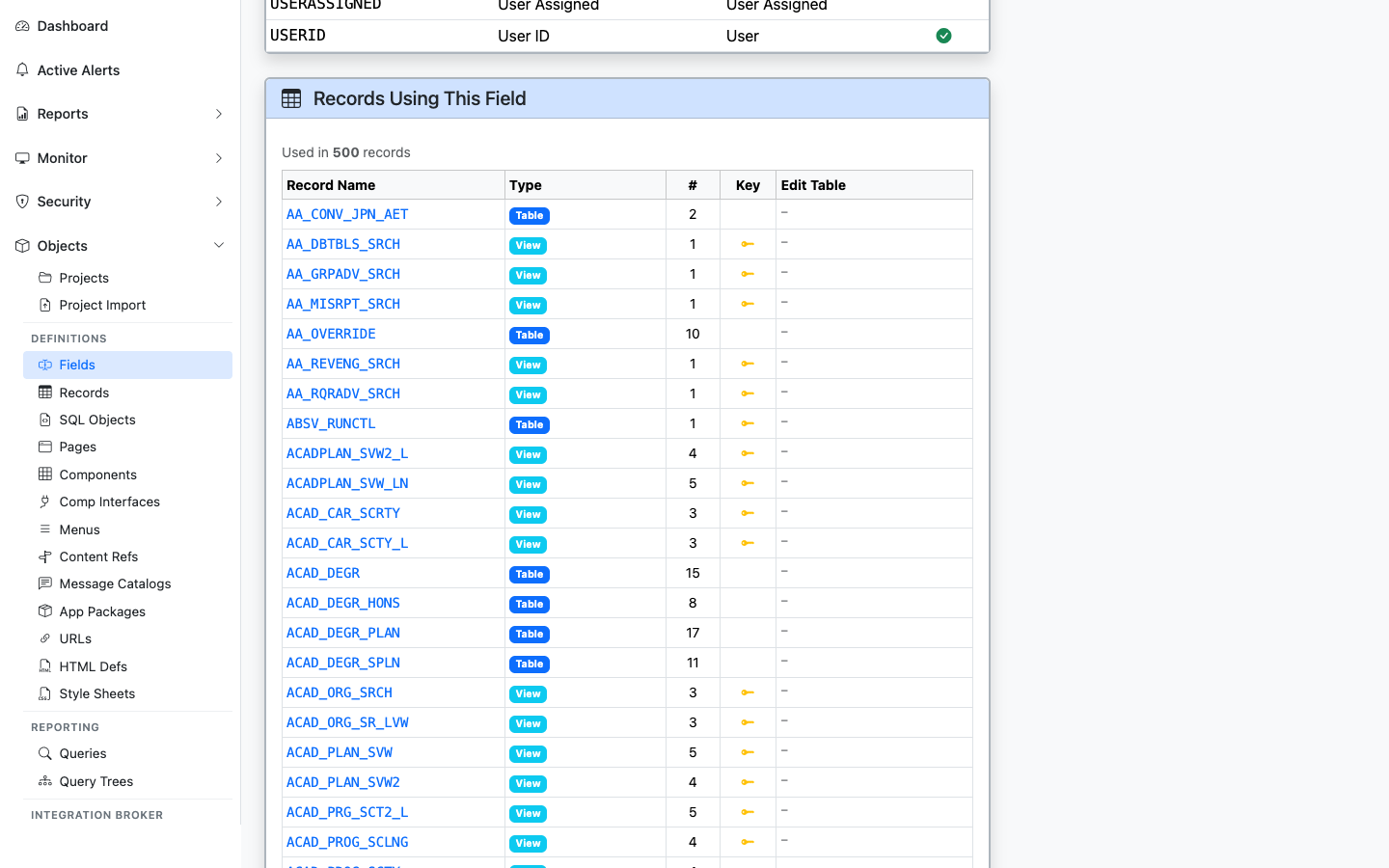
Every record that includes this field, with type (Table/View) and Edit Table indicator
Lists every record where the field appears, with record type, the position number within the record, key-field indicator, and whether the field is configured with an Edit Table prompt. Sourced from PSRECFIELD / PSRECFIELDDB.
Included in Projects
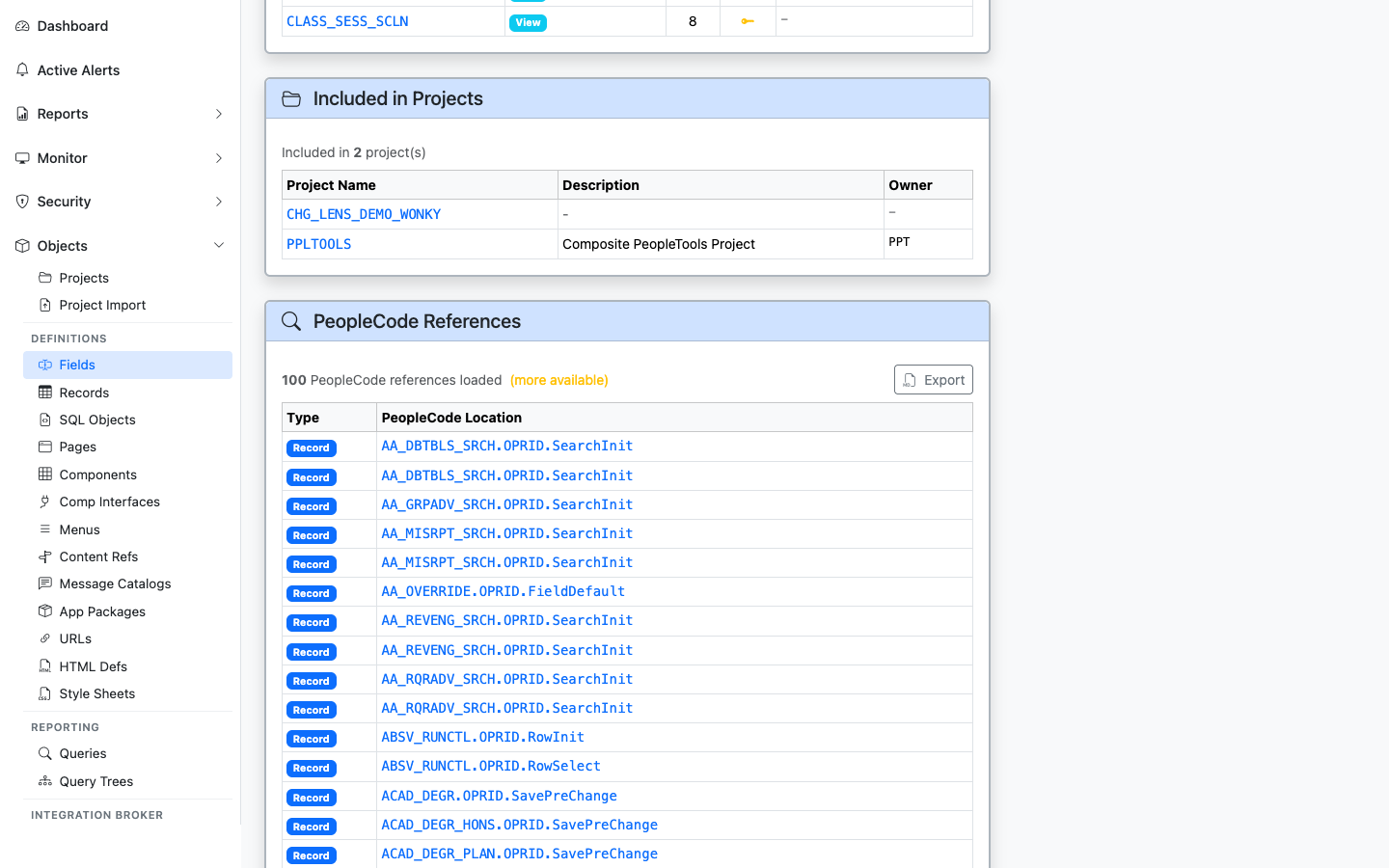
App Designer projects that include this field
Shows every App Designer project (PSPROJECTITEM) that contains this field as a project item. Useful for tracing which customization or release introduced or modified the field.
PeopleCode References
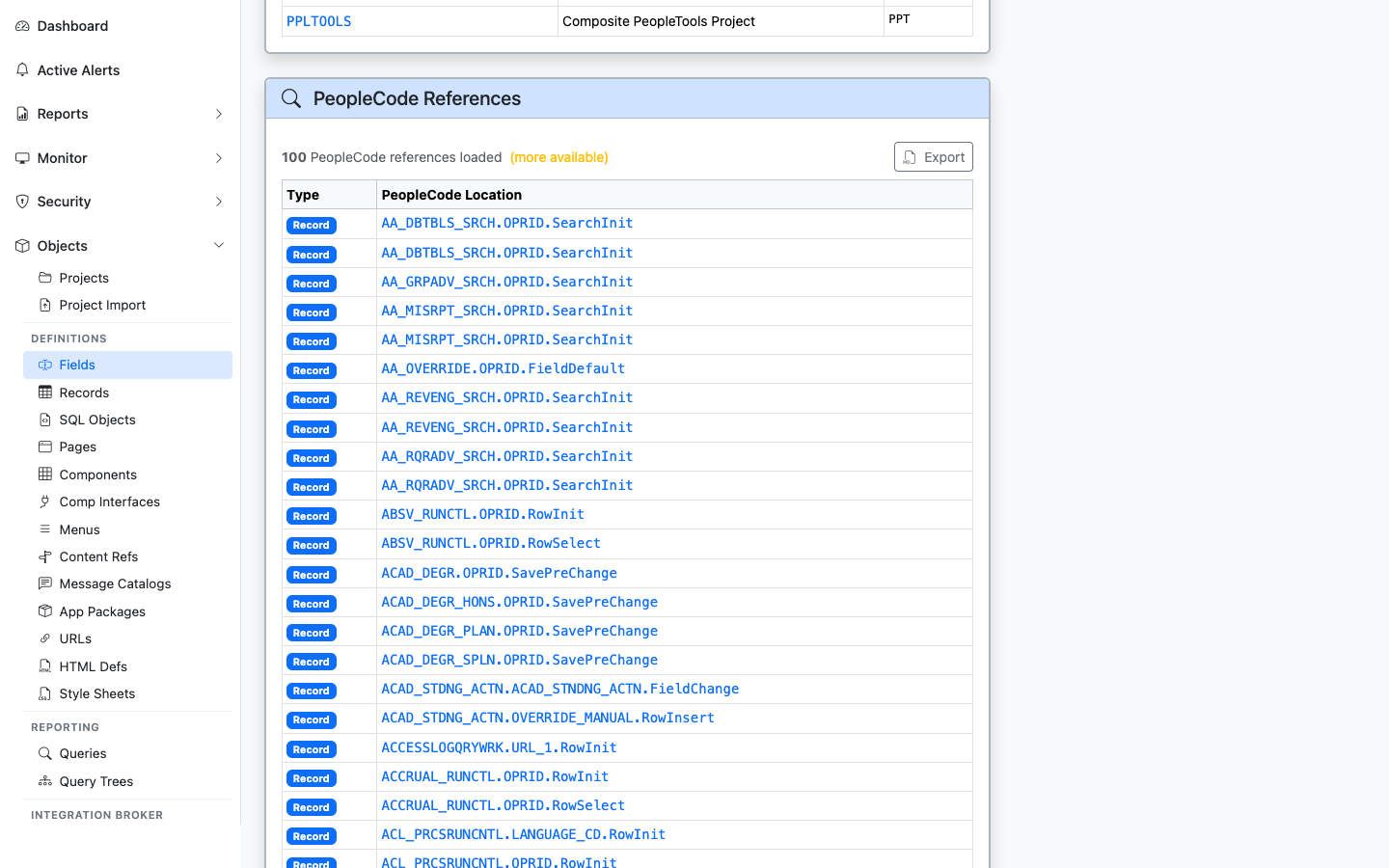
PeopleCode programs that reference this field
Lists PeopleCode programs that mention the field: record PeopleCode, component PeopleCode, application package methods, and more. Each result links to the parent object’s detail page so you can drill into the program.
Pages
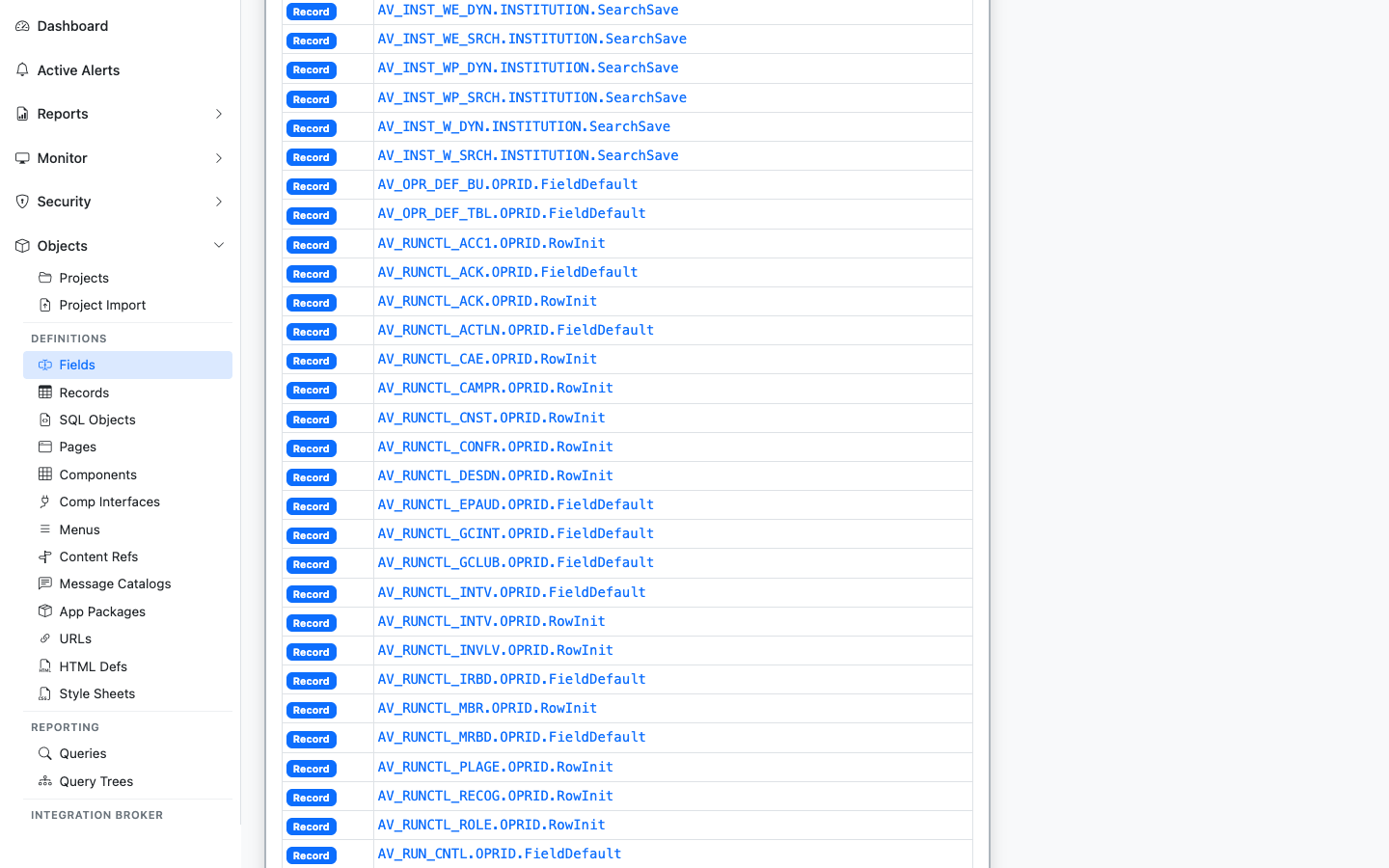
Pages with field controls bound to this field
Lists pages (PSPNLFIELD) where a control on the page is bound to this field, with the record context. Useful for impact analysis when changing a field’s type or length.
Component Interfaces
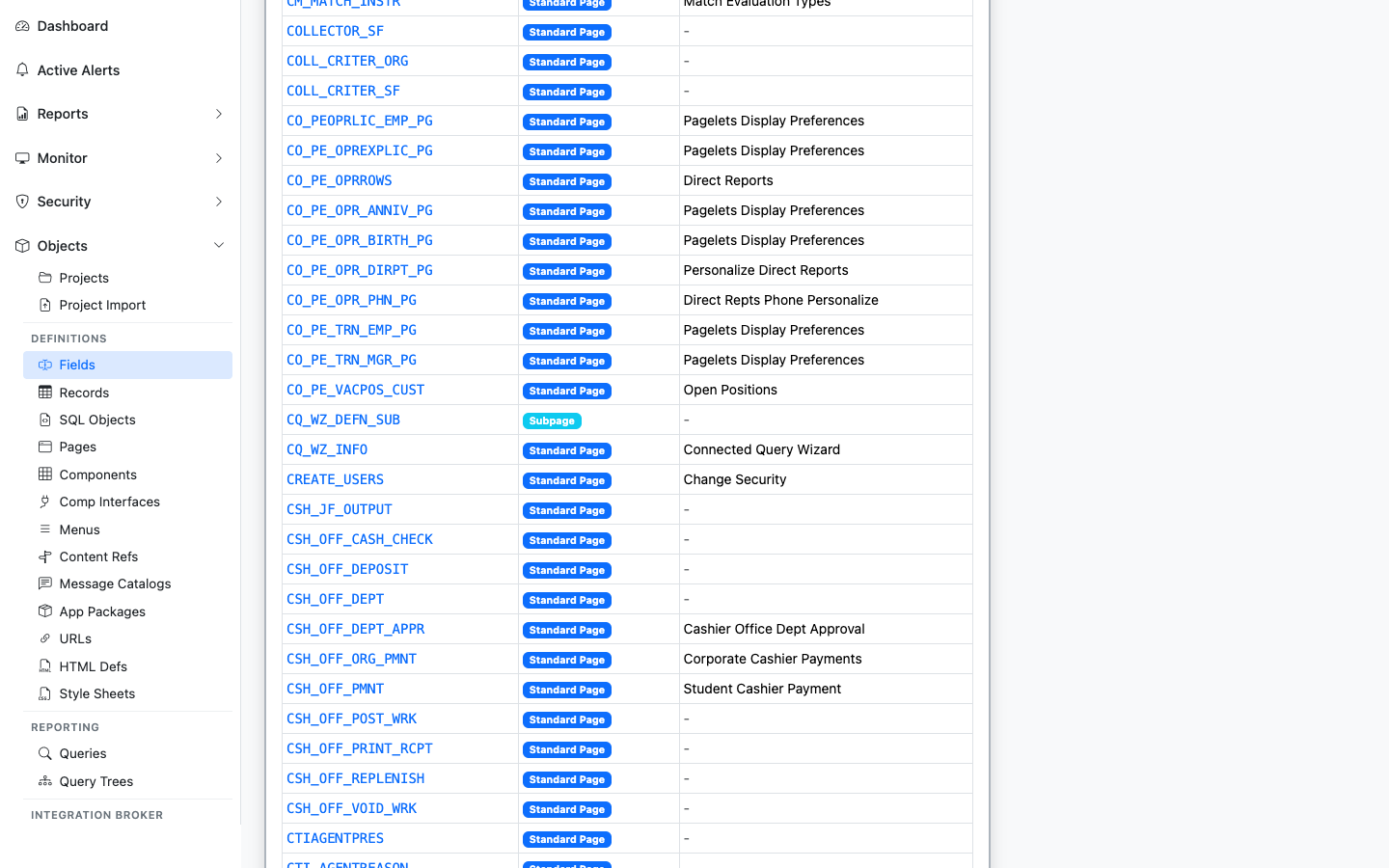
Component Interfaces that expose this field as a property
Lists Component Interfaces that expose this field as a CI property. The integration surface area for the field. Sourced from PSBCITEM.
Queries
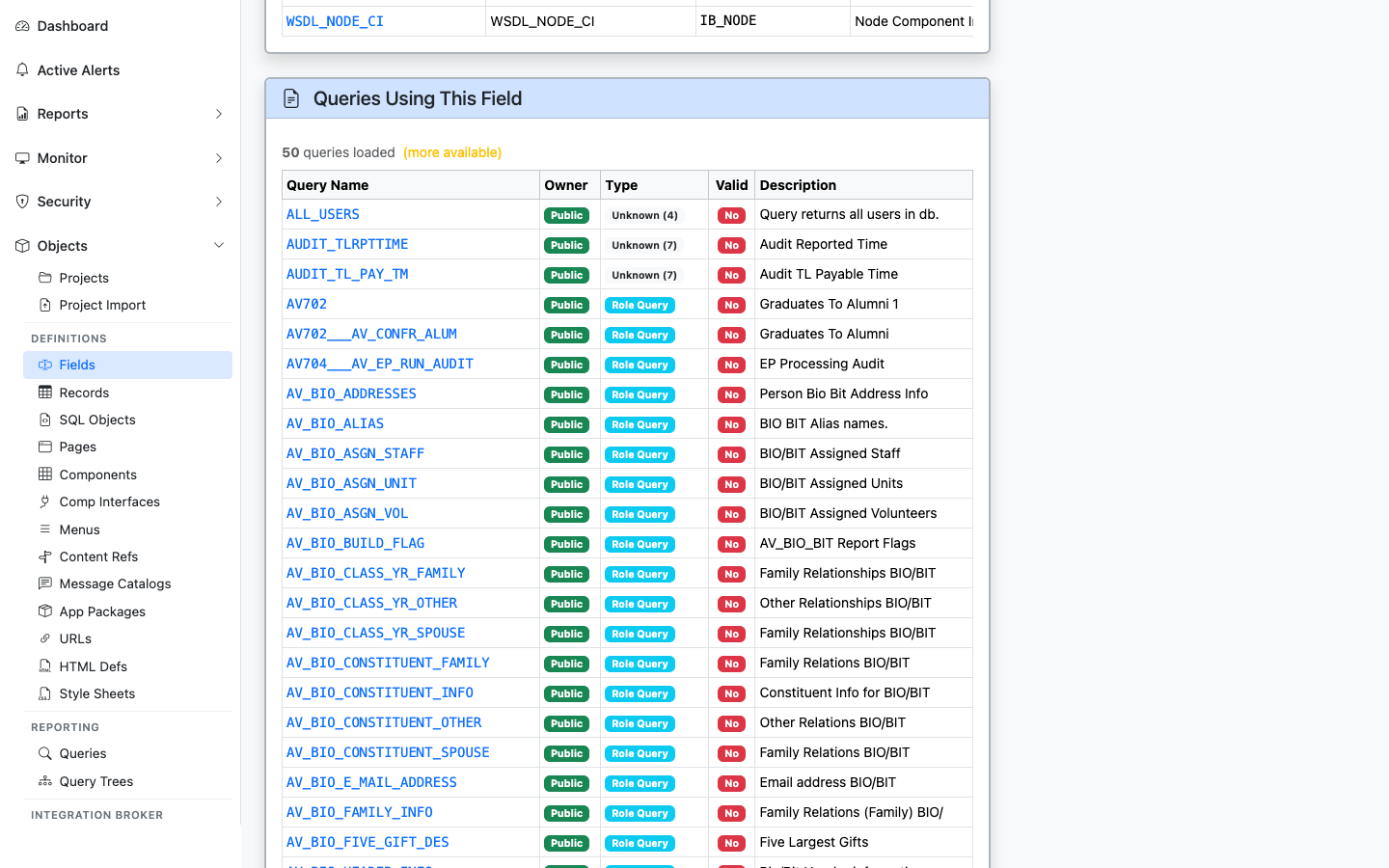
PeopleSoft Queries that reference this field
Lists PeopleSoft Queries (PSQRYFIELD) that reference this field in a SELECT, WHERE, or ORDER BY. Useful for security and audit work: “who has reports built on this column?”