Menus
Categories:
- Target Database: —
- Context Type: —
- Alert Severity: —
- Triggered Time: —
- Firing Context:
—
Menus are PeopleSoft’s classic navigation containers. Each menu (PSMENUDEFN) holds a set of bars, each bar a set of items (PSMENUITEM), and each item points to a component the user can launch. Even in a Fluid-dominant world, classic menus matter for security: Permission List authorizations are granted on menu/component pairs, so understanding which menu owns a component is fundamental to access analysis.
Object Relationships
Menus organize business transactions into structured navigation and security access paths:
- Points to Components: Menu items (
PSMENUITEM) inside a menu (PSMENUDEFN) specify the target component (PNLGRPNAME) and market (MARKET). - Secured by Permission Lists: Permission lists (
PSAUTHITEM) authorize user access to specific menu item and component combinations. - Referenced by Portal CREFs: Portal content references (
PSPRSMDEFN) use menu and component URI segments to populate navigation trees.
How psLens Improves Menu Inspection
In Application Designer, inspecting classic menus requires opening the menu tree, double-clicking individual items to confirm target component and market properties, and right-clicking items to navigate to component definitions.
psLens displays the complete bar and item hierarchy on a single screen with direct links to target components, making it straightforward to audit security pairs and navigation structures.
Search Page
URL: /menus?db={database}
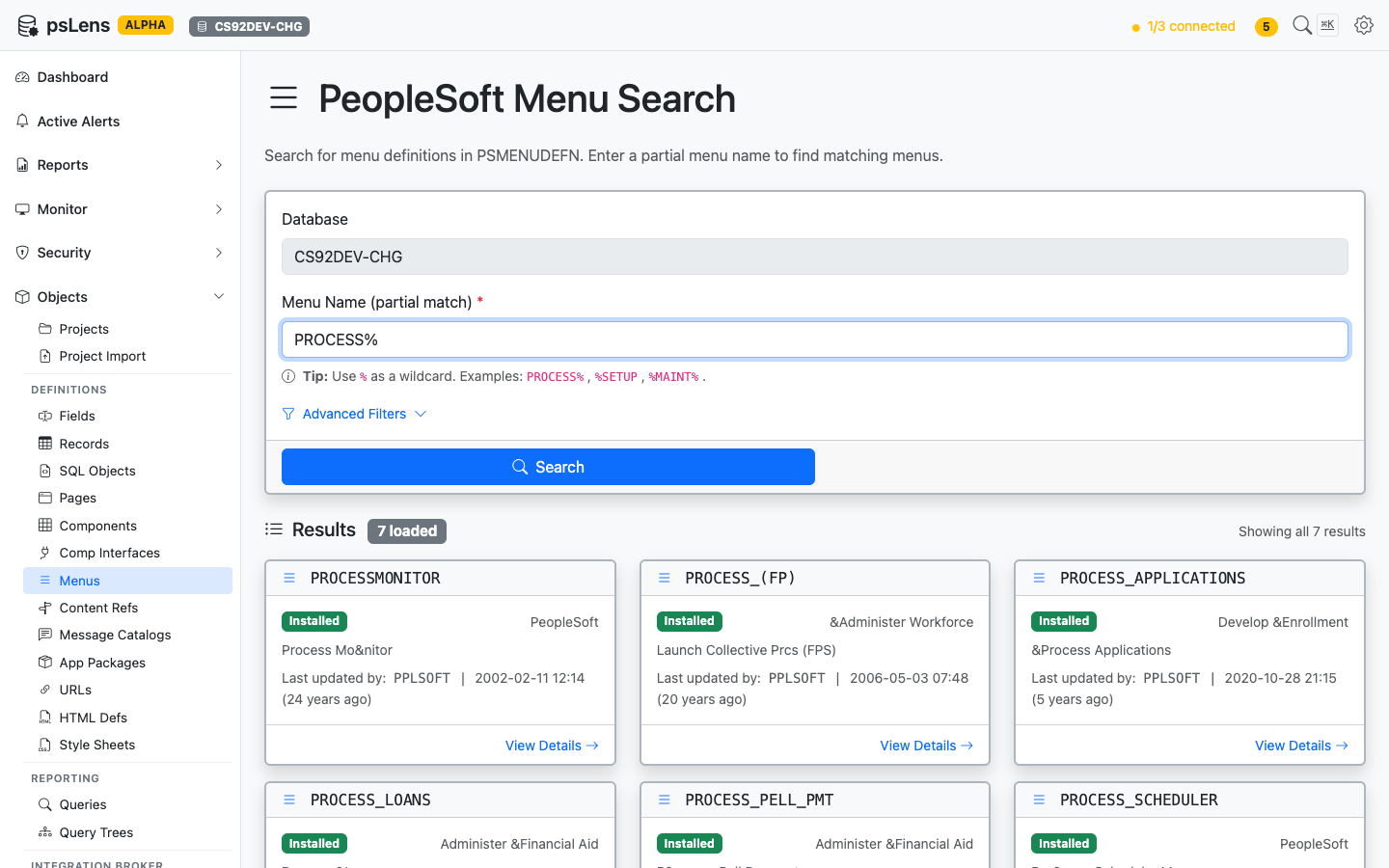
Menu search results for PROCESS%
Wildcard % search supported. Each card shows the menu type (Standard or Pop-up) and the descriptive long name.
Detail Page
URL: /menus/{MENUNAME}?db={database}
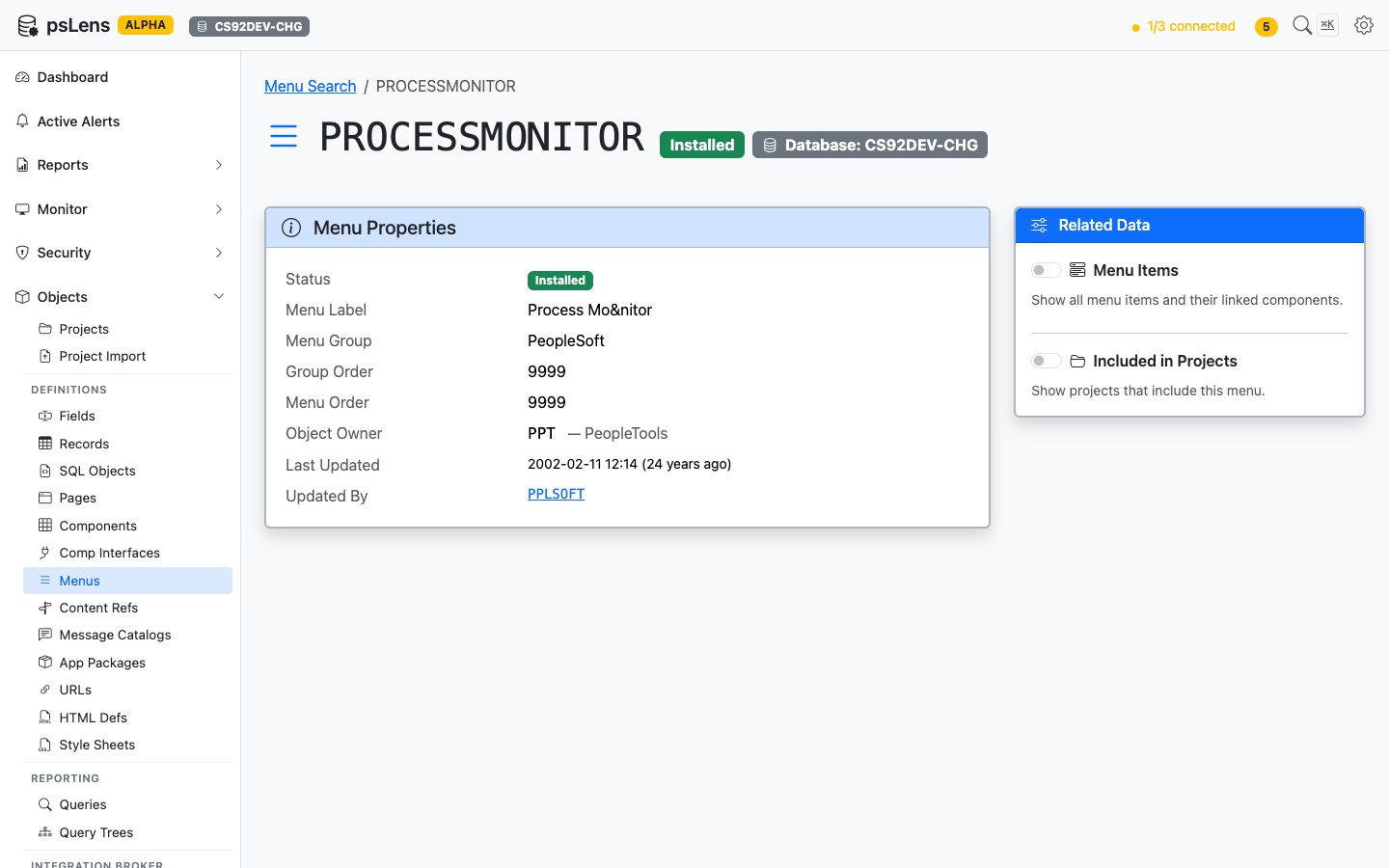
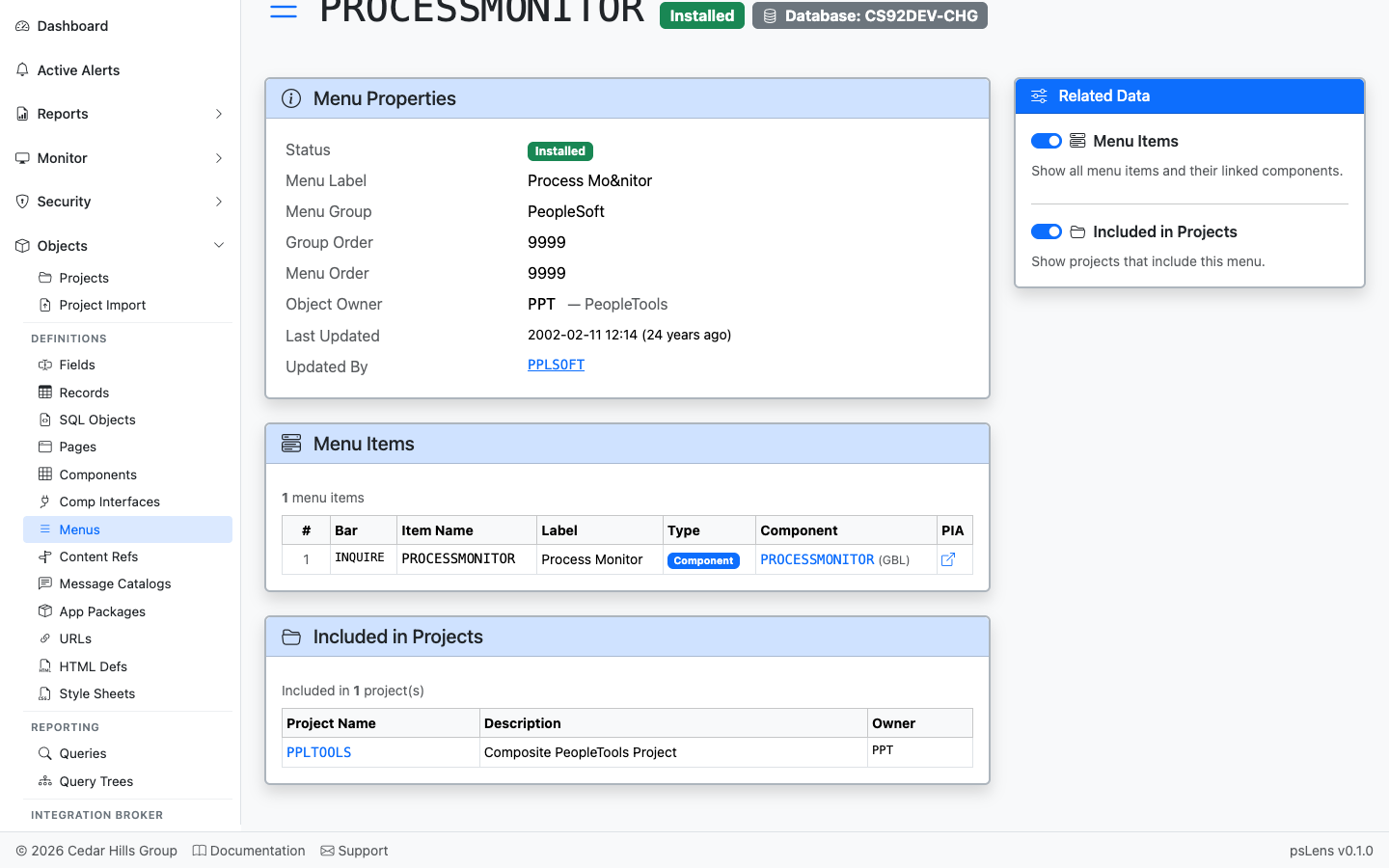
Menu detail page for PROCESSMONITOR
The main pane shows Menu Properties (type, owner, audit metadata). The sidebar has 2 related-data toggles.
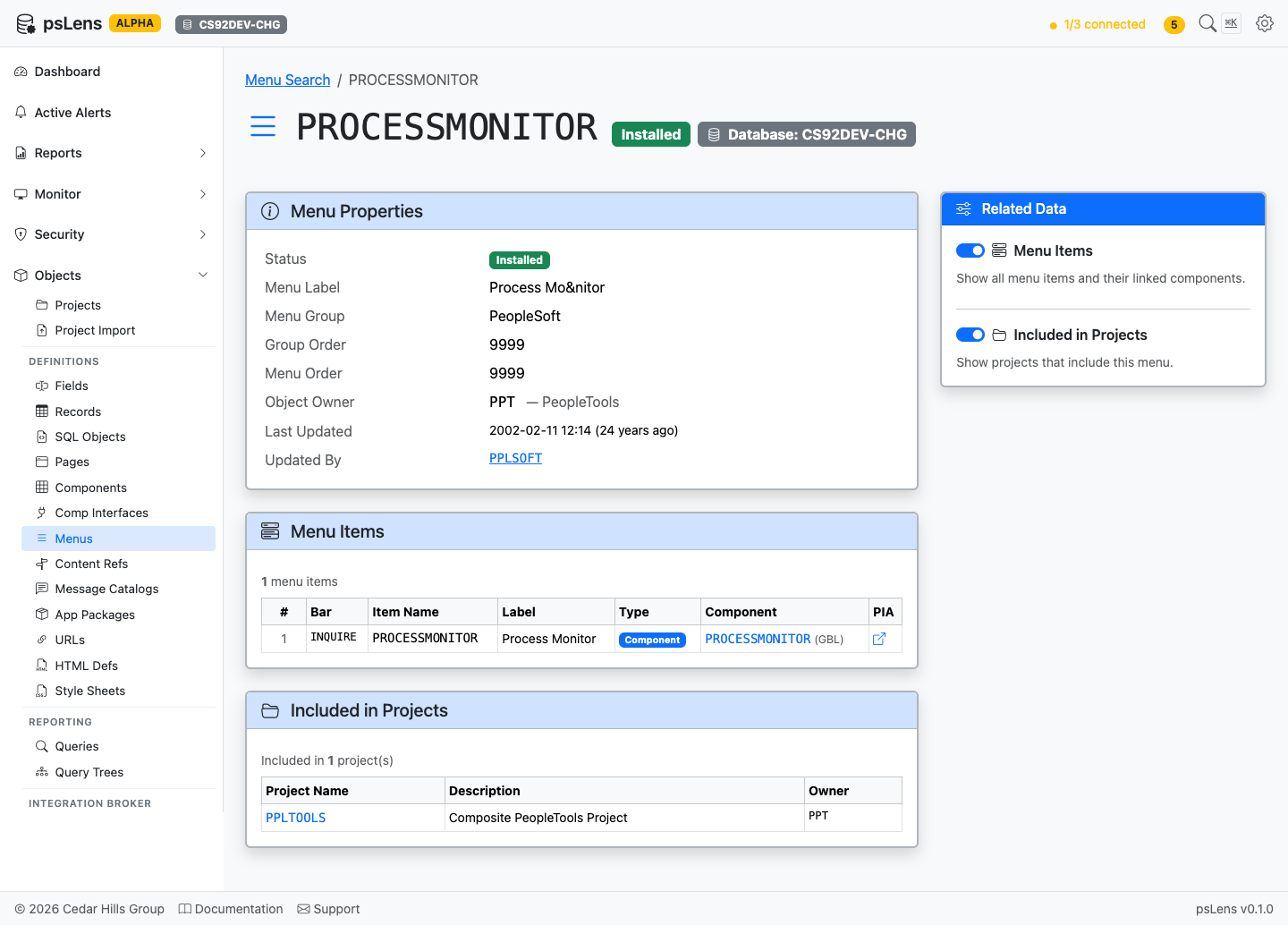
All panels expanded — short page since menus are simple structures
Related Data Panels
Menu Items
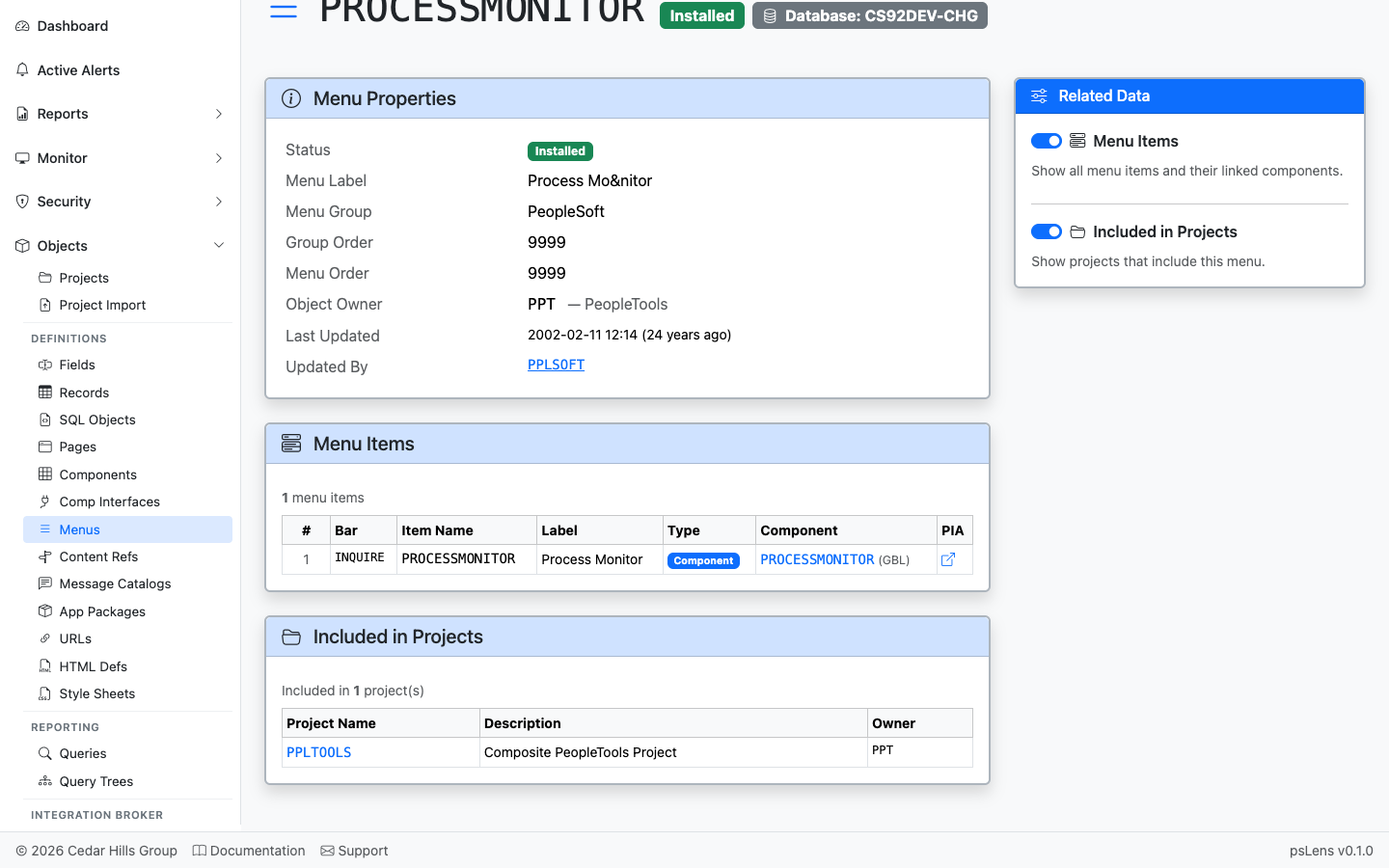
Every bar and item in the menu with the target component
Every bar and item in the menu, with the component (and market) each item launches. Each component is deep-linked into its own psLens detail page, letting you walk straight from a menu entry into the transaction it triggers.
Included in Projects
App Designer projects that include this menu
App Designer projects that include this menu.