Message Catalogs
Categories:
- Target Database: —
- Context Type: —
- Alert Severity: —
- Triggered Time: —
- Firing Context:
—
The Message Catalog is PeopleSoft’s centralized store of user-facing text. Every MsgGet() call, error dialog, warning, and translated label resolves to a message set + message number pair stored in PSMSGCATDEFN. psLens lets you browse messages by set number, jump directly to a specific set/number, or search by message text. Each message gets a dedicated detail page with its severity, text, explanation, and a usage analysis that finds where it is referenced in PeopleCode and SQL.
Object Relationships
Message Catalogs standardize application message strings across components and scripts:
- Referenced in PeopleCode & SQL: Message Catalog entries (
PSMSGCATDEFN) are called byMsgGet()andMsgGetText()in PeopleCode to display formatted messages.
How psLens Improves Message Catalog Inspection
In PIA, searching Message Catalog entries requires navigating Utilities → Administration → Message Catalog, while tracking down where a message is invoked requires running separate Find In PeopleCode searches.
psLens allows instant jumping to Set/Number pairs, surfaces recently modified messages, and automatically performs global usage analysis across all PeopleCode and SQL statements.
Search Page
URL: /messagecatalogs?db={database}
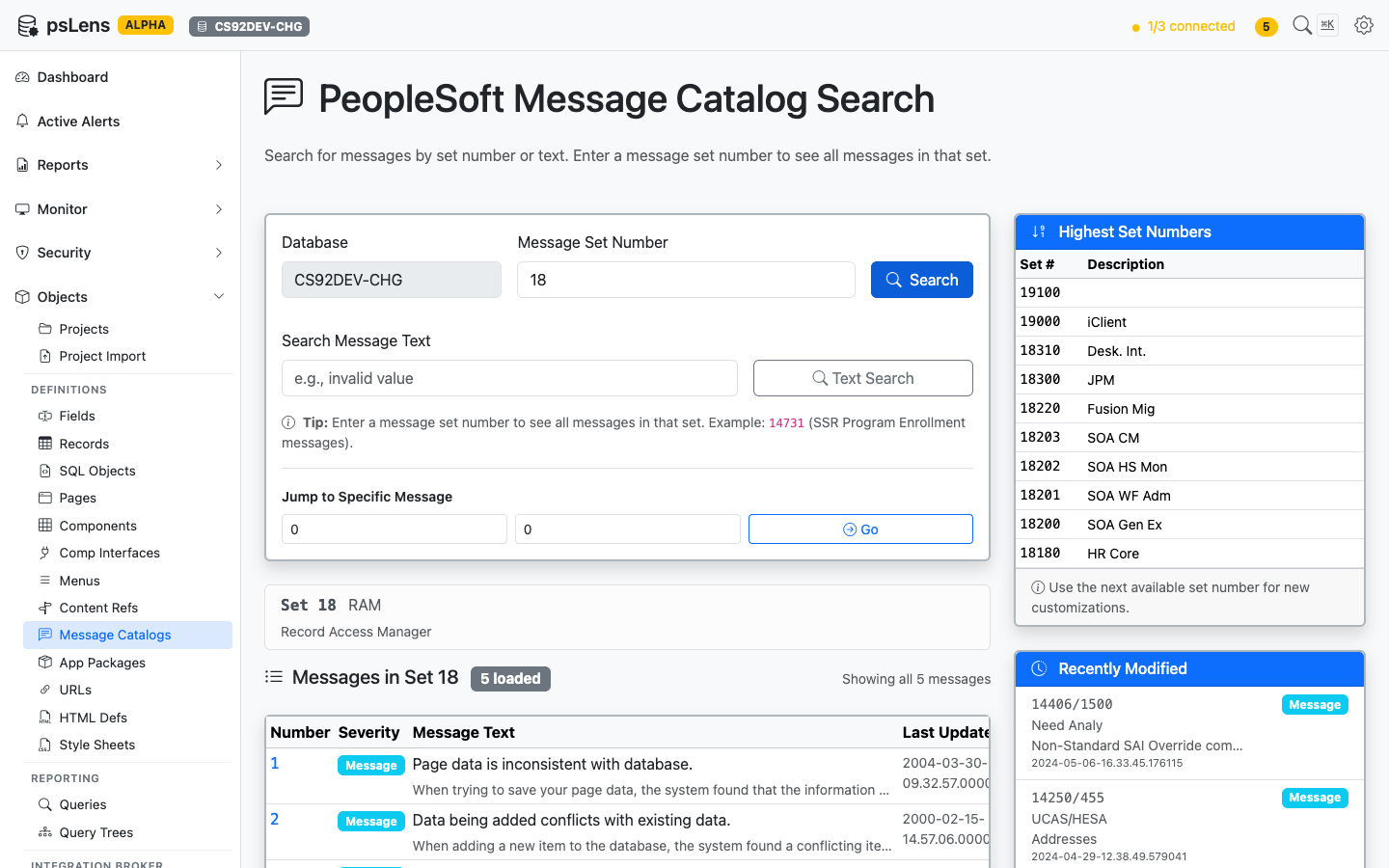
Browsing all messages in set 18
The search page has three entry points: enter a Set Number to see every message in the set, enter free text to Search Message Text, or punch in a specific Set/Number pair to jump straight to that message. The page also surfaces the highest set numbers in use (handy for picking the next free set when creating customizations) and the most recently modified messages.
Detail Page
URL: /messagecatalogs/{SET}/{NUMBER}?db={database}
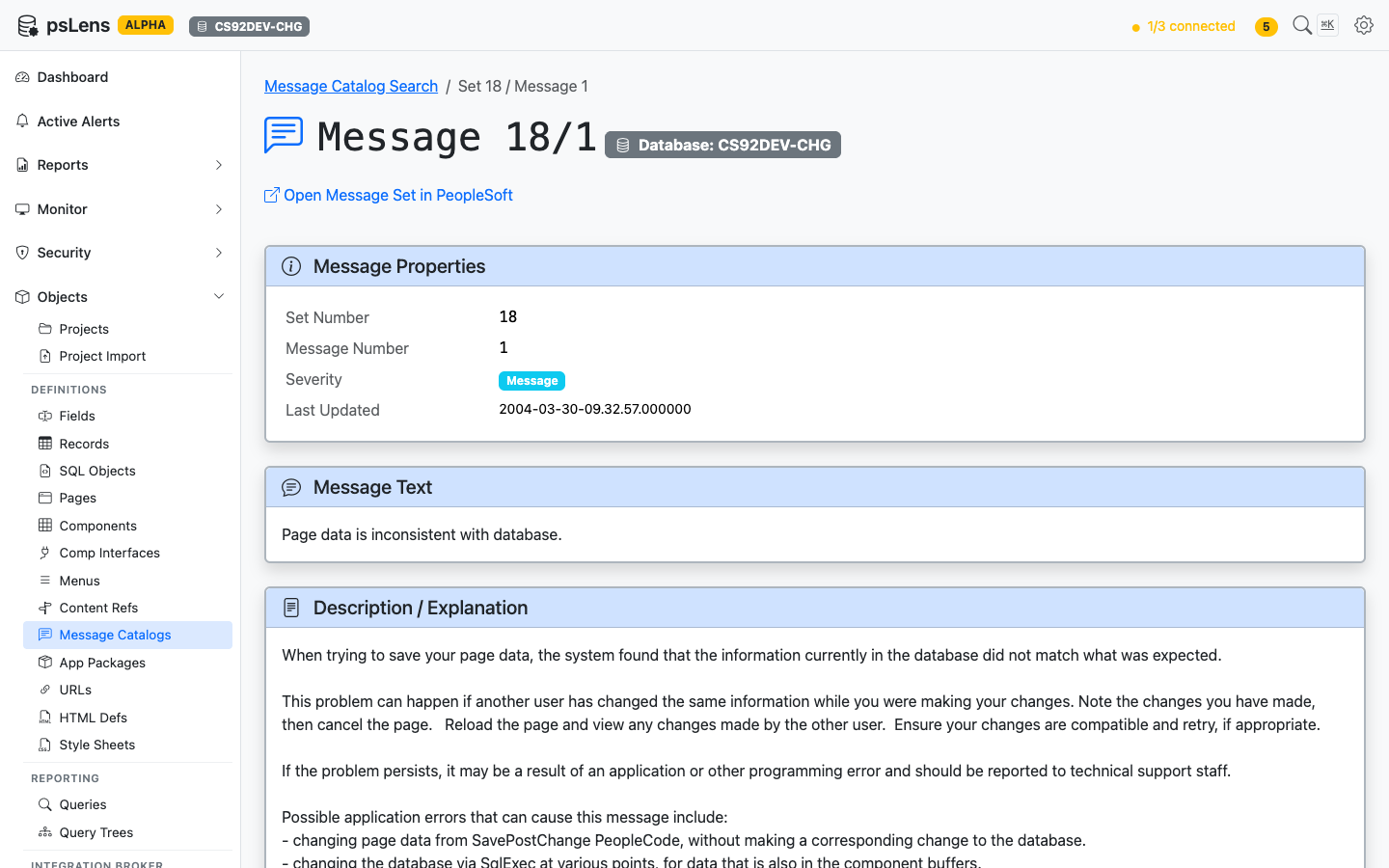
Detail page for message 18/1
The detail page has no sidebar toggles; everything loads inline. The main pane shows Message Properties (set, number, severity, last-updated), the full Message Text (with %1, %2 substitution markers preserved), and the Description / Explanation body text developers see when investigating a message.
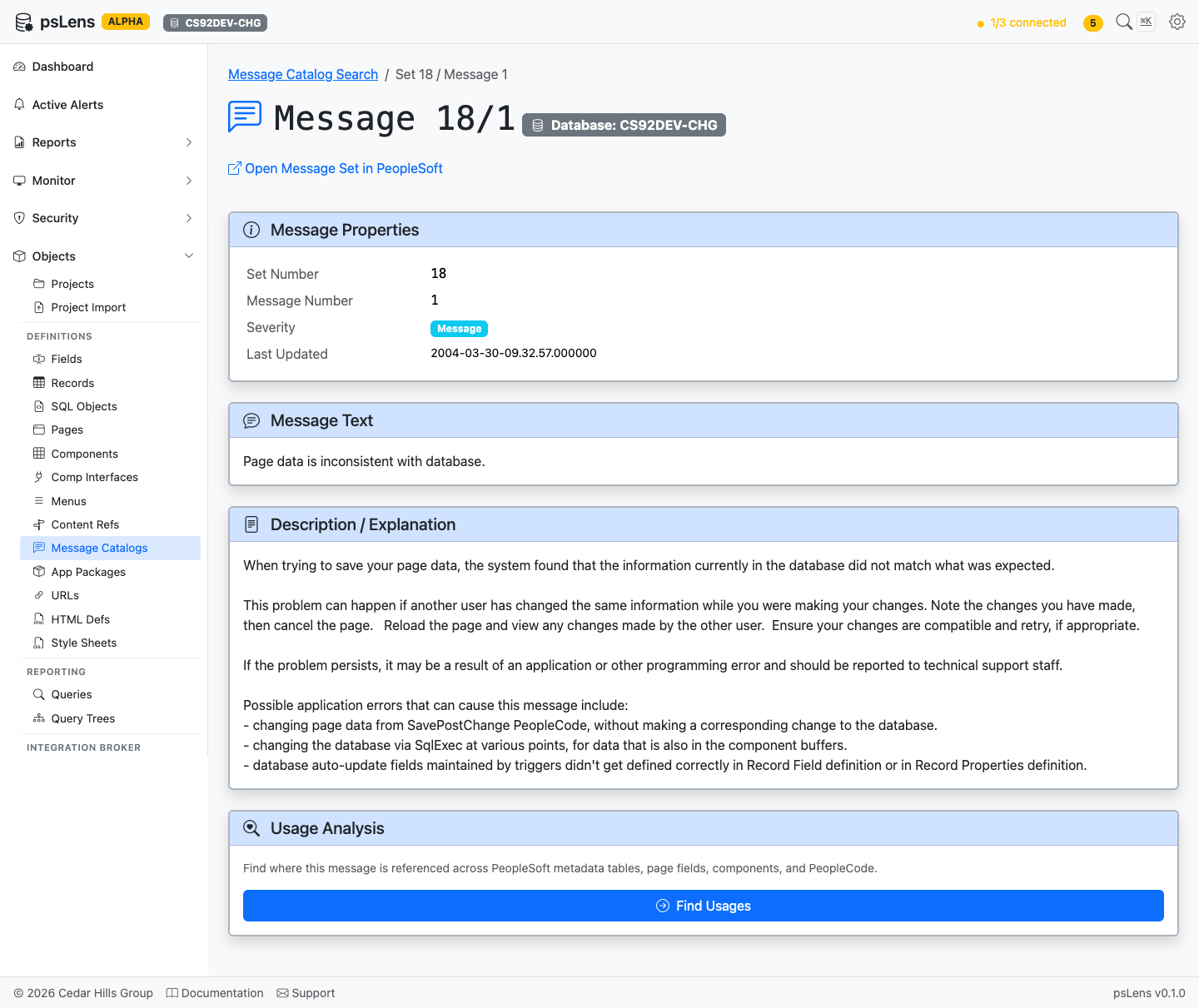
Full message page including usage analysis
Usage Analysis
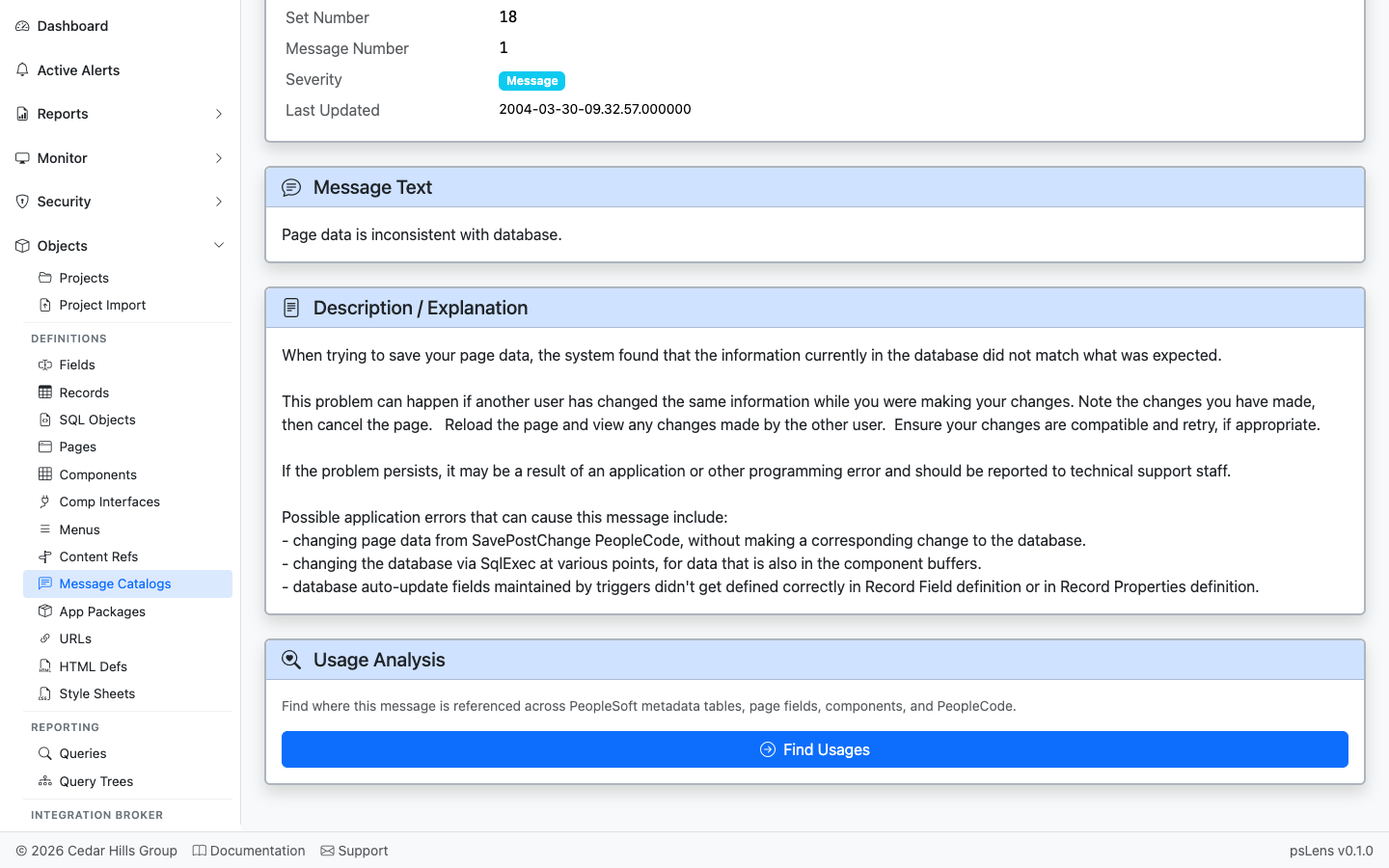
Where this message is referenced in PeopleCode and SQL
The Usage Analysis card automatically scans every PeopleCode program and SQL object in the database for textual references to this set/number pair: MsgGet(18, 1, ...), MsgGetText(18, 1, ...), SQLExec("...18, 1..."), and so on. Each hit links to the parent object’s detail page. Lets you find every MsgGet / MsgGetText / SQLExec call site for the set/number pair before editing the text.