Pages
Categories:
- Target Database: —
- Context Type: —
- Alert Severity: —
- Triggered Time: —
- Firing Context:
—
Pages are the visual screens users interact with in PeopleSoft: the panel definitions from PSPNLDEFN and the per-control bindings from PSPNLFIELD. psLens shows the full control list (every field, label, group box, and subpage on the page), the underlying records each control reads from, and the rest of the metadata graph hanging off the page: which components include it, which PeopleCode is attached, which projects contain it.
Object Relationships
Pages bridge individual record fields to complete application transactions:
- Binds Record Fields: Pages (
PSPNLDEFN) contain visual controls (PSPNLFIELD) bound to fields (FIELDNAME) on underlying records (RECNAME). - Grouped in Components: One or more pages are assembled into a component definition (
PSPNLGROUP) to create a complete transaction. - Includes Subpages: Pages embed reusable subpages and secondary pages to modularize user interface design.
How psLens Improves Page Inspection
Investigating page definitions in Application Designer requires opening the page layout, double-clicking individual controls to verify record and field bindings, querying PSPNLGROUP to find parent components, checking page properties for Activate PeopleCode, and walking owning projects for migration history.
psLens presents the full control inventory, distinct underlying records, embedded subpages, containing components, Activate PeopleCode, and project membership in a single view with everything one click away.
Search Page
URL: /pages?db={database}
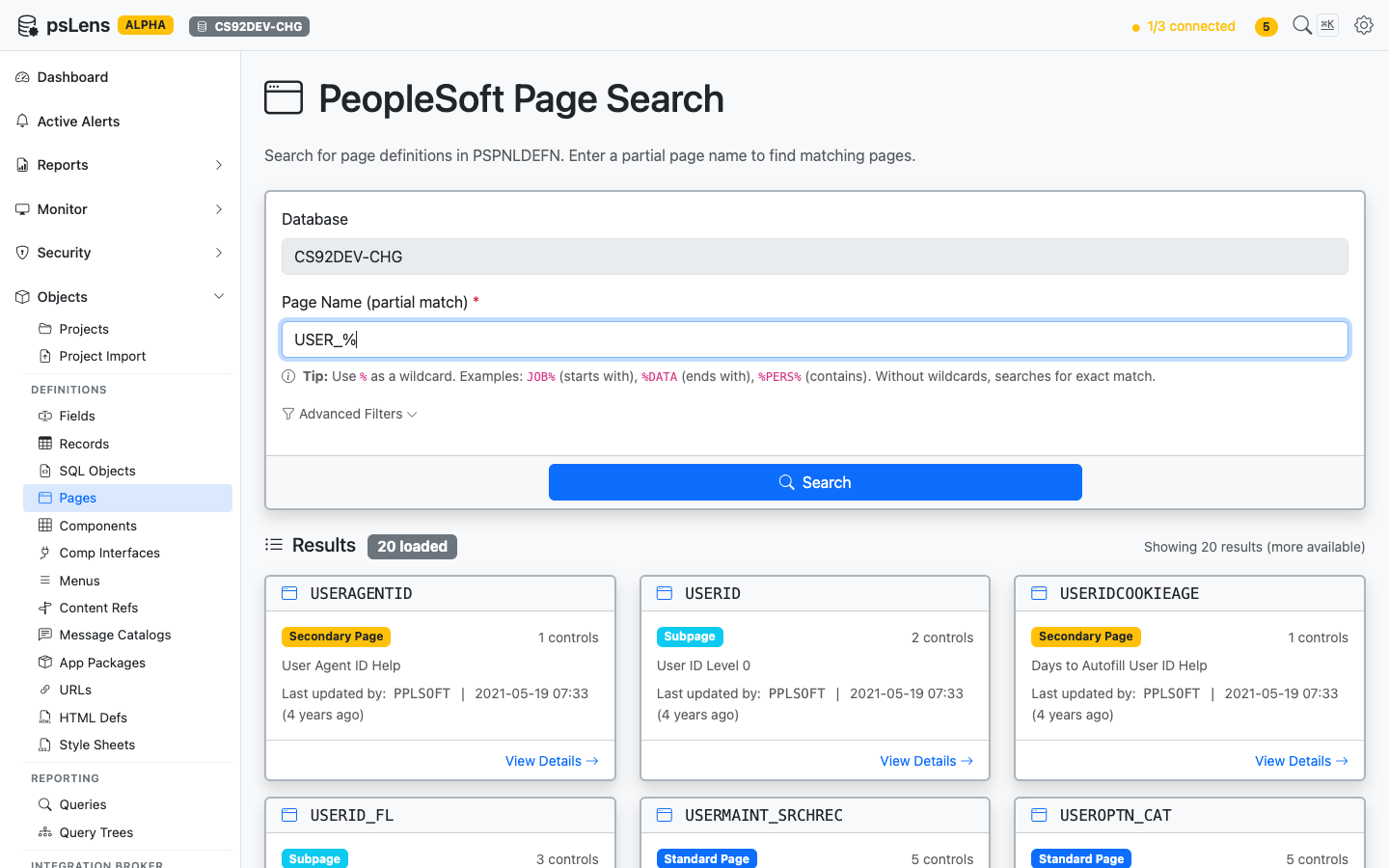
Page search results for USER_%
Wildcard % search supported. Each result card shows the page type (Standard Page, Subpage, Secondary Page, or Search Record) so you can spot reusable subpages versus standalone screens at a glance. The Advanced Filters panel lets you exclude subpages or limit to standard pages only.
Detail Page
URL: /pages/{PAGENAME}?db={database}
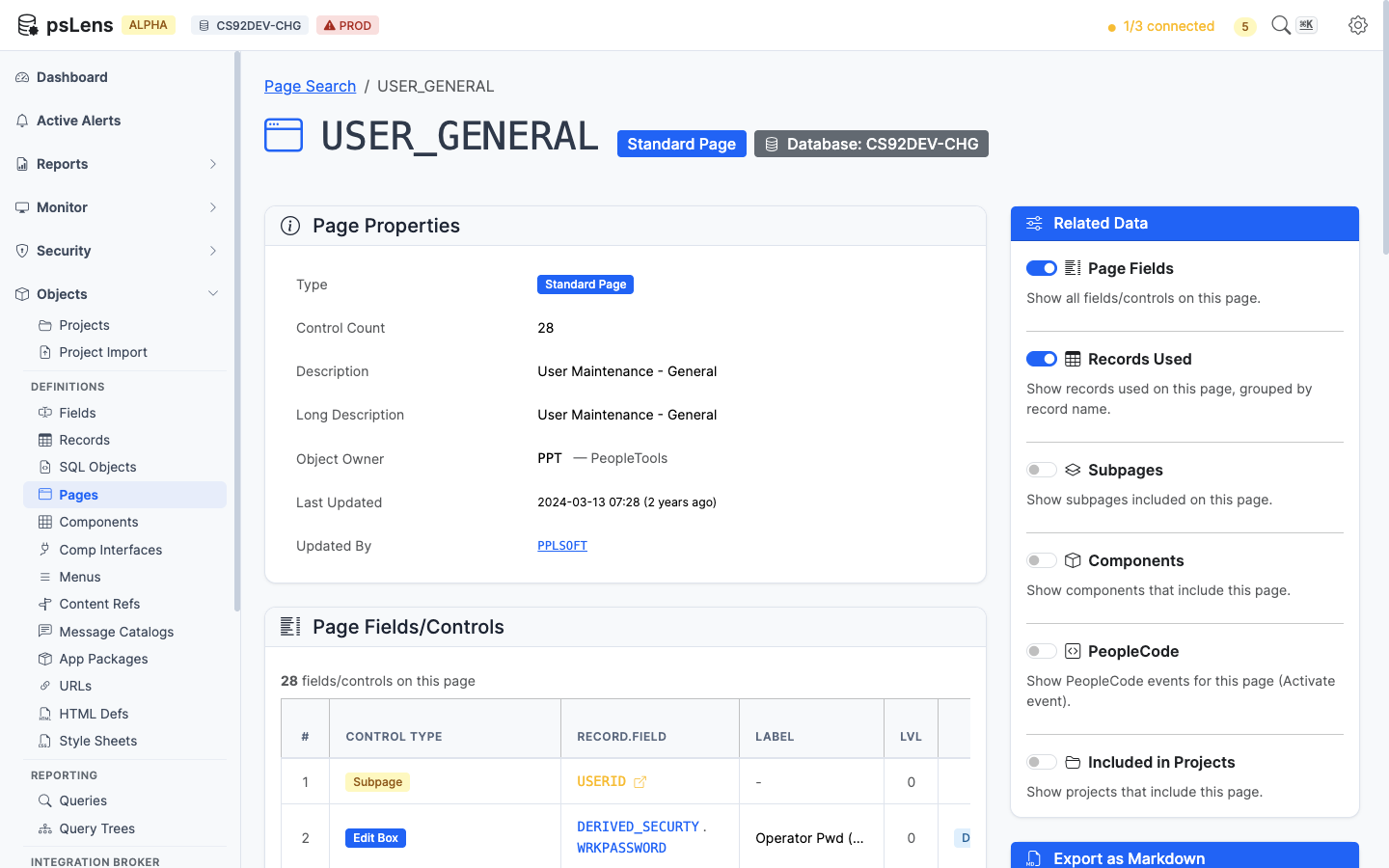
Page detail for USERPROFILEPAGE — default view
The main pane shows Page Properties (type, size, style, audit metadata) and the full Page Fields/Controls table with each control’s record/field binding, label, occurs level, and field type. The sidebar has 6 related-data toggles.
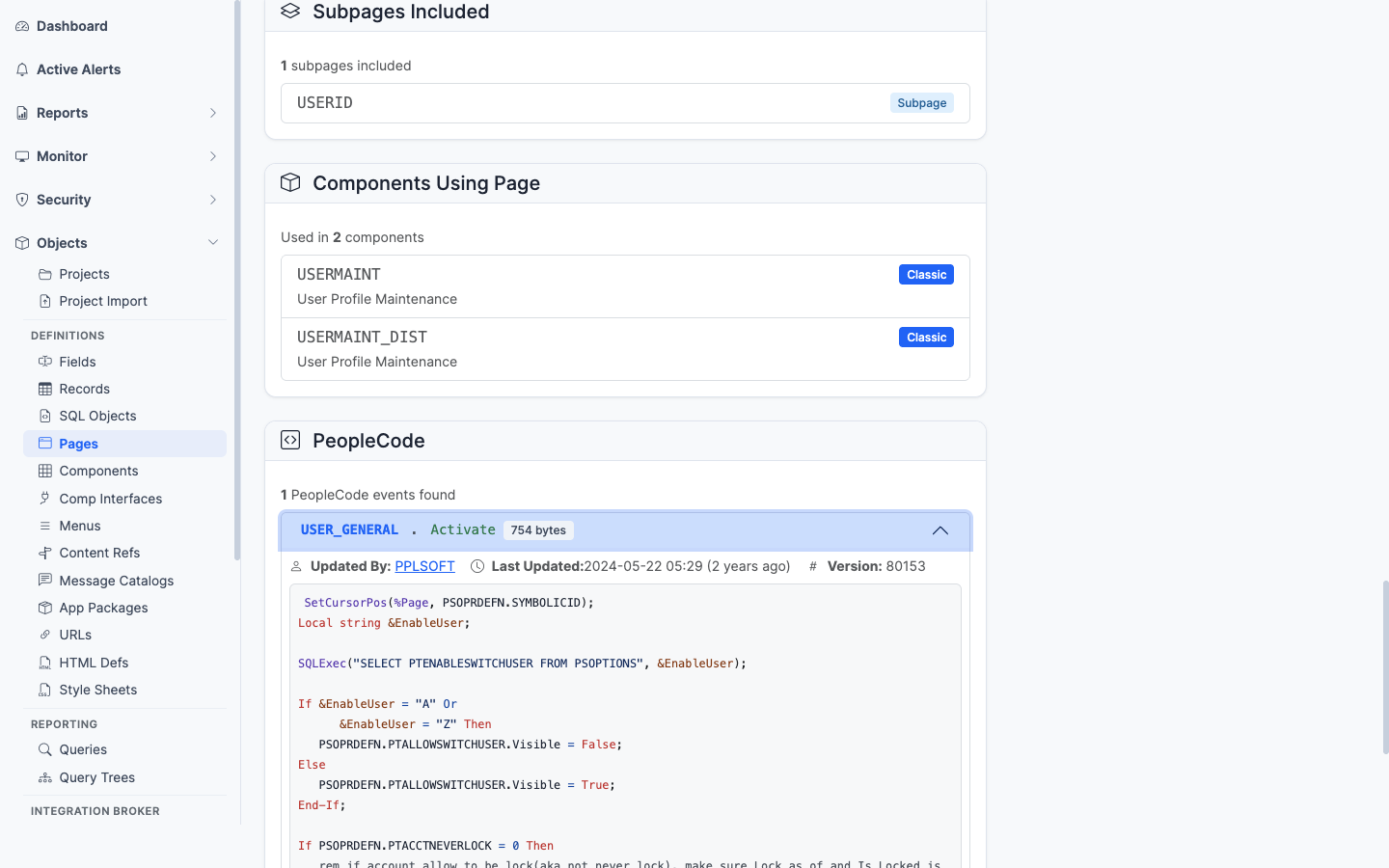
All panels expanded on a Secondary Page
Related Data Panels
Page Fields/Controls
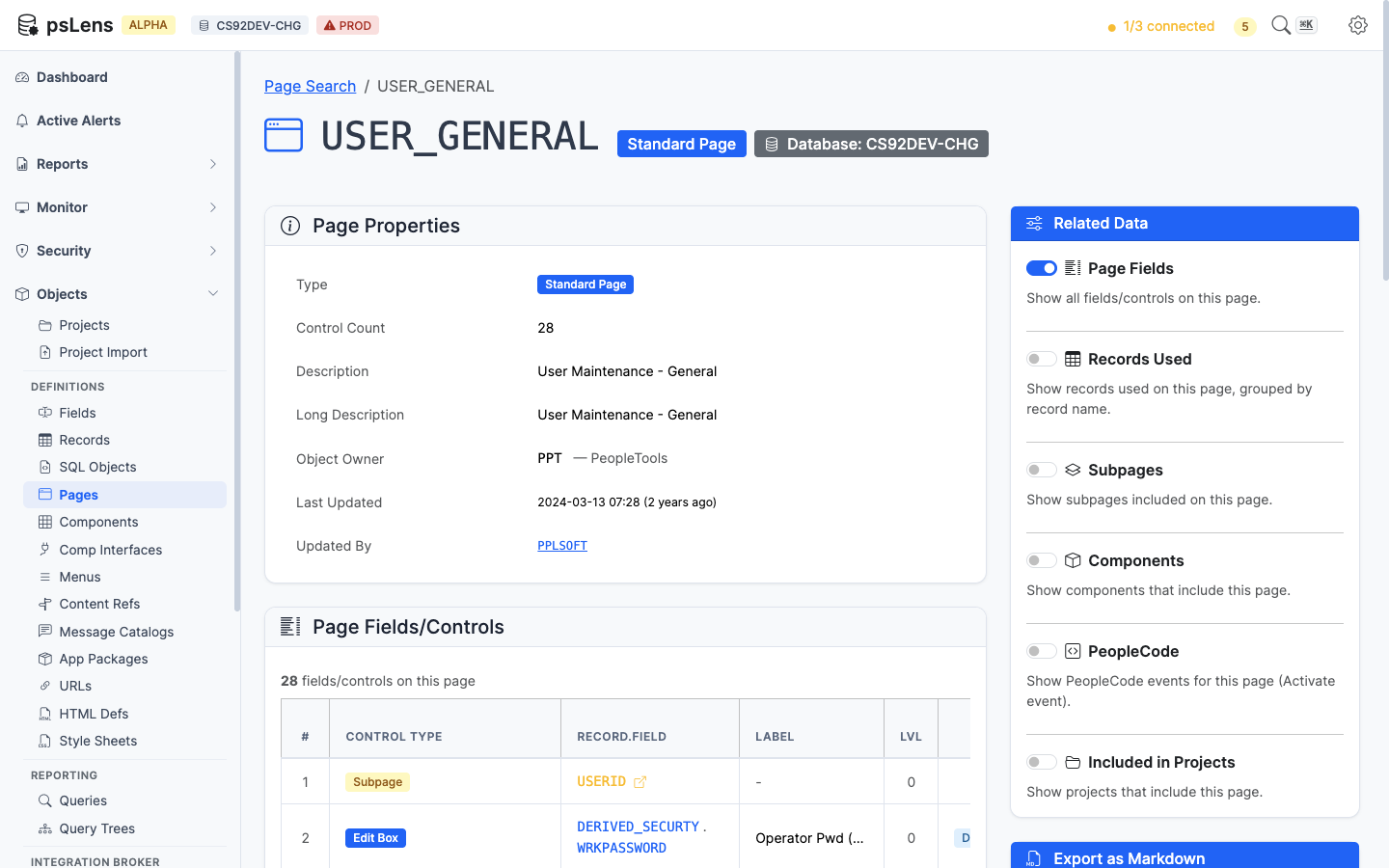
Every control on the page with its field, record, and label
The control inventory: every field control on the page with its PSPNLFIELD row attributes. Each record/field reference deep-links into the matching psLens detail page.
Records Used on Page
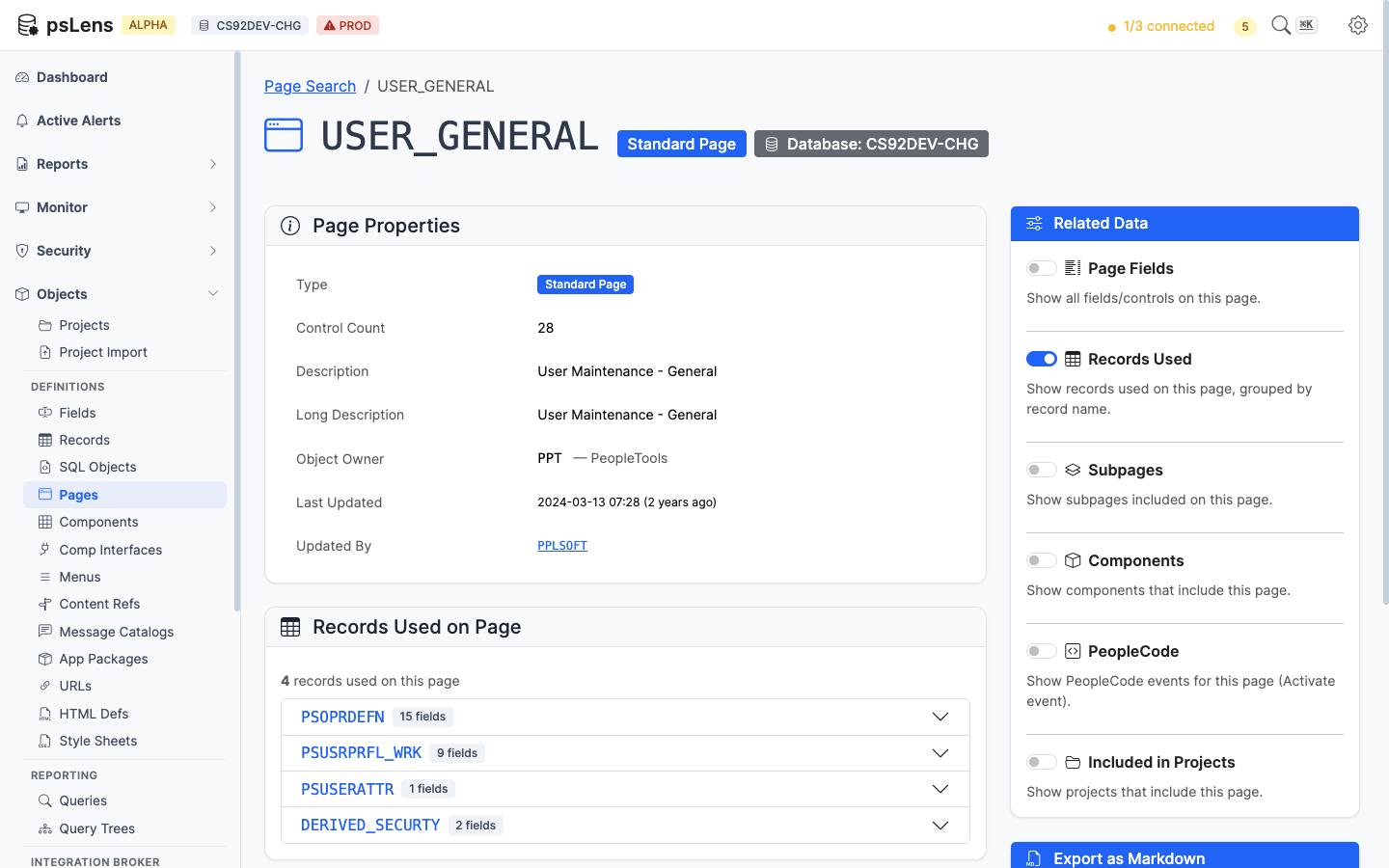
Distinct records referenced by any control on the page
The de-duplicated list of records this page reads from. Clicking a record opens its detail page so you can confirm the schema, sample data, or check what else uses it.
Subpages Included
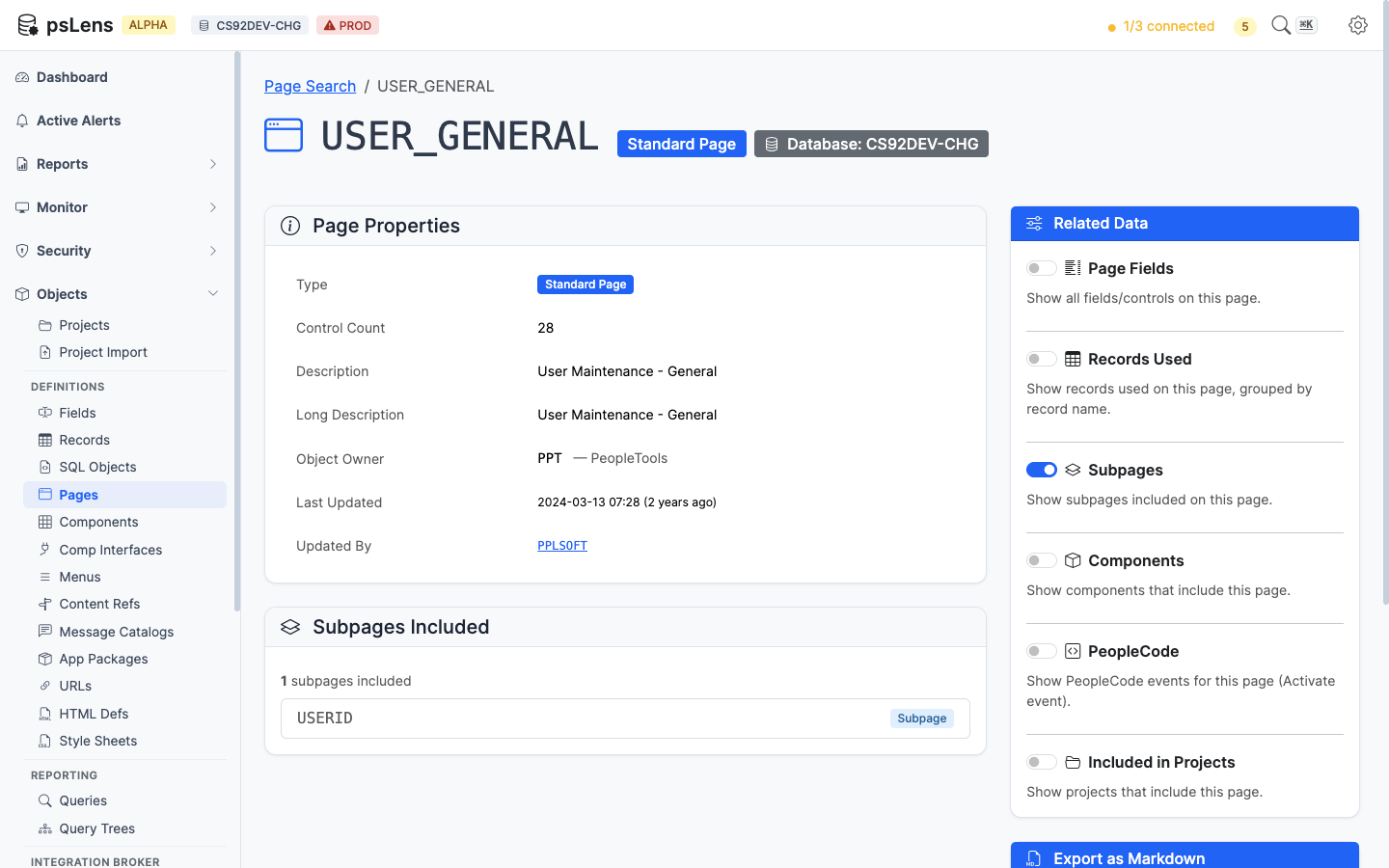
Subpages embedded inside this page
Lists every subpage embedded inside this page. Useful when a control’s data seems to come from somewhere “magic” (it’s almost always a subpage doing the work).
Components Using Page
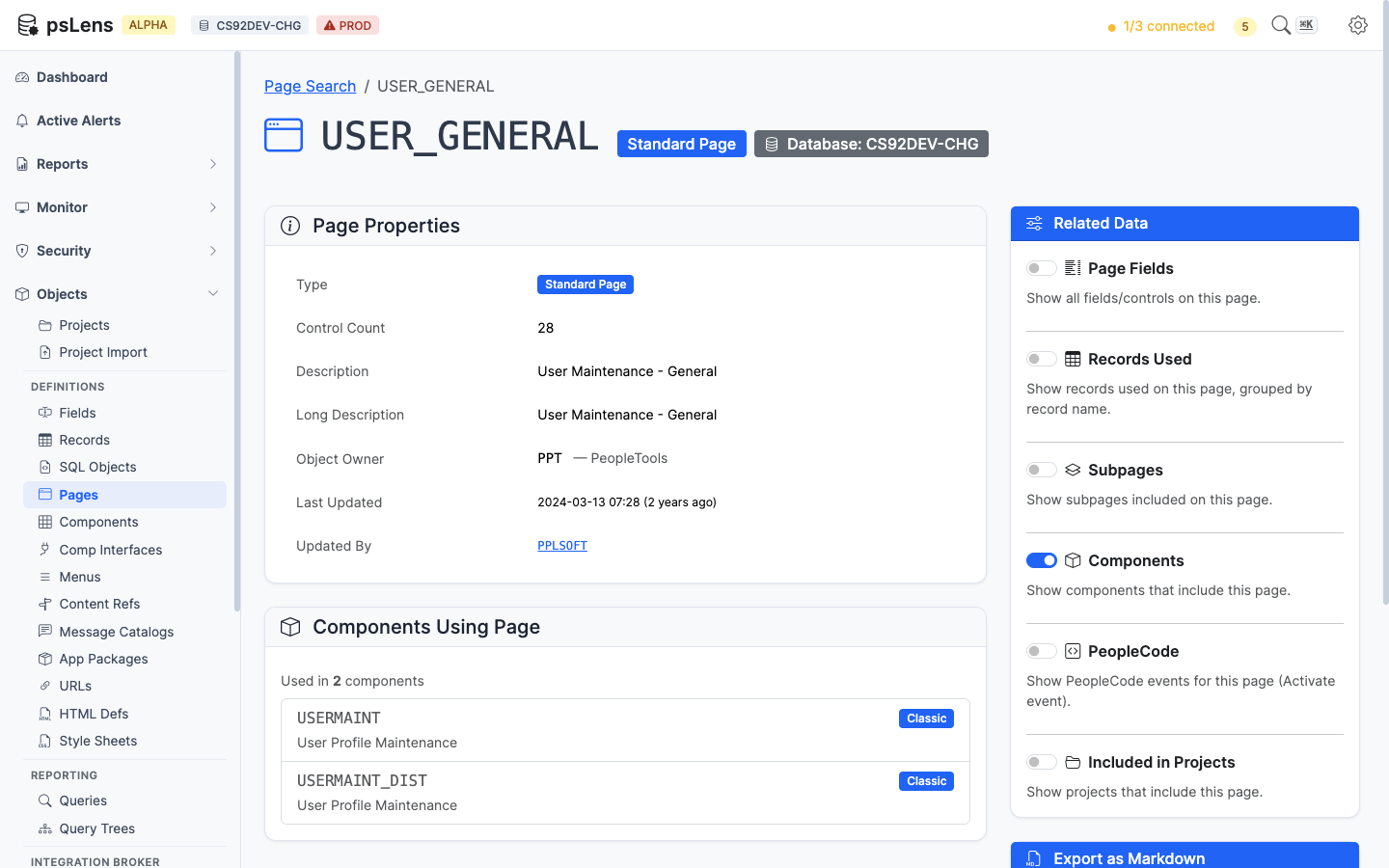
Components whose item list includes this page
Lists the components that include this page. Answers “which transactions show this screen to a user?”
PeopleCode
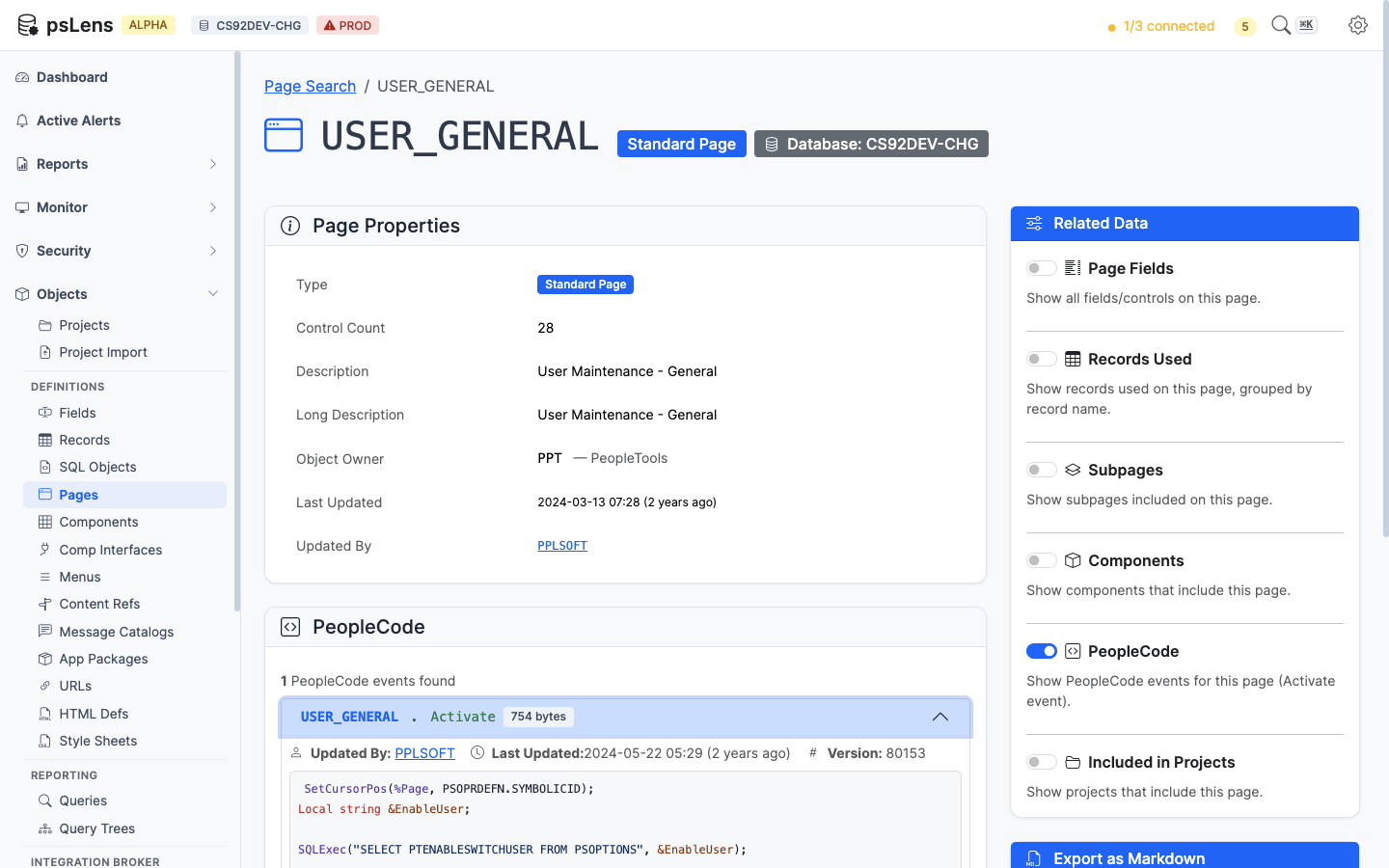
Page-level PeopleCode (Activate event) attached to this page
Page Activate PeopleCode. The only event type that lives directly on a page object.
Included in Projects
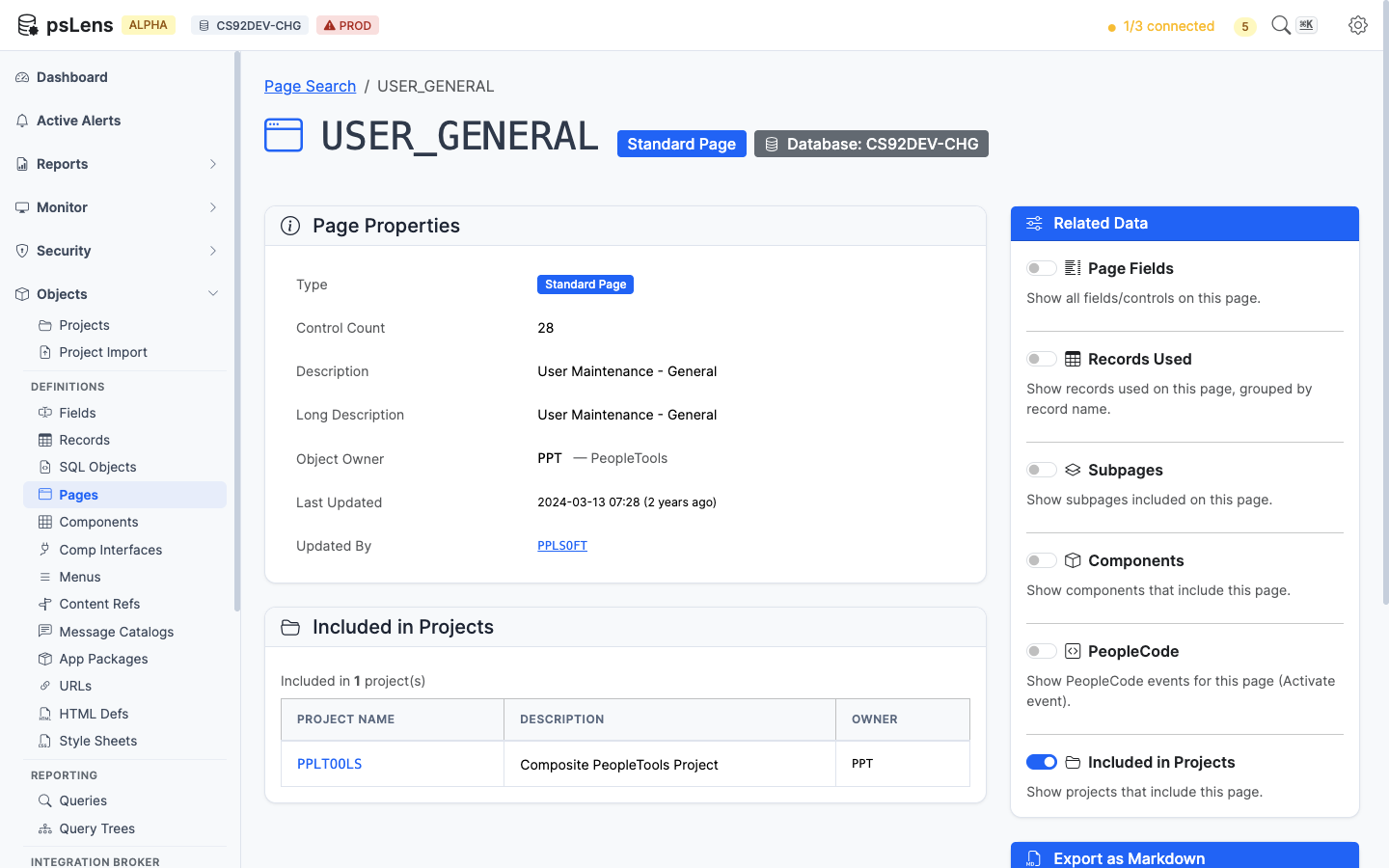
App Designer projects that include this page
App Designer projects containing this page as a project item.