Queries
Categories:
- Target Database: —
- Context Type: —
- Alert Severity: —
- Triggered Time: —
- Firing Context:
—
Queries are PeopleSoft’s end-user reporting tool — saved SQL queries that users run from the PSQUERY interface, with optional prompts, output formats, and scheduled distribution. Each query is stored in PSQRYDEFN and broken out across PSQRYRECORD, PSQRYFIELD, and other tables for the records and fields it touches. psLens consolidates the query header, the records used, the field list, project membership, and (via the related-data toggles) the query tree placement and security access.
Object Relationships
Queries assemble records and fields into end-user reporting SQL:
- Selects Records & Fields: Queries (
PSQRYDEFN) join record definitions (PSQRYRECORD) and select specific fields (PSQRYFIELD). - Governed by Query Access Trees: Authorization to query underlying records is controlled by Query Access Trees (
PSTREENODE) granted to permission lists. - Feeds BI Publisher Reports: Queries act as data sources (
PSXPDATASRC) for BI Publisher report definitions.
How psLens Improves Query Inspection
In Query Manager, inspecting a query requires clicking across Records, Fields, and Properties tabs, while query tree access must be checked via separate SQL queries.
psLens consolidates query properties, FROM clause records, SELECT/ORDER BY fields, query tree security placement, and project membership into a single view.
Search Page
URL: /queries?db={database}
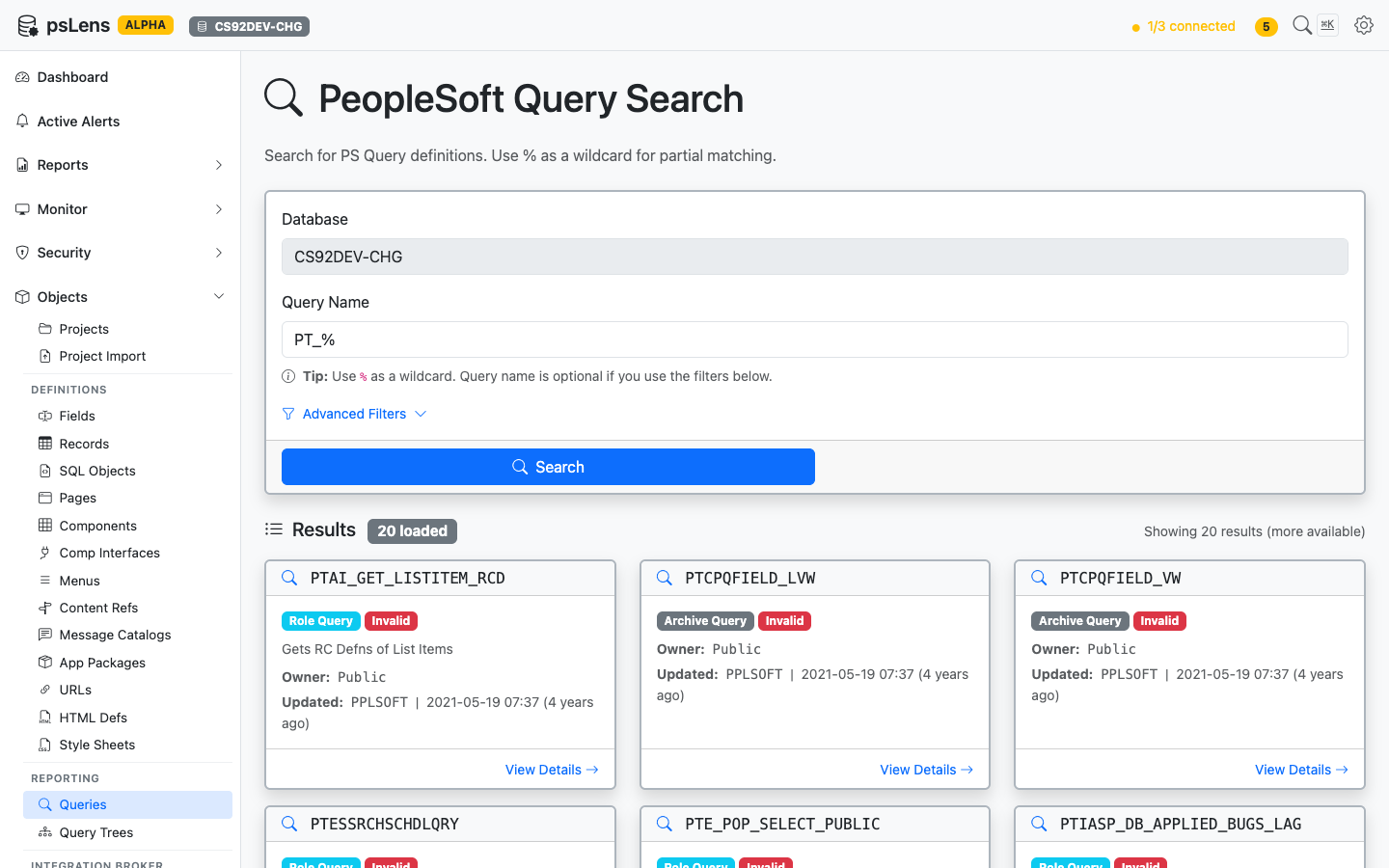
Query search results for PT_%
Search auto-matches as starts with. Typing PT_ finds every query whose name begins with PT_. Include % yourself for ends-with (%_VW) or contains (%AUDIT%) patterns, or use % alone to list every row. Each card shows the query type (Public, Private, Archive, User), owner, and last-updated metadata. The Advanced Filters panel lets you filter by query type or owner.
Detail Page
URL: /queries/{QRYNAME}?db={database}
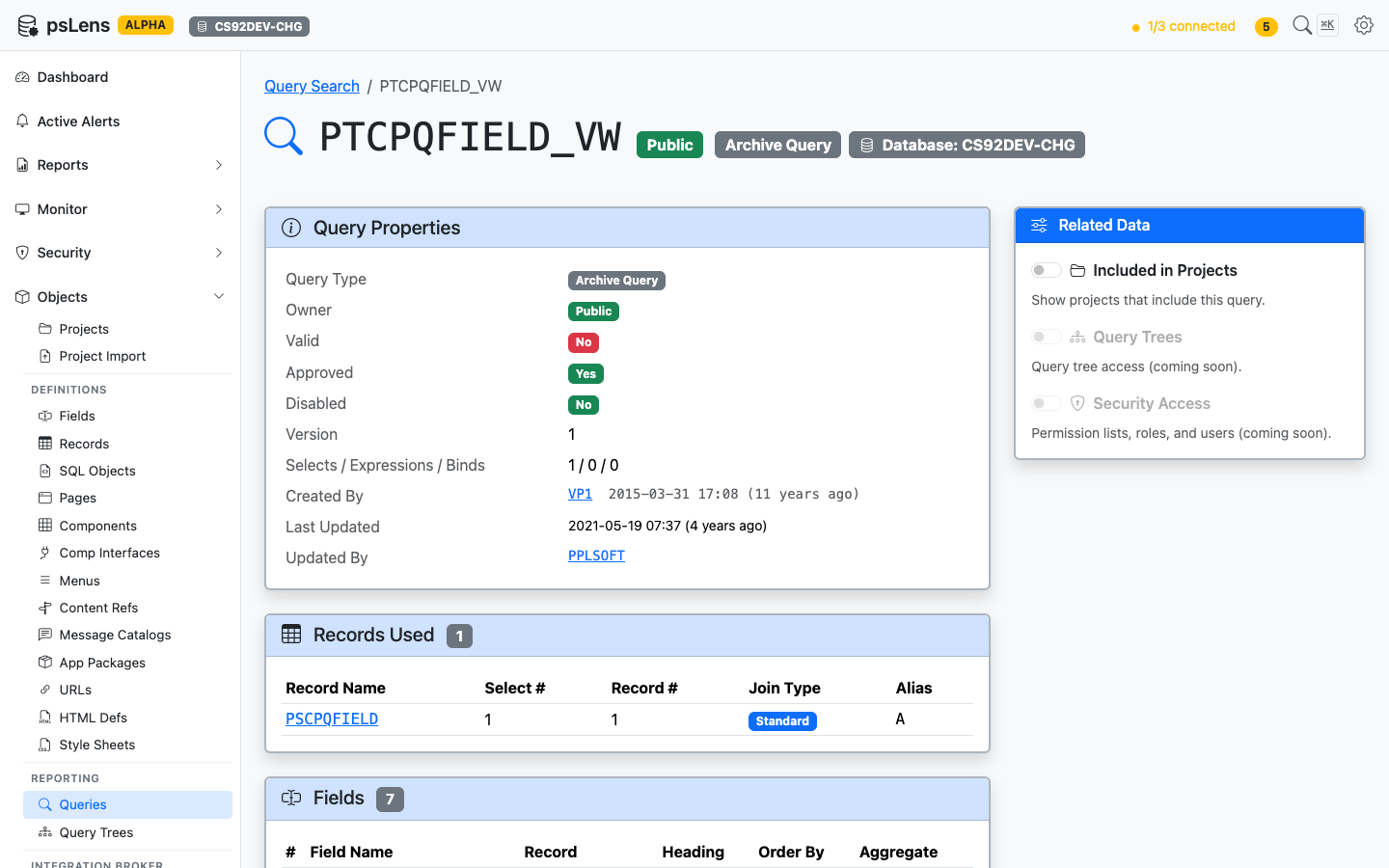
Query detail page for PTCPQFIELD_VW
The main pane shows Query Properties (type, owner, description, last-run metadata, version), Records Used (every record in the FROM list), and Fields (the SELECT and ORDER BY columns). The sidebar has 3 related-data toggles.
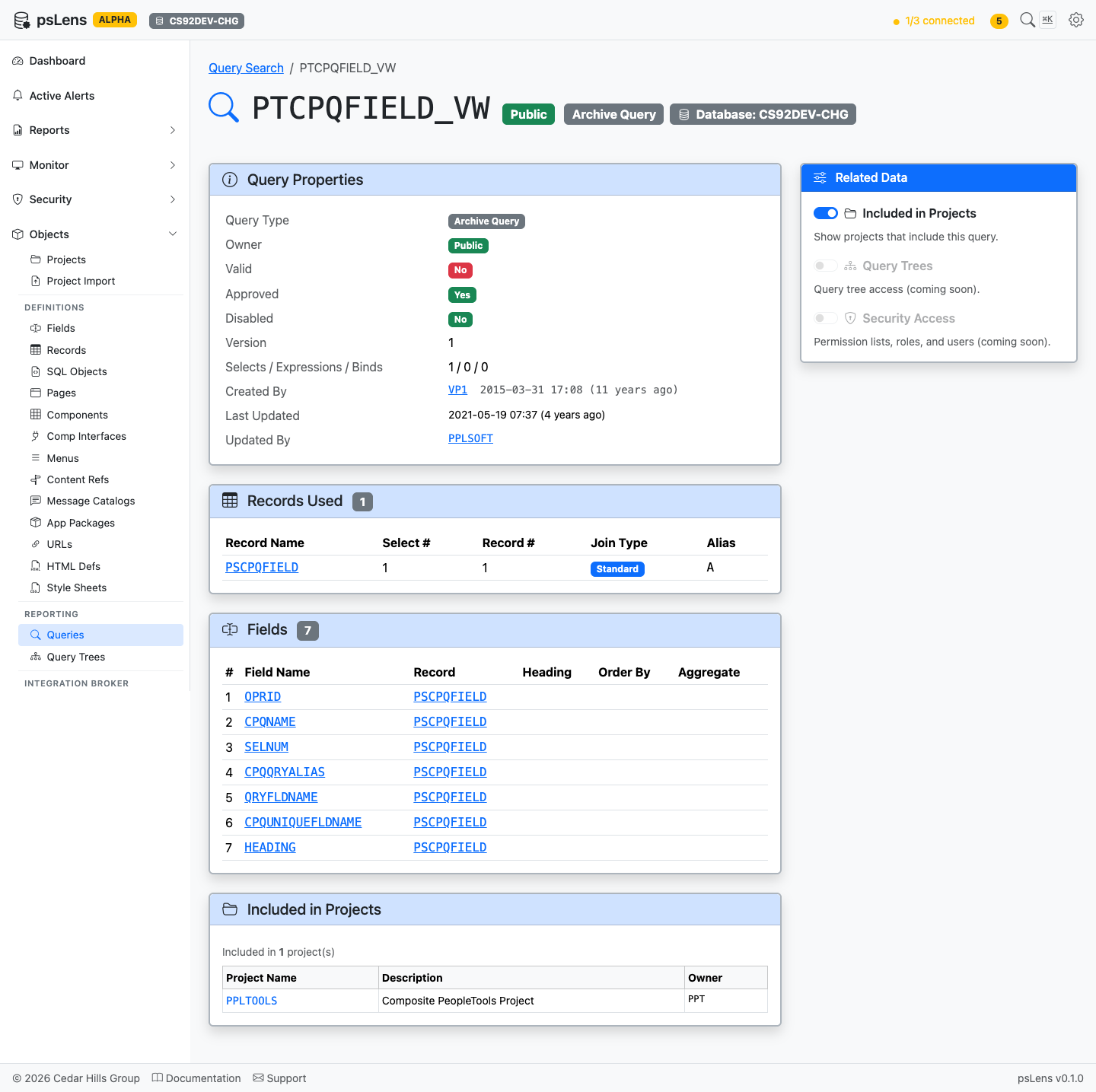
Full query detail page with all panels
Related Data Panels
Records Used
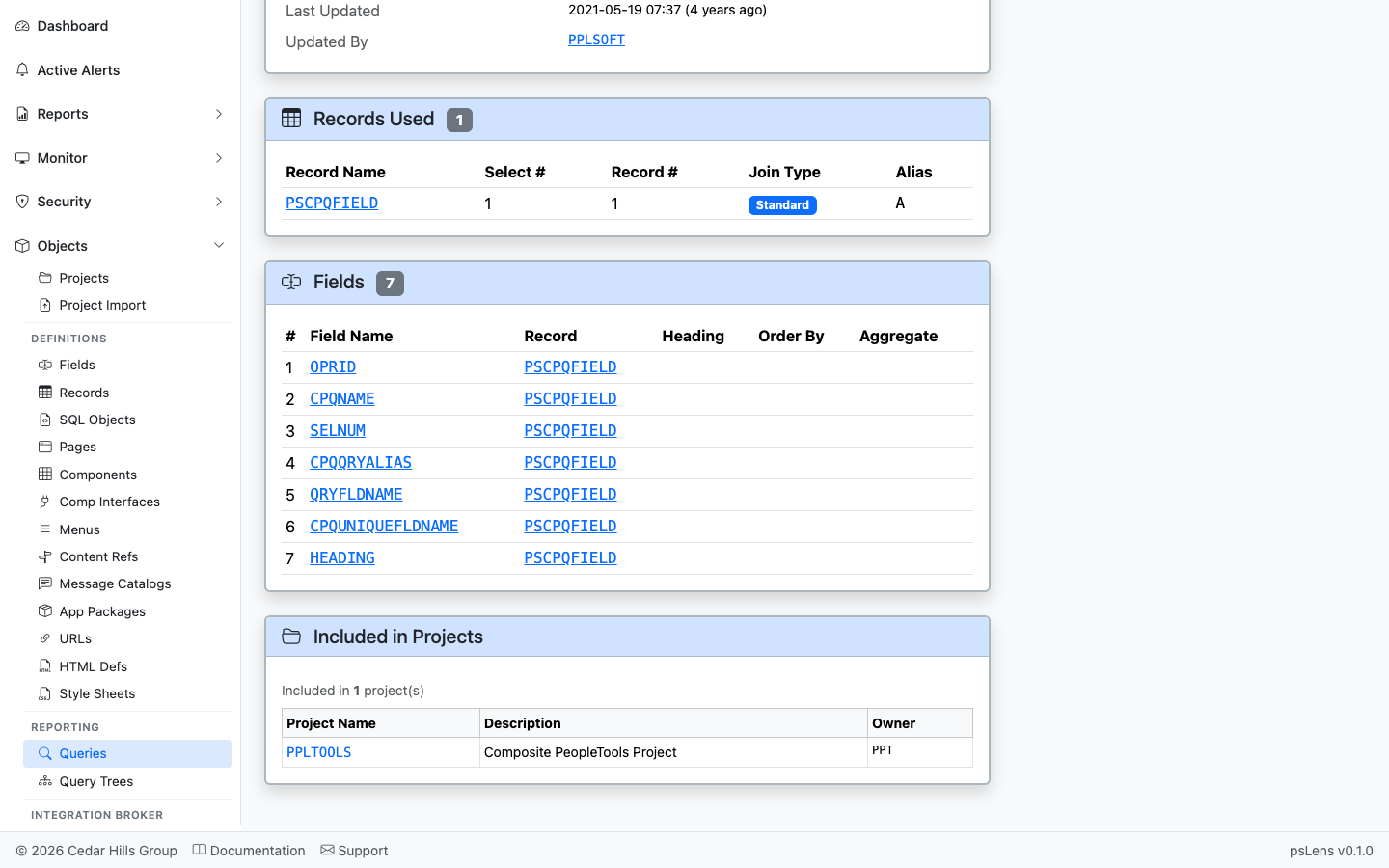
Every record in the query’s FROM clause
The list of records used by the query (PSQRYRECORD). Each record name deep-links into its own detail page so you can audit what the query reads.
Fields
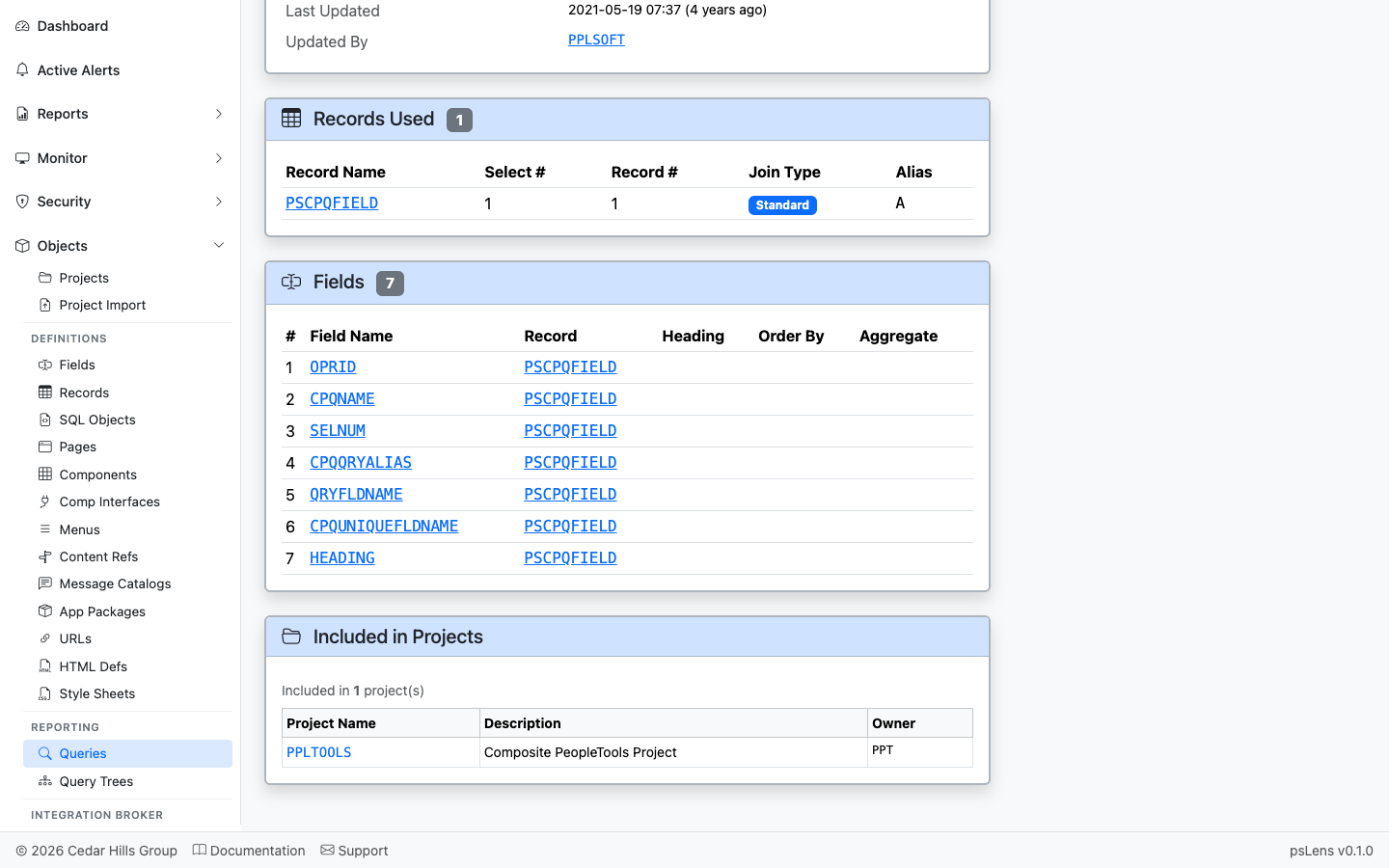
The fields the query SELECTs, with record context and order
The SELECT field list (PSQRYFIELD) with record and field references, each link-resolved.
Included in Projects
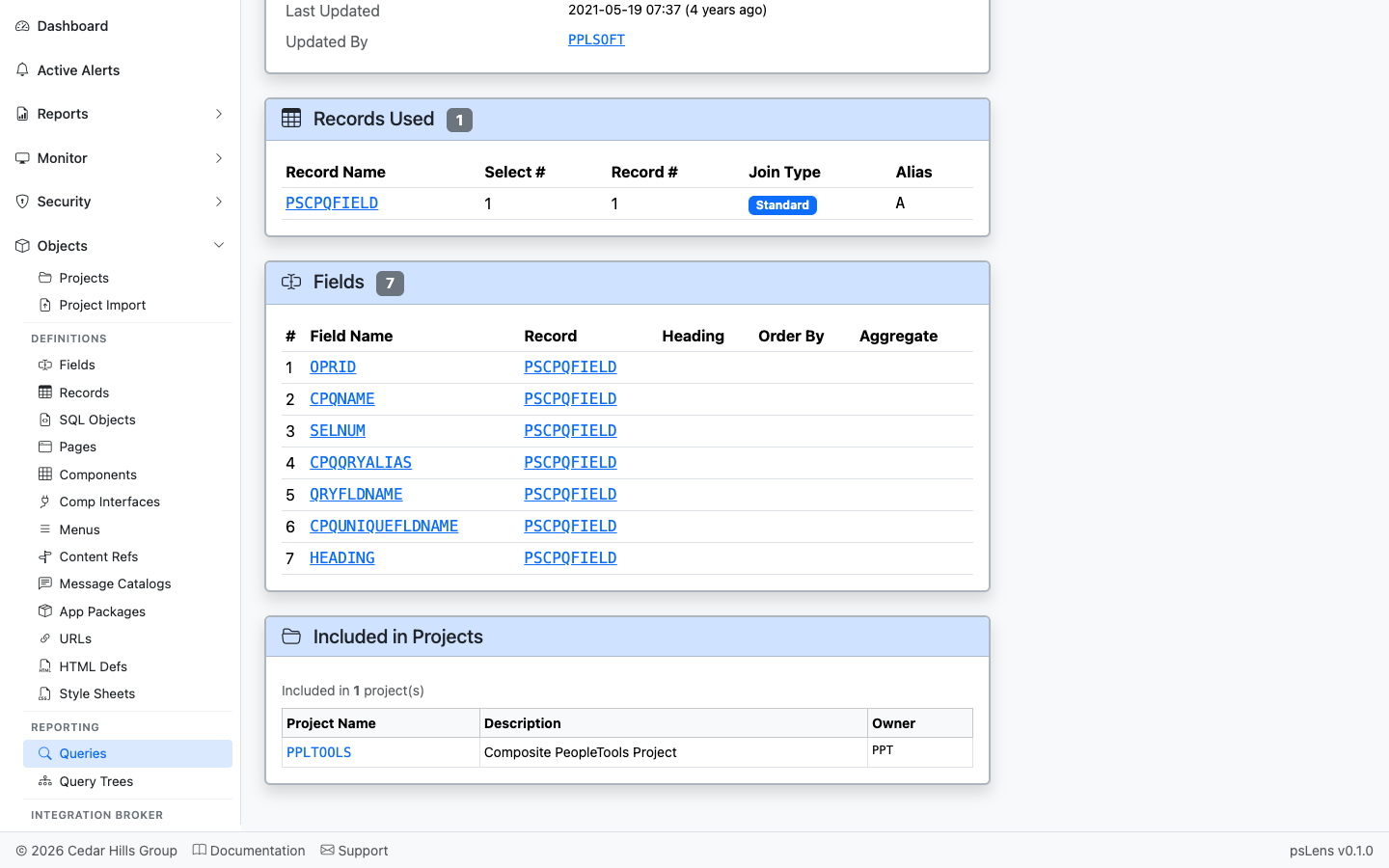
App Designer projects that include this query
App Designer projects containing this query as a project item.