Records
Categories:
- Target Database: —
- Context Type: —
- Alert Severity: —
- Triggered Time: —
- Firing Context:
—
Records are PeopleSoft’s table/view definitions — every database table, SQL view, derived/work record, and dynamic view is registered in PSRECDEFN. psLens reads the record definition plus its field list from PSRECFIELD and stitches it together with everywhere the record is referenced in pages, components, PeopleCode, queries, projects, and trees. The Records page has 12 related-data panels covering pages, components, PeopleCode, queries, trees, prompt-table back-references, AE statements, COBOL SQL statements, project membership, and a live row sample.
Object Relationships
Records connect underlying field definitions to user interfaces and security structures:
- Contains Fields: Records group individual field definitions (
PSDBFIELD) into ordered record fields (PSRECFIELD). - Bound to Pages: Fields on a record are bound to controls (
PSPNLFIELD) on page definitions (PSPNLDEFN). - Primary Search for Components: Records act as primary search records (
SEARCHRECNAME) driving component key selection dialogs. - Defined by SQL Objects: View-type records (
RECTYPE = 1) derive their SELECT SQL definitions from SQL Objects (PSSQLDEFN).
How psLens Improves Record Inspection
A complete impact assessment for a record change in Application Designer requires opening the record definition for properties, fields, and events, running Find Object References to find pages using it, walking found pages to identify parent components, executing Find In searches across PeopleCode, manually querying PSAESTMTDEFN, PSQRYRECORD, and PSTREENODE for AE, query, and tree usage, checking prompt-table back-references, and opening SQL clients to sample rows.
psLens consolidates record schema fields, page bindings, component trees, PeopleCode events, query usage, prompt-table relationships, AE/COBOL SQL statements, project membership, and a live row sample into one page.
Search Page
URL: /records?db={database}
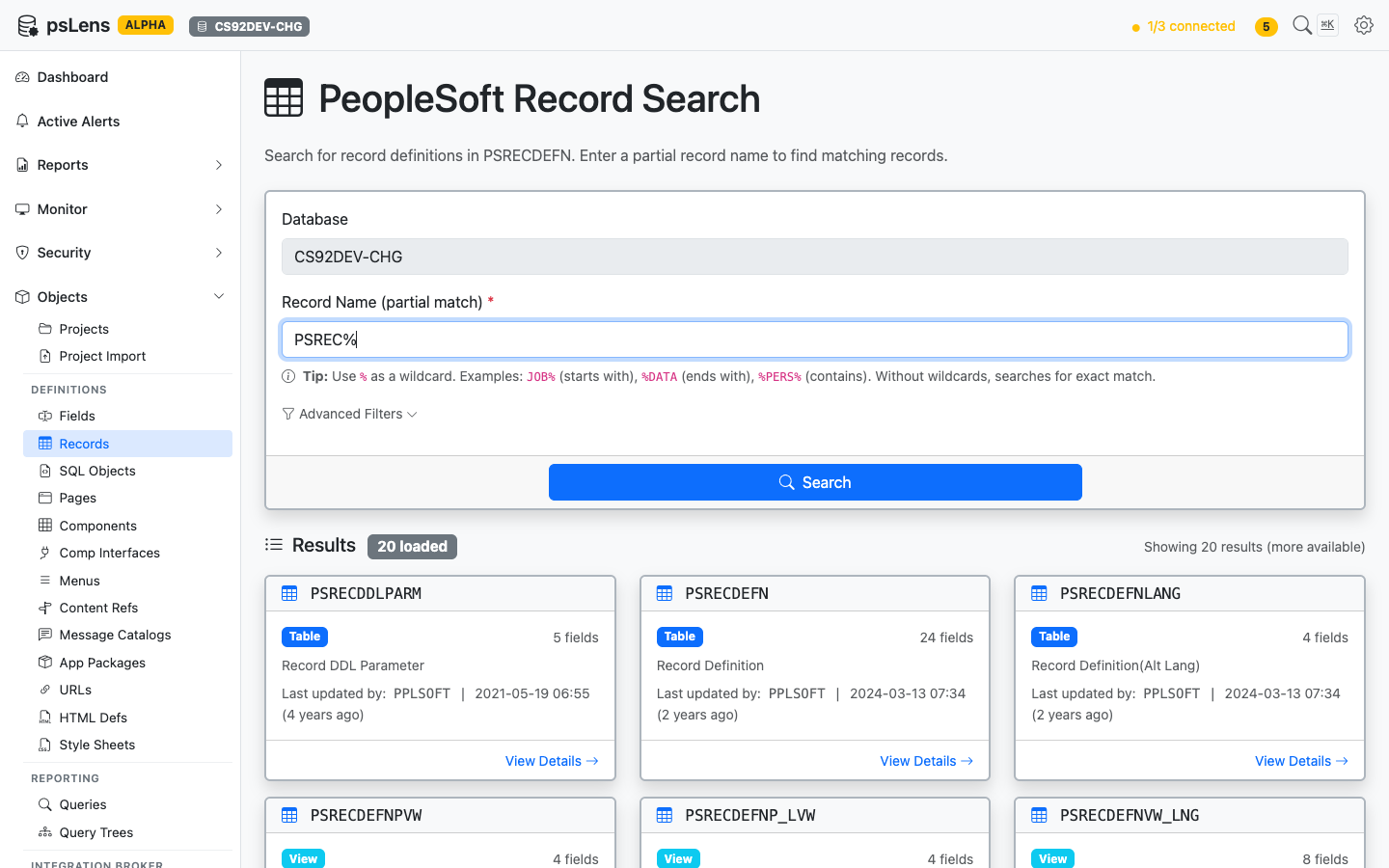
Record search results for PSREC% — note the record type pill (Table/View) and field count on each card
Search auto-matches as starts with — typing JOB finds JOB, JOB_DATA, JOBCODE, etc. For more control, include % yourself: %DATA (ends with), %PERS% (contains), or just % to list every row. Each card shows record type, field count, the descriptive long name, and last-updated metadata. The Advanced Filters panel lets you filter by record type (Table, View, Derived/Work, Subrecord, Dynamic View, Query View, Temp Table), object owner, and last-updated date.
Detail Page
URL: /records/{RECNAME}?db={database}
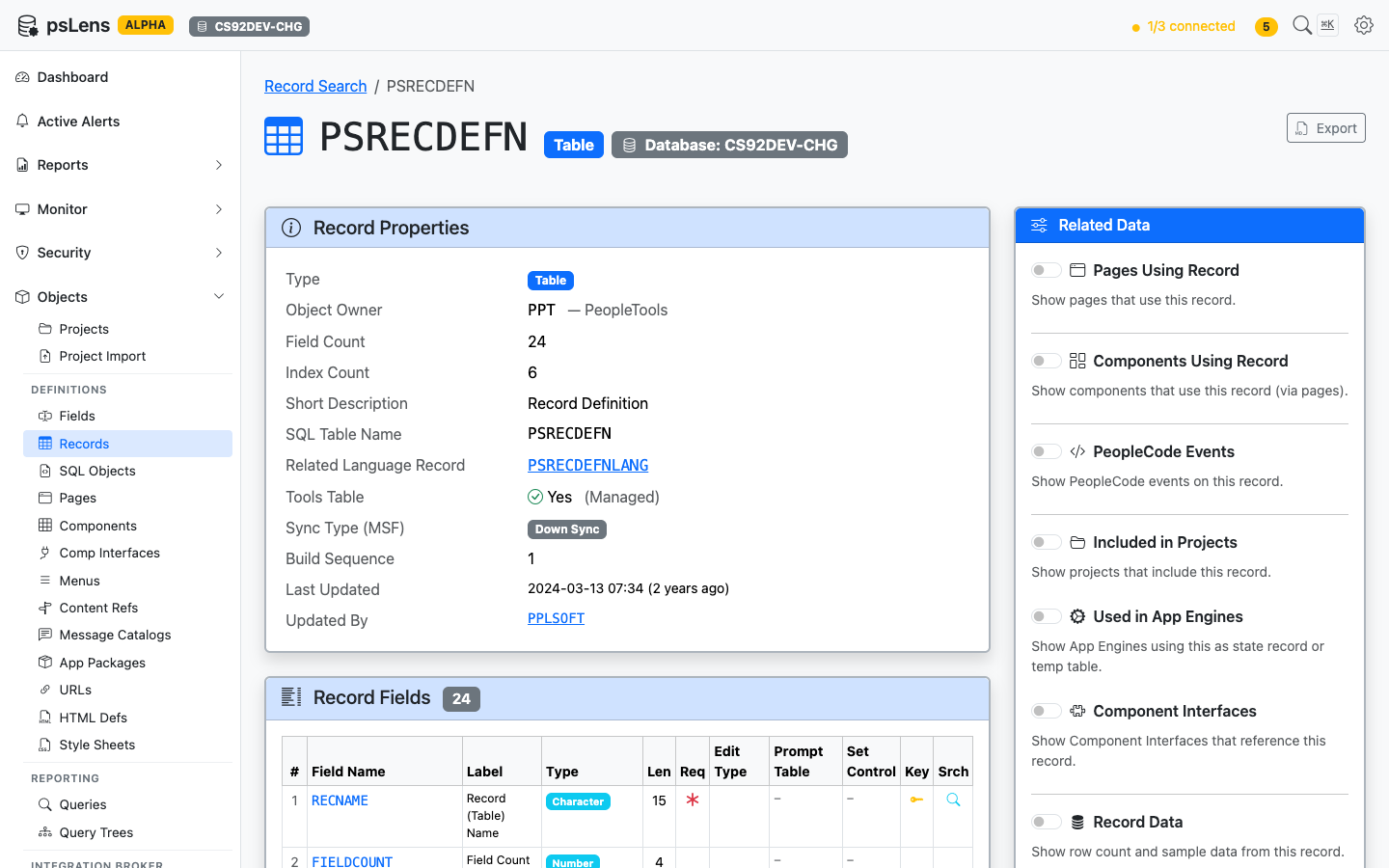
Record detail page for PSRECDEFN — default view with properties, field list, and the Related Data sidebar
The main pane shows Record Properties (type, owner, audit options, system table flag, description, audit timestamps) and a full Record Fields table with each field’s type, length, key indicators, default value, and Edit Table prompt — every detail you’d otherwise open App Designer to confirm. The Export button downloads the full record definition as Markdown. The Related Data sidebar holds 12 toggles — the broadest set of any object type — covering every place this record is referenced.
Related Data Panels
Pages Using This Record
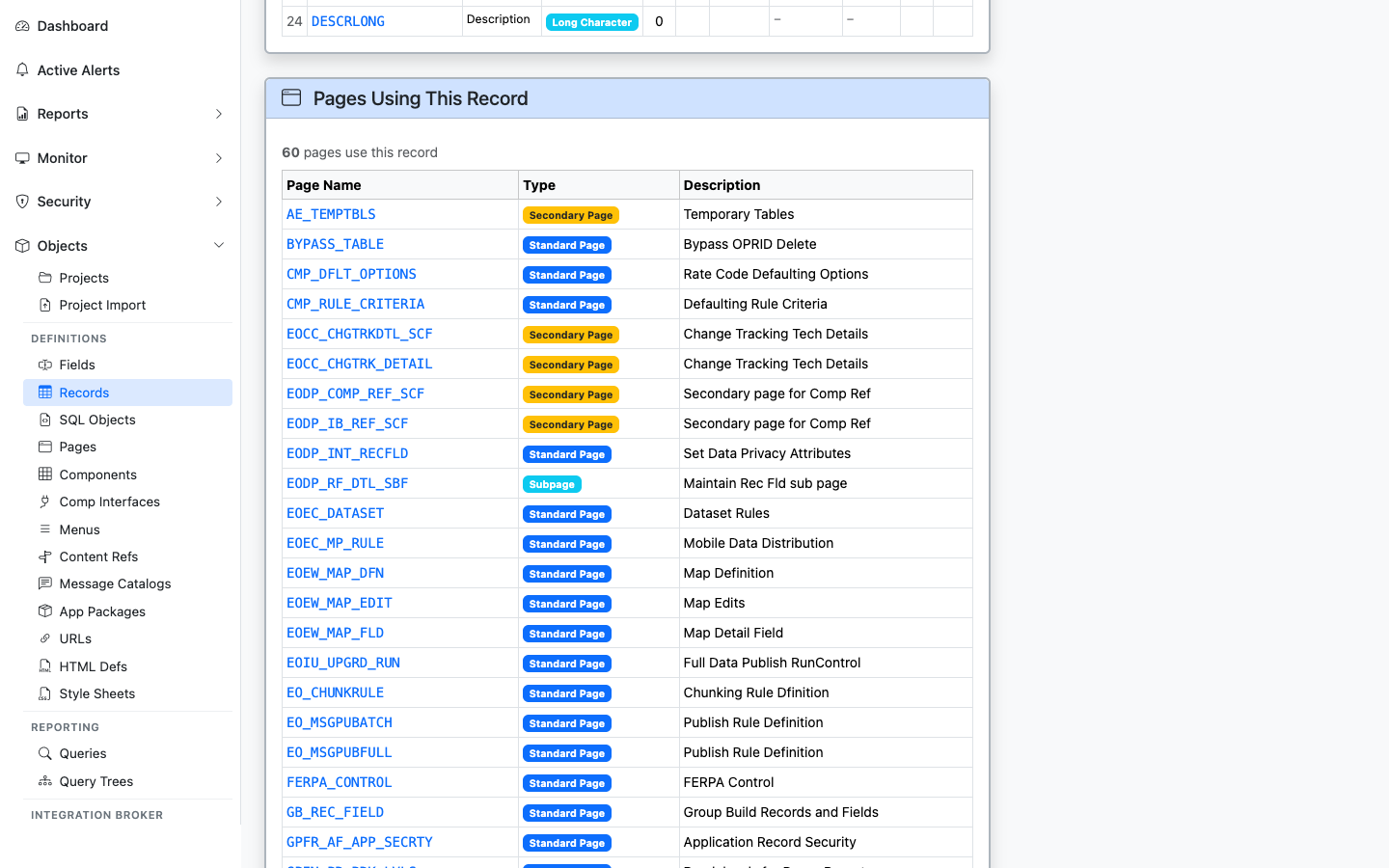
Pages that bind a control to this record
Lists pages with controls bound to this record (PSPNLFIELD join on RECNAME). Useful for impact analysis when changing the record schema.
Components Using This Record
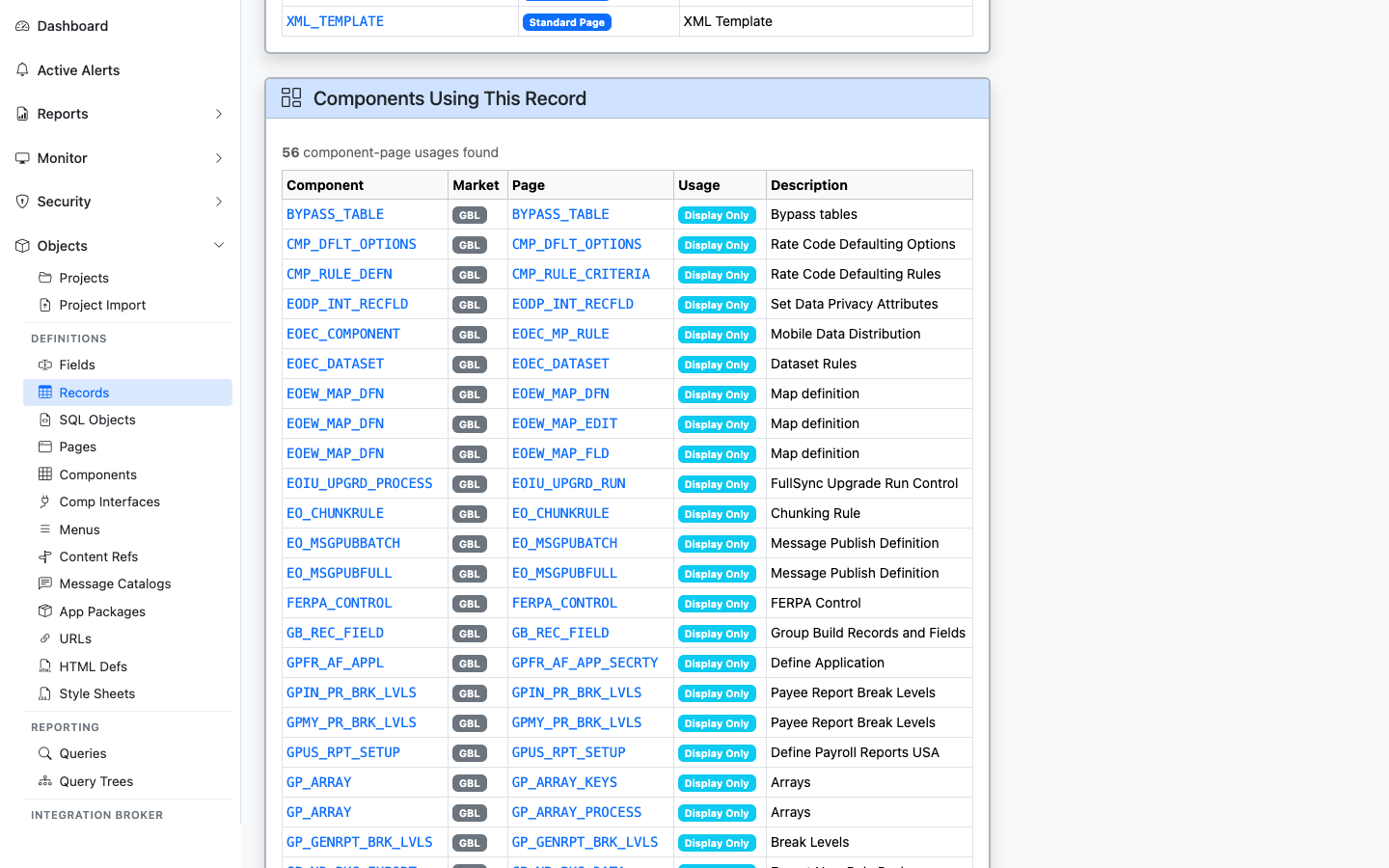
Components whose pages reference this record
Lists every component containing a page bound to this record — gives you the user-facing transactions affected by the record.
PeopleCode Events
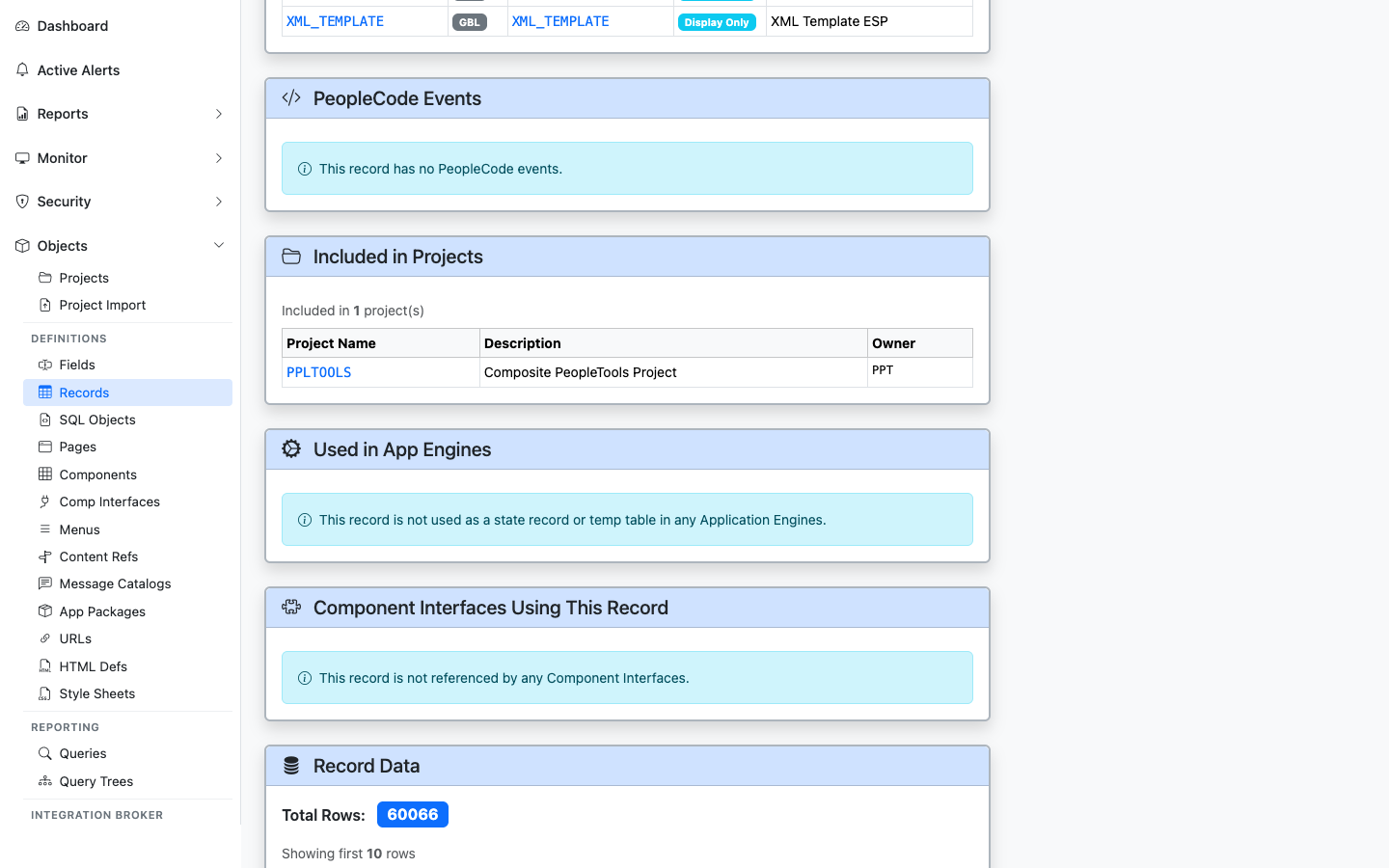
Record PeopleCode events defined on this record
Lists record-level PeopleCode events (FieldChange, RowInit, SaveEdit, etc.) attached to fields of this record. Sourced from PSPCMPROG.
Included in Projects
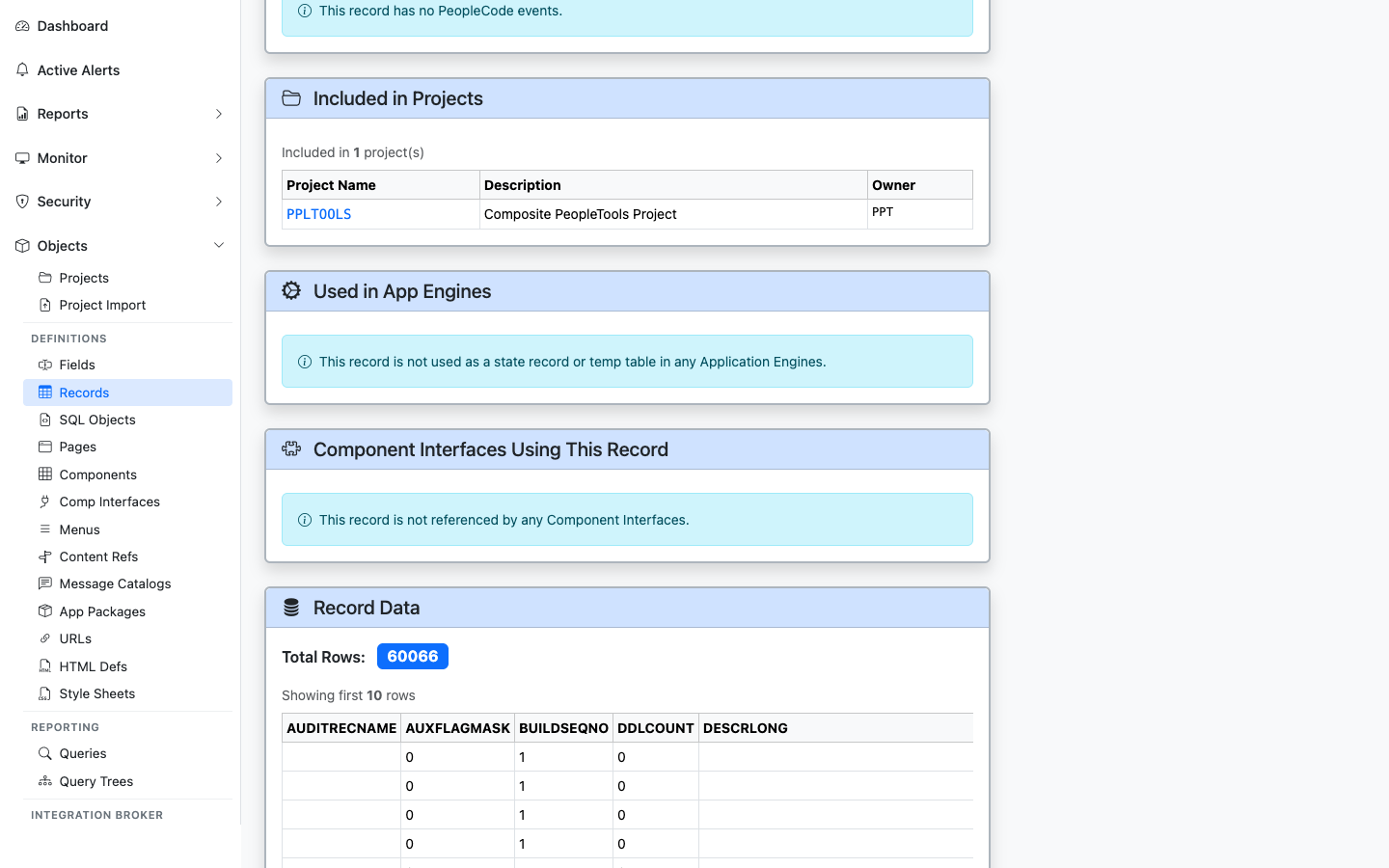
App Designer projects that include this record
Lists App Designer projects (PSPROJECTITEM) that include this record — useful for migration history and change tracking.
Used in App Engines
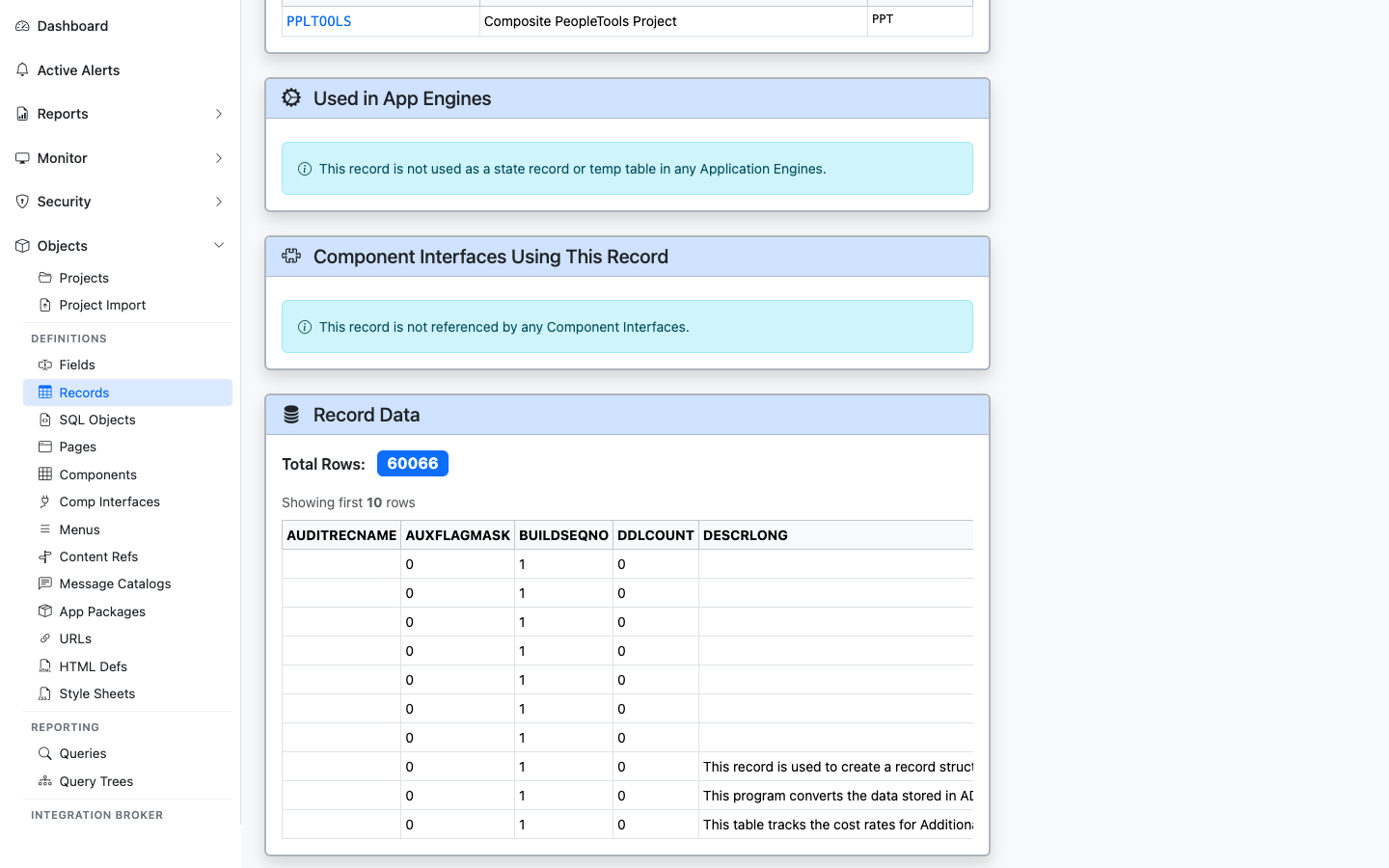
Application Engine programs that reference this record
Lists Application Engine programs whose SQL or PeopleCode steps reference this record. Sourced from PSAESTMTDEFN text scans.
Component Interfaces Using This Record
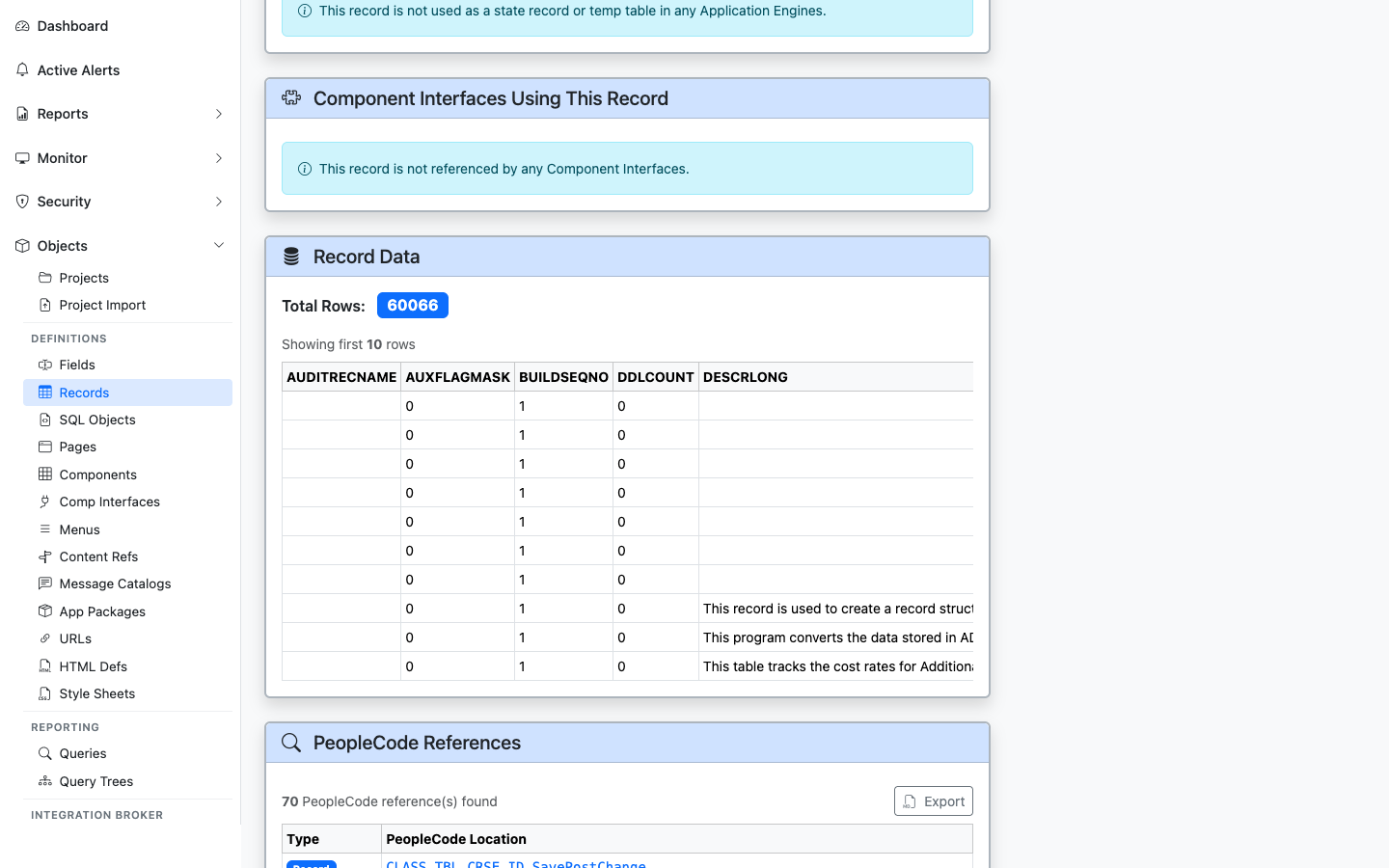
CIs whose underlying component is built on a page that uses this record
Lists Component Interfaces whose underlying component contains a page bound to this record — the integration surface area.
Record Data
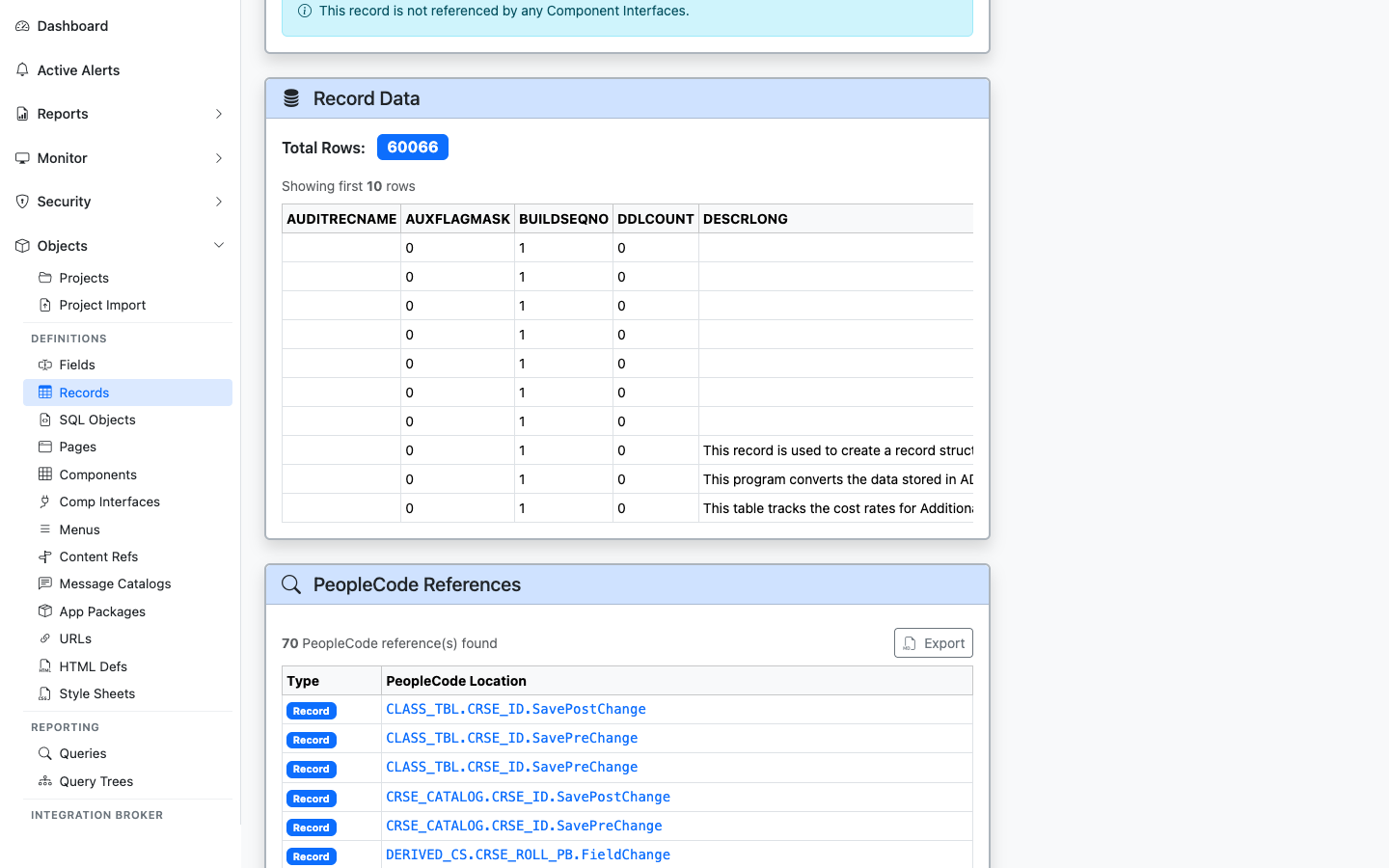
Live sample data from the record itself
Pulls a live sample of rows from the record using the psoftQL API — first ~10 rows with every column. Lets you see what the data actually looks like without opening App Designer’s Run-In-Query or a separate SQL client.
PeopleCode References
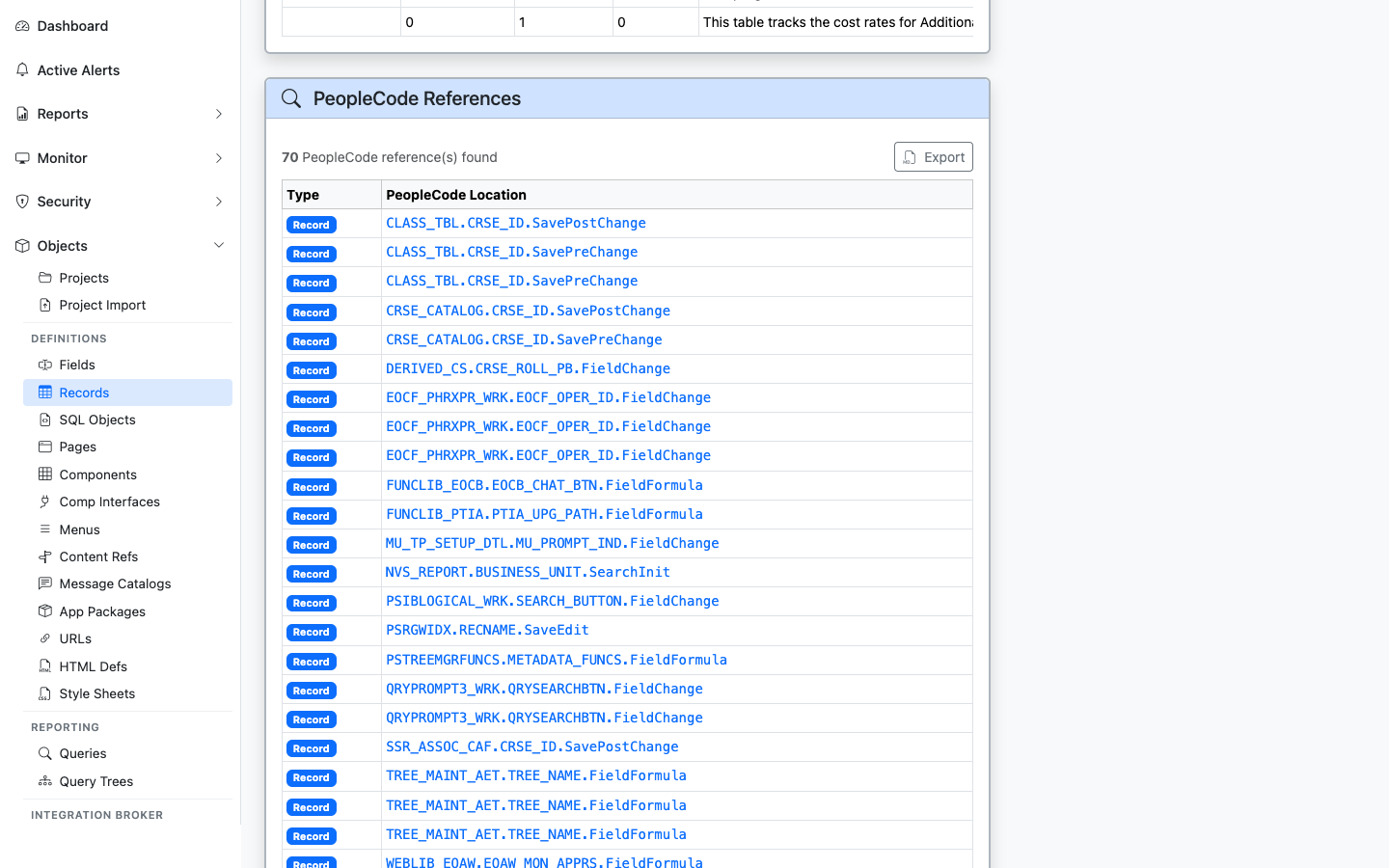
Any PeopleCode program that mentions this record by name
Broader than “Events” — finds any PeopleCode anywhere in the database that mentions this record by name (component, page, app package, app engine, message, signon, FieldFormula, etc.).
Queries Using This Record
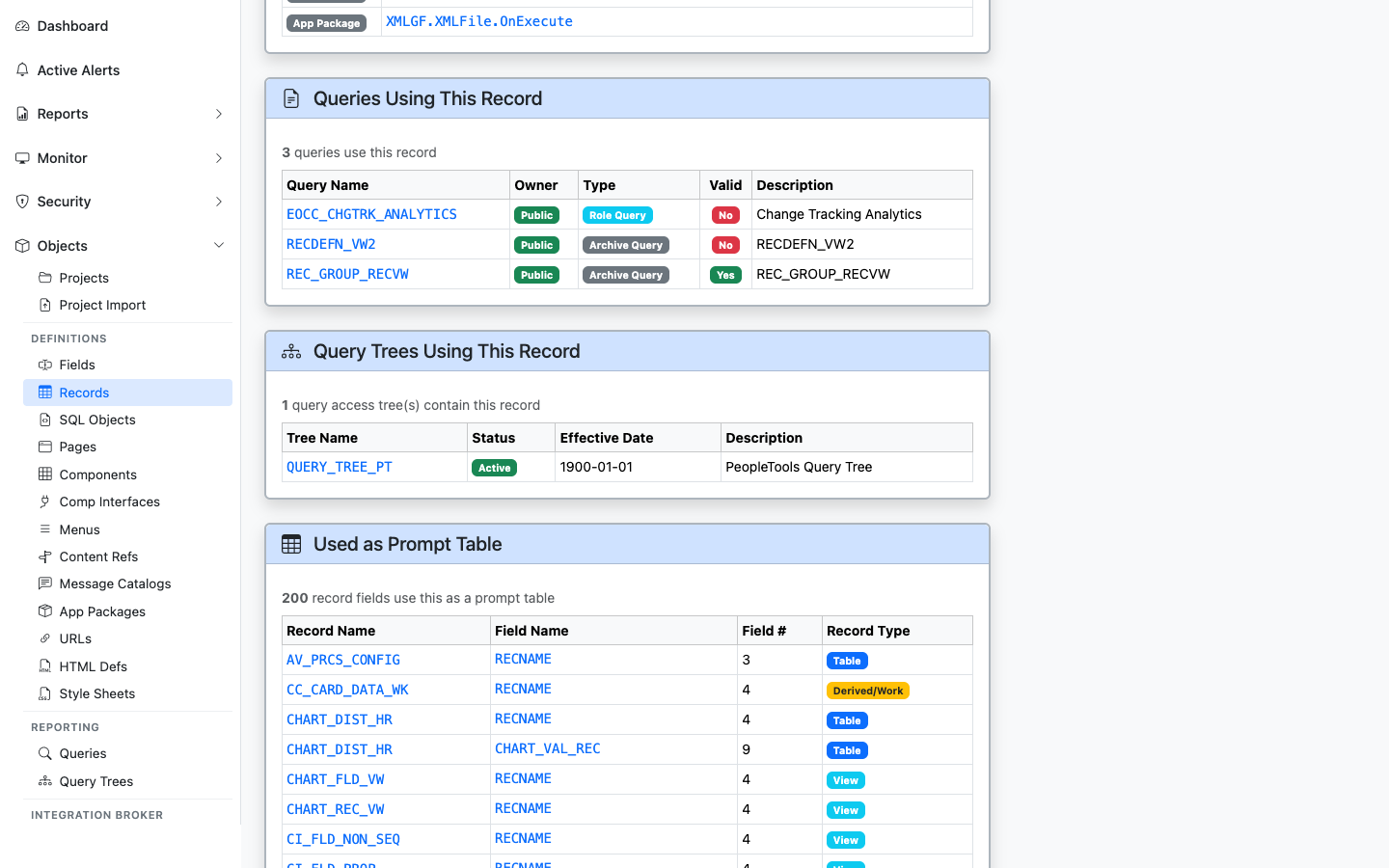
PeopleSoft Queries that include this record
Lists PeopleSoft Queries (PSQRYRECORD) that include this record in a FROM clause. Critical for audit work — “who is reporting from this table?”
Query Trees Using This Record
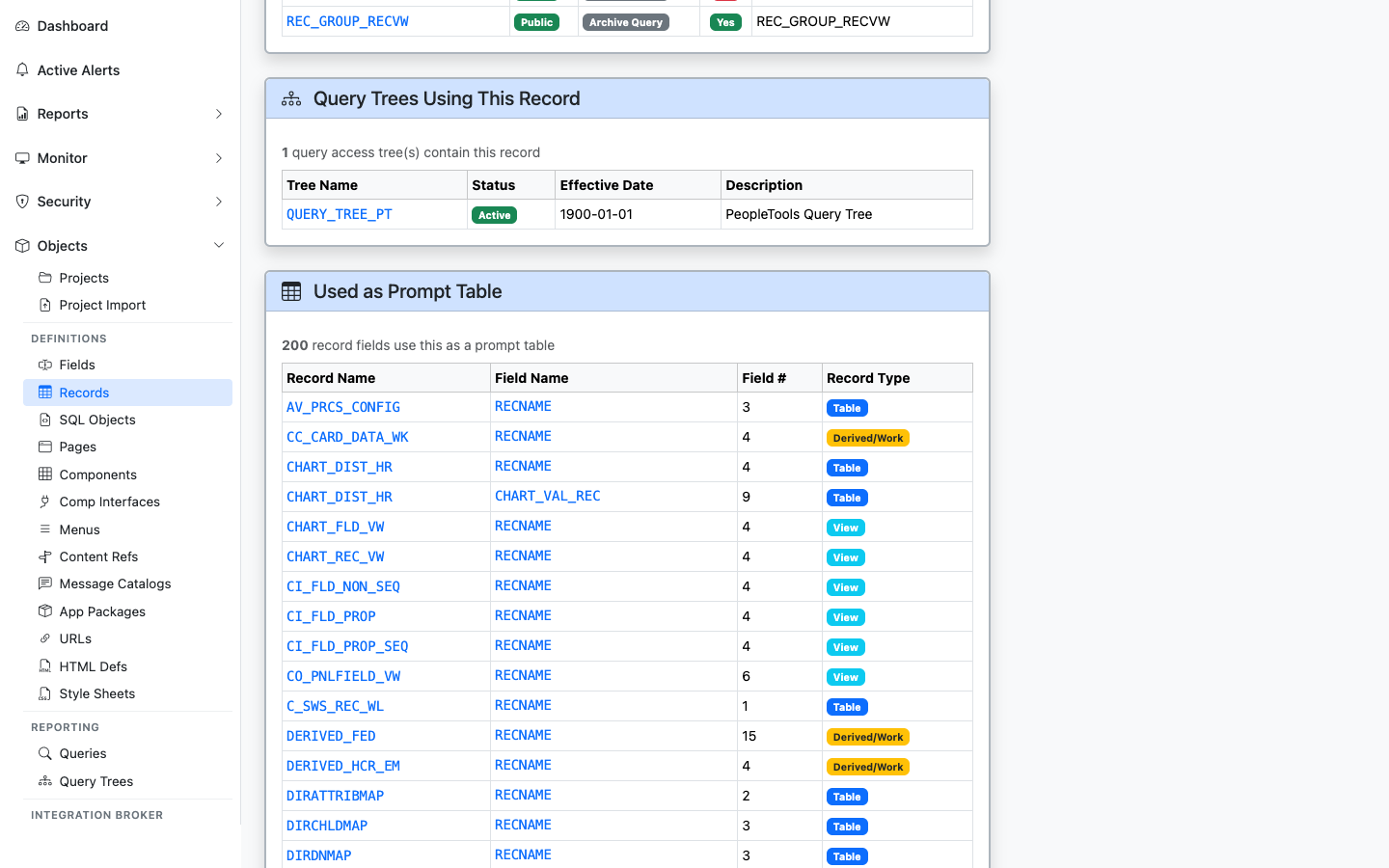
Query Tree nodes that expose this record to query authors
Lists Query Tree nodes (PSTREENODE) where this record appears — determines which query authors can build queries against it.
Used as Prompt Table
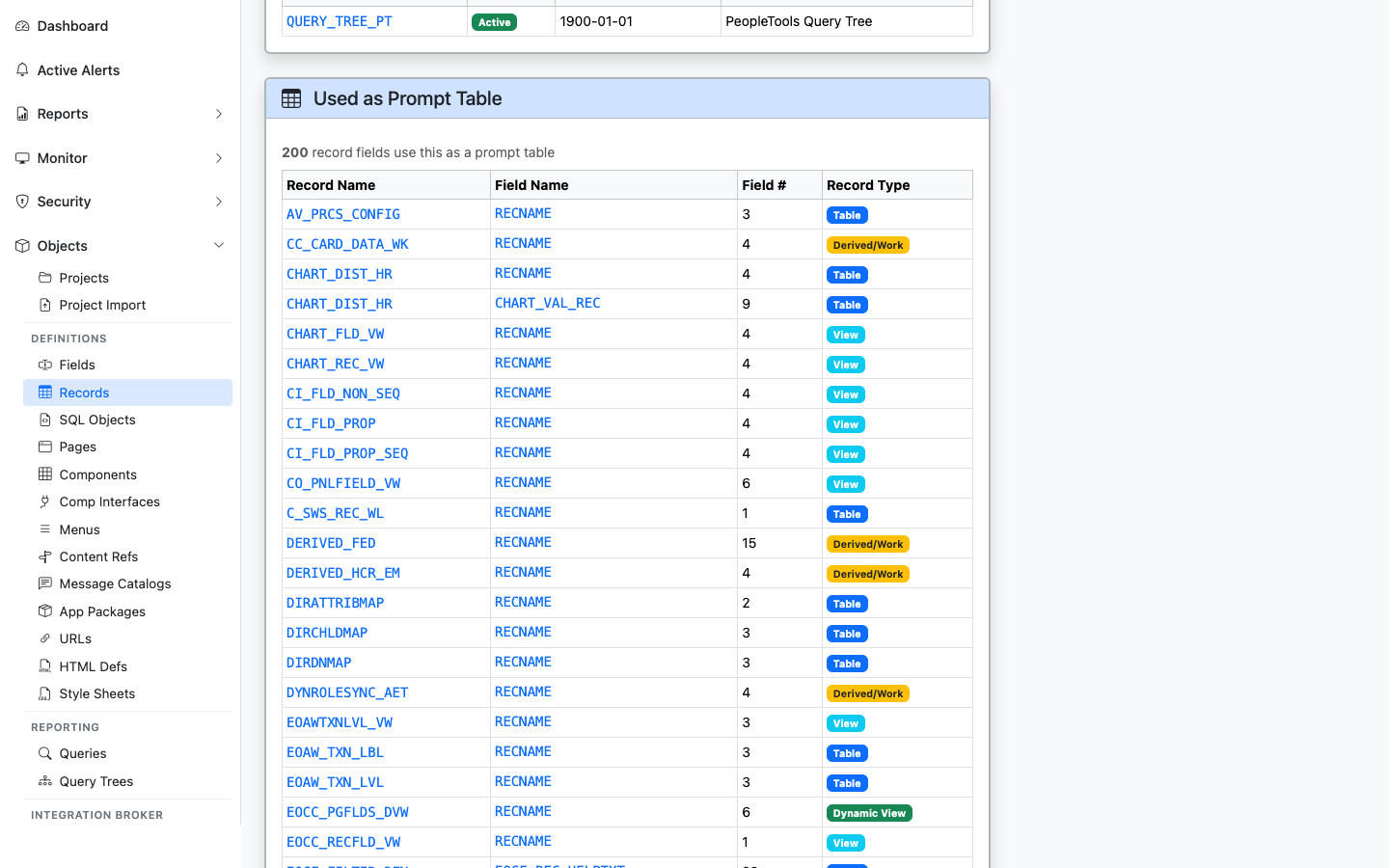
Other records whose fields use this record as an Edit/Prompt table
Lists fields on other records that point to this record as their Edit Table / Prompt Table — shows the lookup relationships that hang off this record.
COBOL SQL Statements
Lists stored COBOL SQL statements (SQLSTMT_TBL) that reference this record in their statement text, program name, or statement name. Displays the COBOL program (PGM_NAME), statement type (STMT_TYPE), statement name (STMT_NAME), and formatted SQL text.