Service Operations
Categories:
- Target Database: —
- Context Type: —
- Alert Severity: —
- Triggered Time: —
- Firing Context:
—
A Service Operation is the actual message-exchange contract — the unit that defines what message type is sent, in which direction (async or sync), through which routings, and handled by which PeopleCode. Each operation belongs to a service and is stored in PSOPERATION with related metadata in PSOPRDESC, PSOPRROUTING, PSOPRHANDLER, and the security tables. psLens consolidates the full operation — versions, routings, handlers, caller nodes, security access from three angles, and live IB transaction history — into one page.
Object Relationships
Service Operations form the central communication contracts in Integration Broker:
- Belongs to Services: Operations (
PSOPERATION) are grouped under parent Service definitions (PSSERVICE). - Carries Message Schemas: Operations define request and response payload structures using Message definitions (
PSMSGDEFN). - Routed via Nodes: Operations use Routing definitions (
PSIBRTNGDEFN) to direct messages between sender and receiver Nodes (PSMSGNODEDEFN). - Processed by Handlers: Operations invoke Application Class or App Engine handlers (
PSOPRHDLR) upon message arrival or dispatch. - Secured by Permission Lists: Permission lists (
PSAUTHWS) authorize execution of Service Operations.
How psLens Improves Service Operation Inspection
Auditing Integration Broker service operations in PIA requires opening operation definitions, switching between Handlers and Routings tabs, searching permission list Web Services security, cross-referencing role membership, and checking Asynchronous Monitor logs separately.
psLens consolidates operation versions, routings, handlers, three security access views (permission lists, roles, users), caller nodes, project membership, and live transaction history onto a single screen.
Search Page
URL: /serviceoperations?db={database}
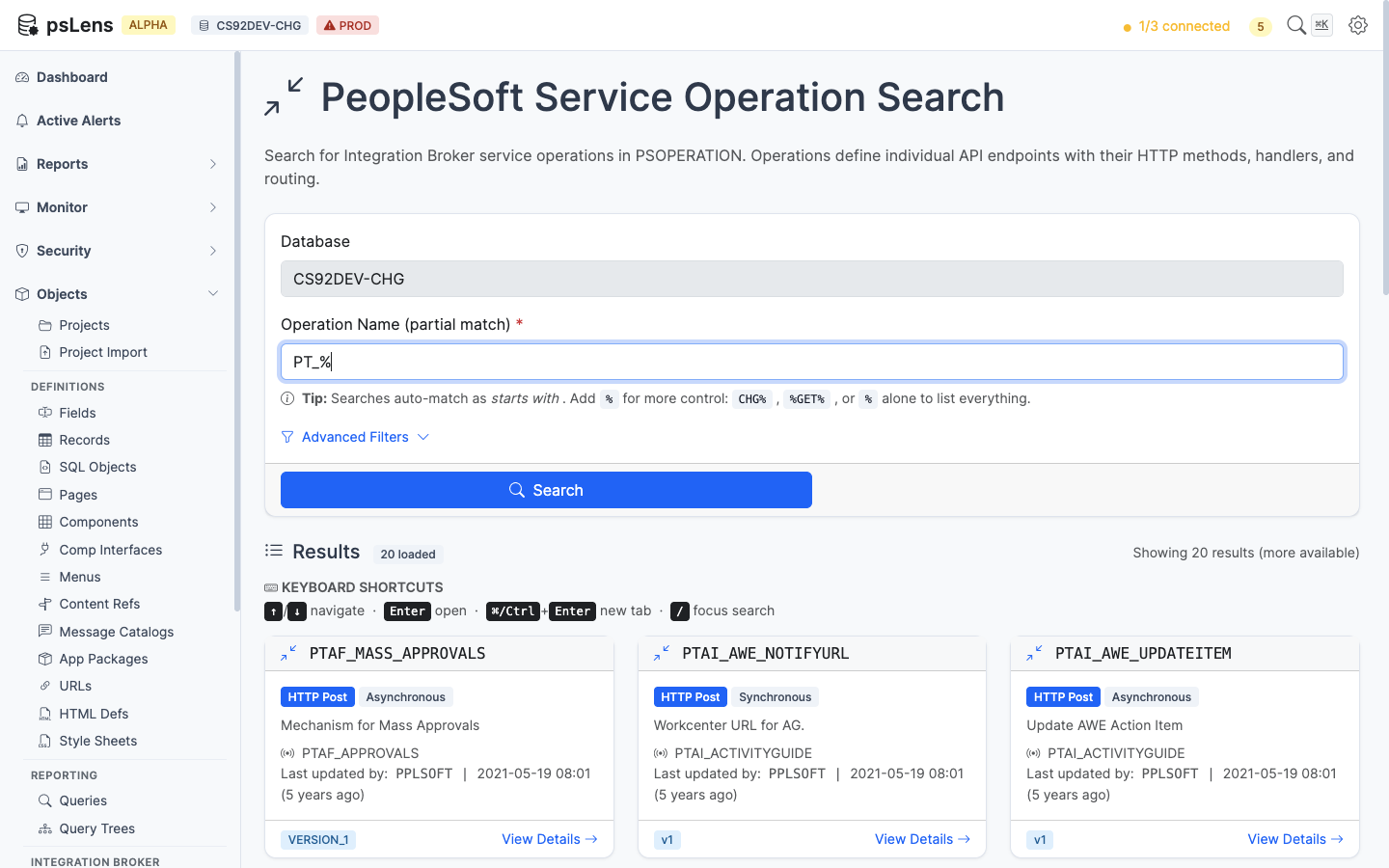
Service Operation search results for PT_%
Wildcard % search supported. Each card shows the operation type (Async, Sync, One Way), default version, and active flag.
Detail Page
URL: /serviceoperations/{OPERATION}?db={database}
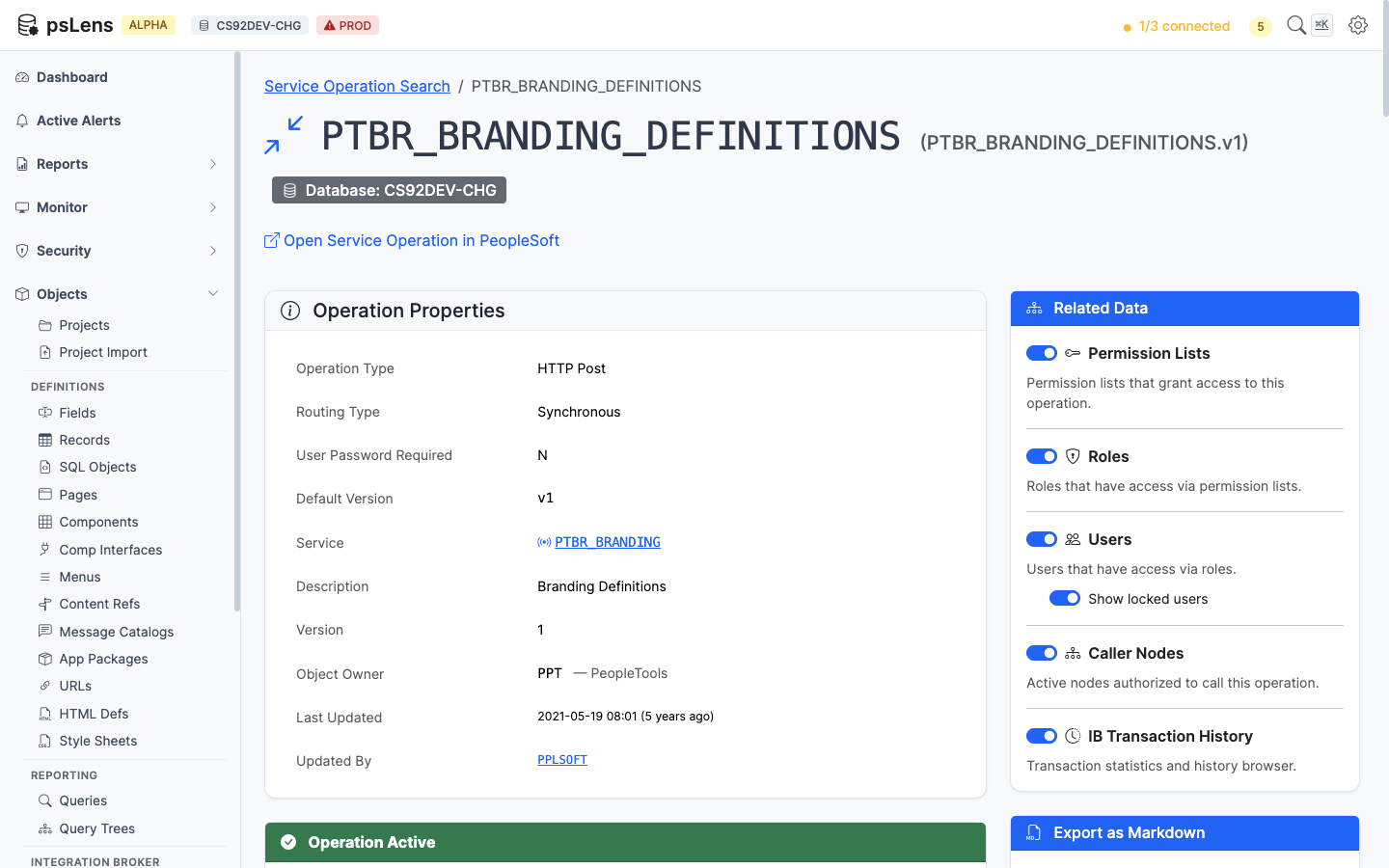
Service Operation detail page for PTBR_BRANDING_DEFINITIONS
The main pane shows Operation Properties plus four always-visible cards: Versions (every operation version with default flag and message type), Routings (every routing definition with sender/receiver nodes and direction), Handlers (handler PeopleCode and class implementations), and HTTP Request Template (the template body for HTTP-style transactions). The sidebar has 6 related-data toggles, including three security access lenses, project membership, and a live IB transaction history feed.
Related Data Panels
Permission Lists with Access
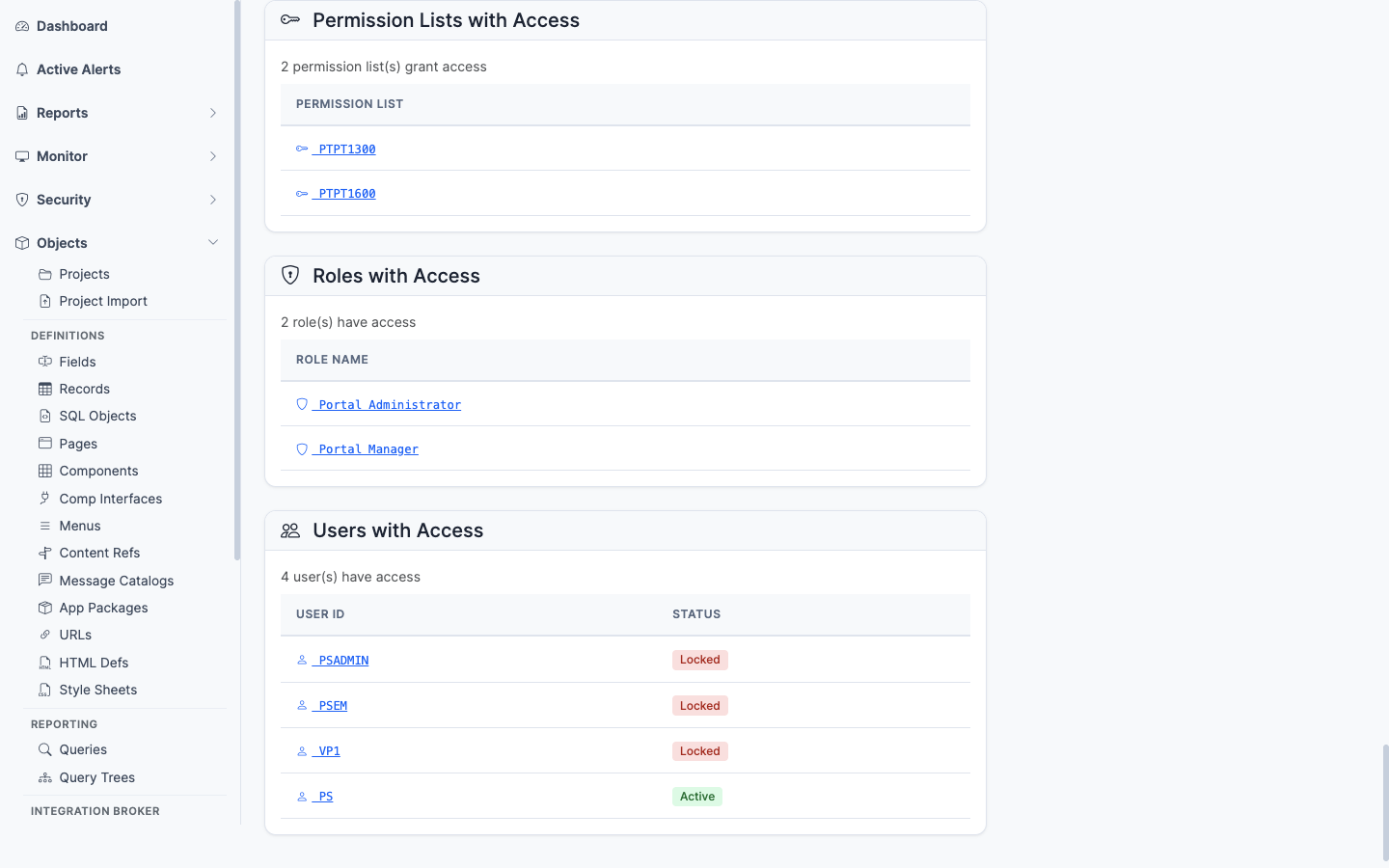
Permission lists that grant access to this operation
Permission lists with Full Access or Web Library Access to this operation. The security baseline for which permission lists let a user invoke this operation.
Roles with Access
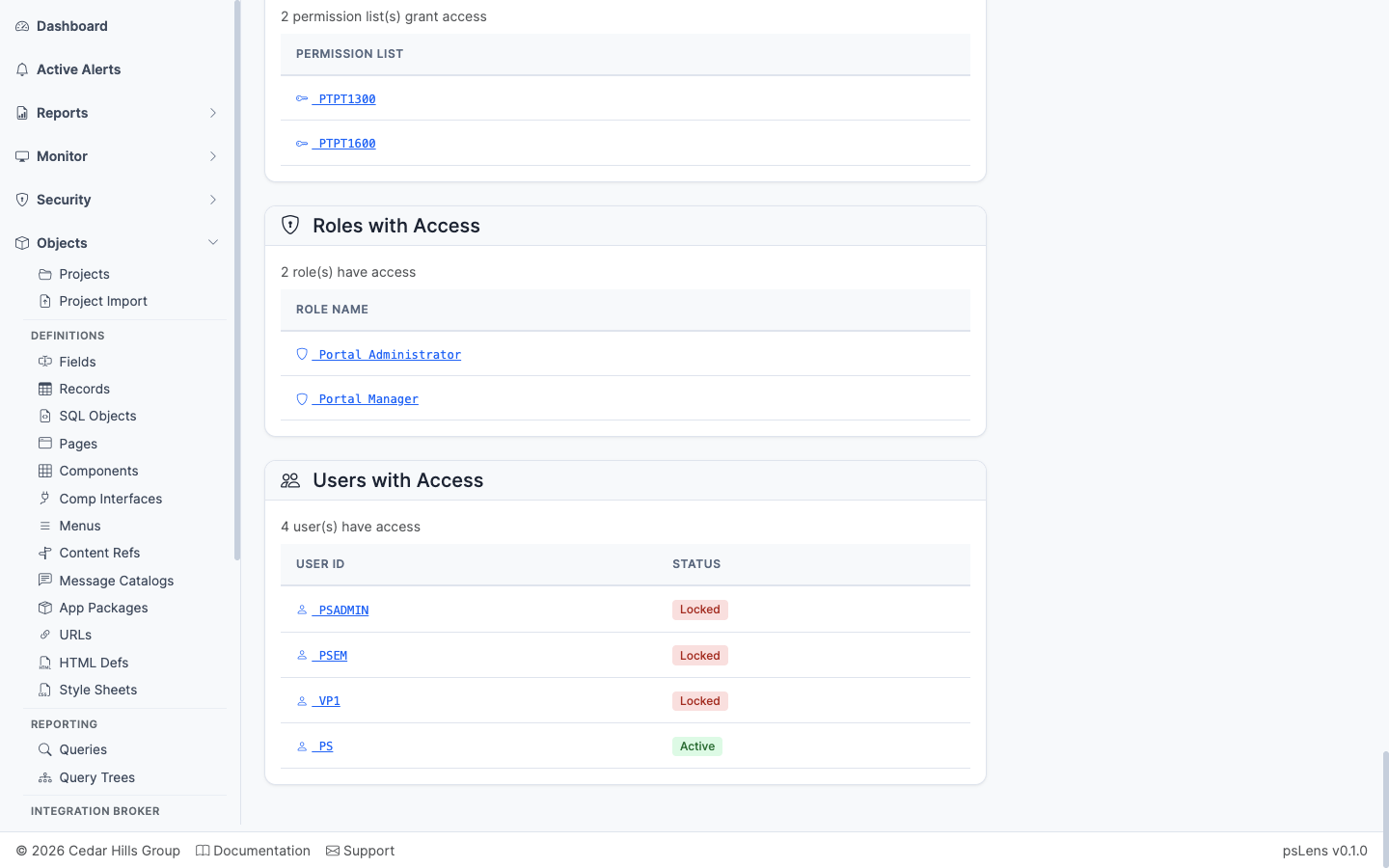
Roles that contain a permission list granting access to this operation
The roles that contain any of the granting permission lists — saves you from having to walk Permission List → Role mapping manually.
Users with Access
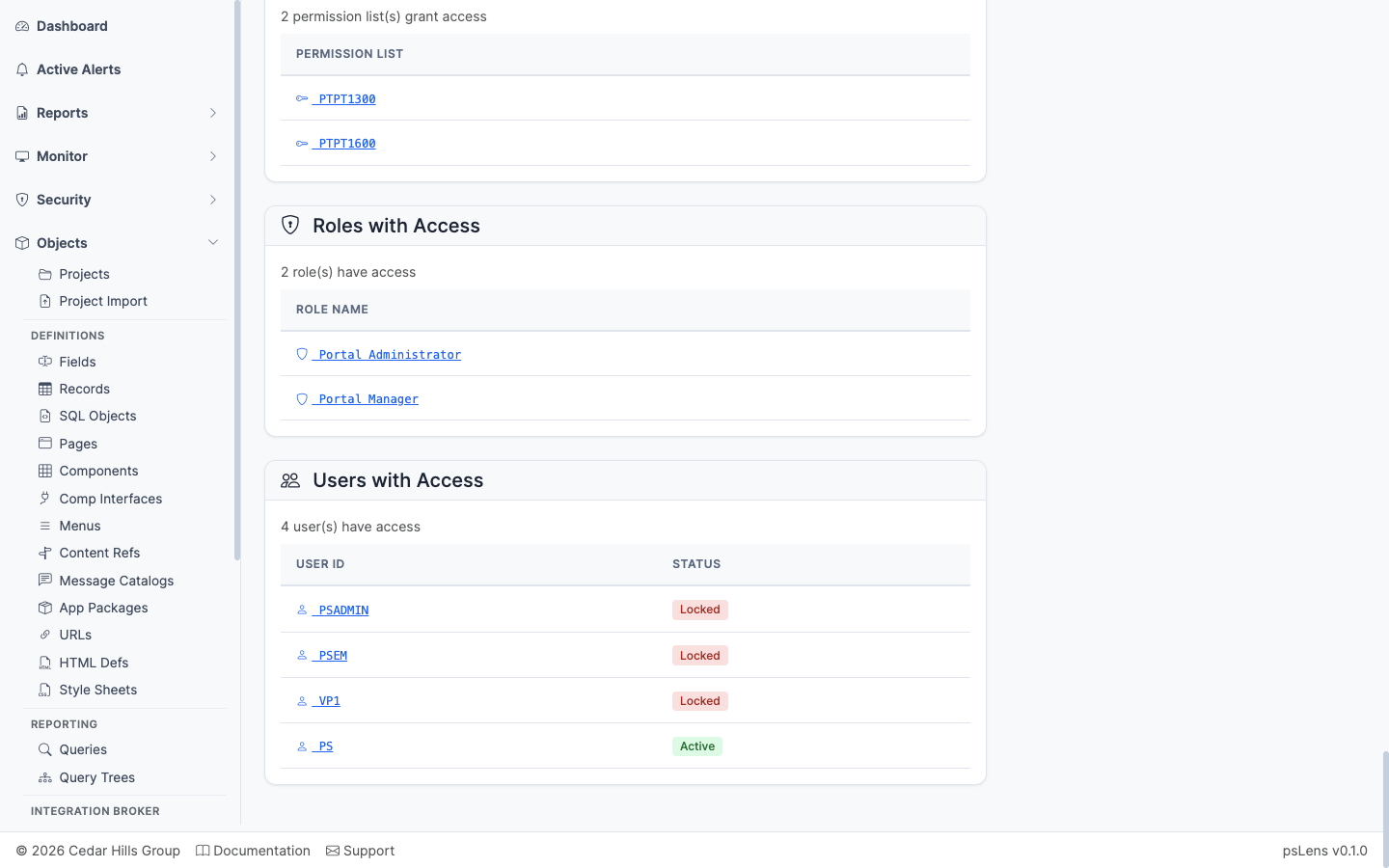
Users whose roles ultimately grant access to this operation
The users whose role membership ultimately grants them access to call this operation, with an optional toggle to include or exclude locked accounts. The end-of-chain answer for who can call this endpoint.
Caller Nodes
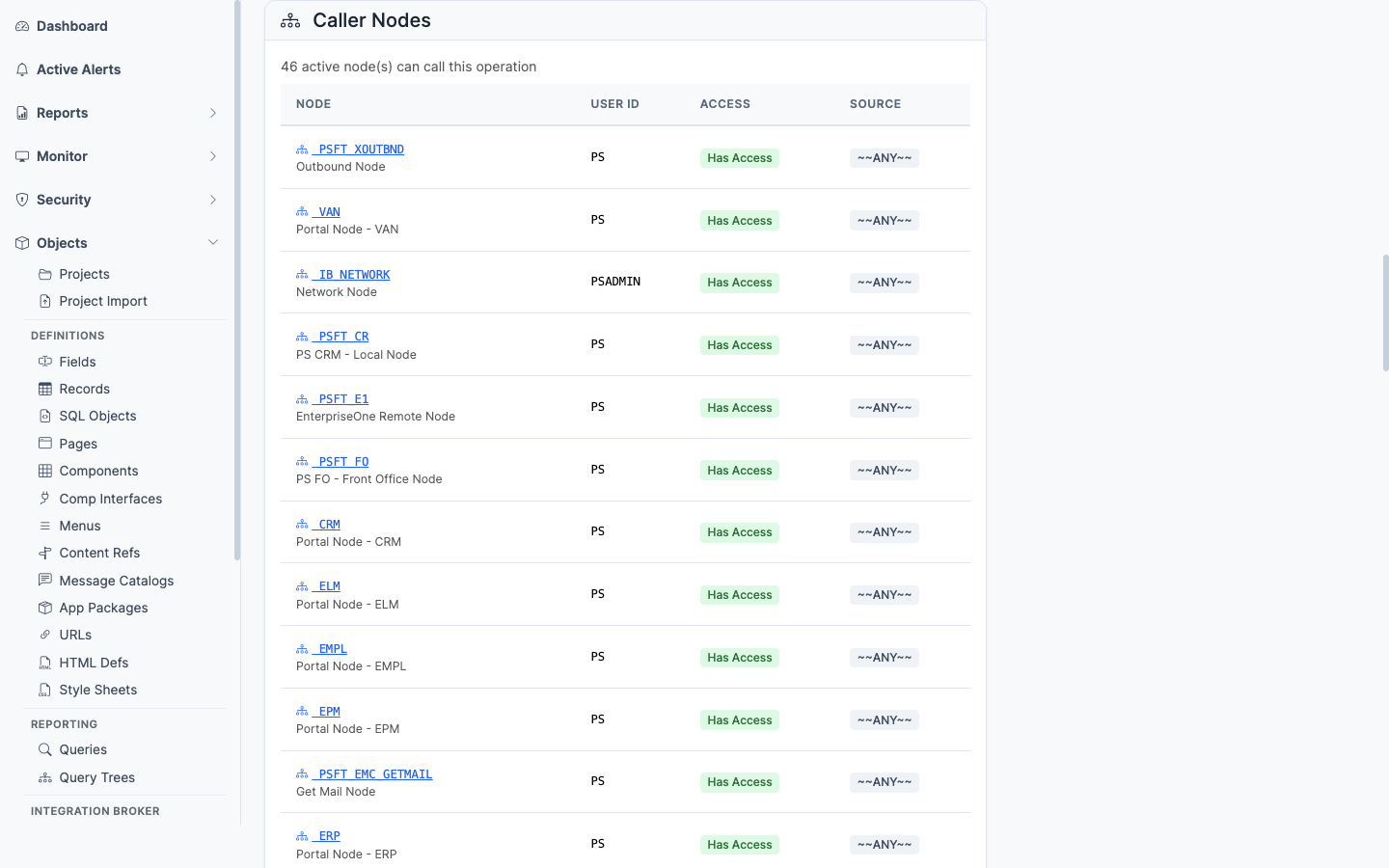
Nodes whose default user has access to invoke this operation
Inverts the lens to the integration side: lists nodes whose default user has been granted access to invoke this operation — useful for confirming which external systems can call the endpoint.
Included in Projects
Application Designer projects containing this Service Operation (PSPROJECTITEM.OBJECTTYPE = 80). Shows project name, description, and object owner ID.
IB Transaction History
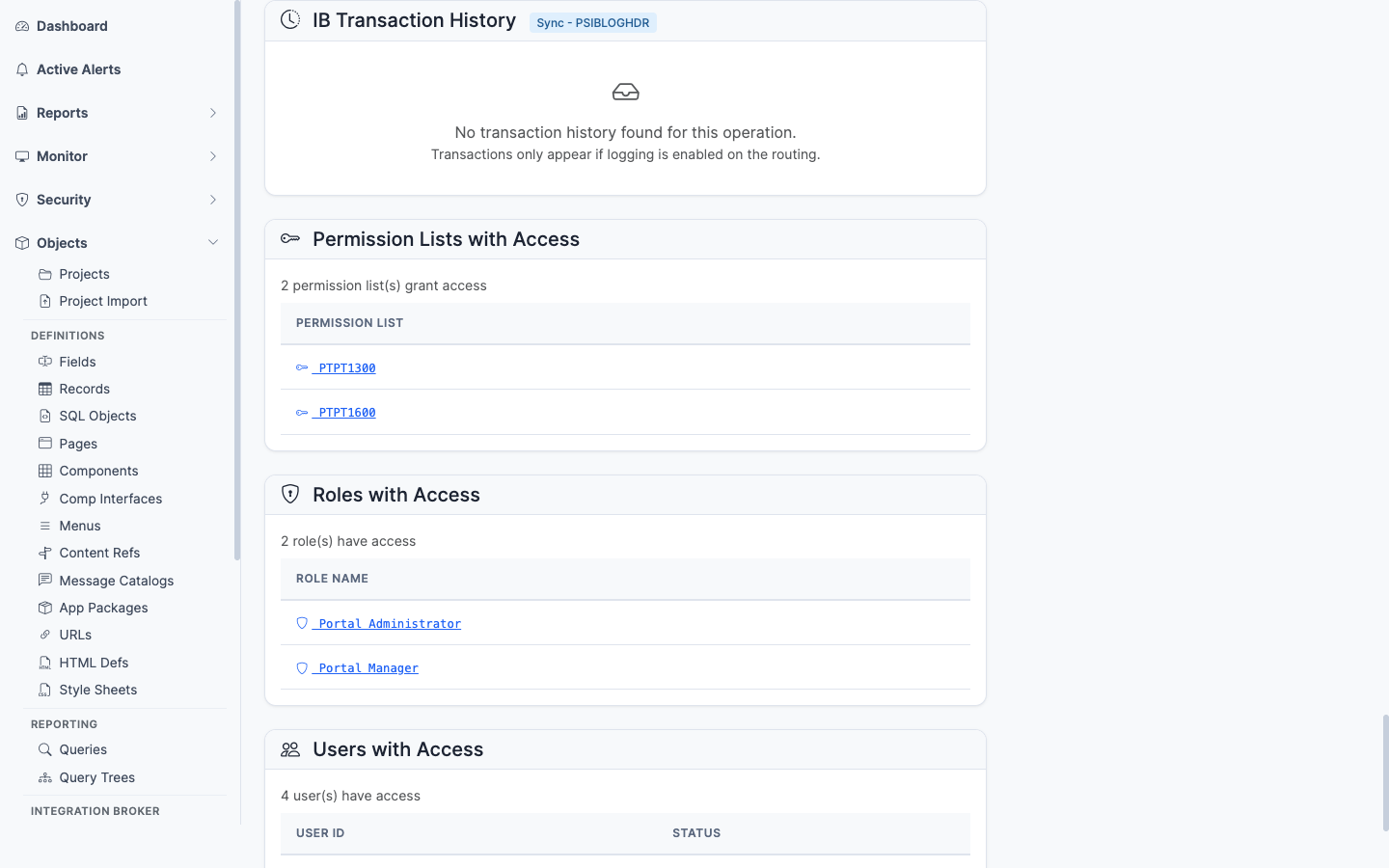
Recent runtime invocations of the service operation
Recent runtime invocations from PSIBLOGHDR — timestamps, status, transaction ID. The link from “what is configured” to “what is actually happening.” Lets you confirm an operation is being called (or spot that it never is).