Services
Categories:
- Target Database: —
- Context Type: —
- Alert Severity: —
- Triggered Time: —
- Firing Context:
—
A Service is the high-level container in the Integration Broker hierarchy: a logical grouping of related Service Operations (PSSERVICEDEFN). For example, a STUDENT_ENROLLMENT service might contain GET_ENROLLMENT, ADD_ENROLLMENT, and DROP_ENROLLMENT operations. The service itself carries metadata (description, owner, WSDL namespace) and acts as the access point for browsing operations together.
Object Relationships
Services organize Integration Broker message contracts into logical domain groups:
- Groups Service Operations: Services (
PSSERVICE) act as parent containers grouping individual Service Operations (PSOPERATION).
How psLens Improves Service Inspection
In PIA, inspecting Integration Broker services requires navigating Integration Setup → Services and clicking through individual operation tabs to view member endpoints.
psLens displays service metadata alongside all contained service operations on a single screen with one-click drilldowns into detailed operation contracts.
Search Page
URL: /services?db={database}
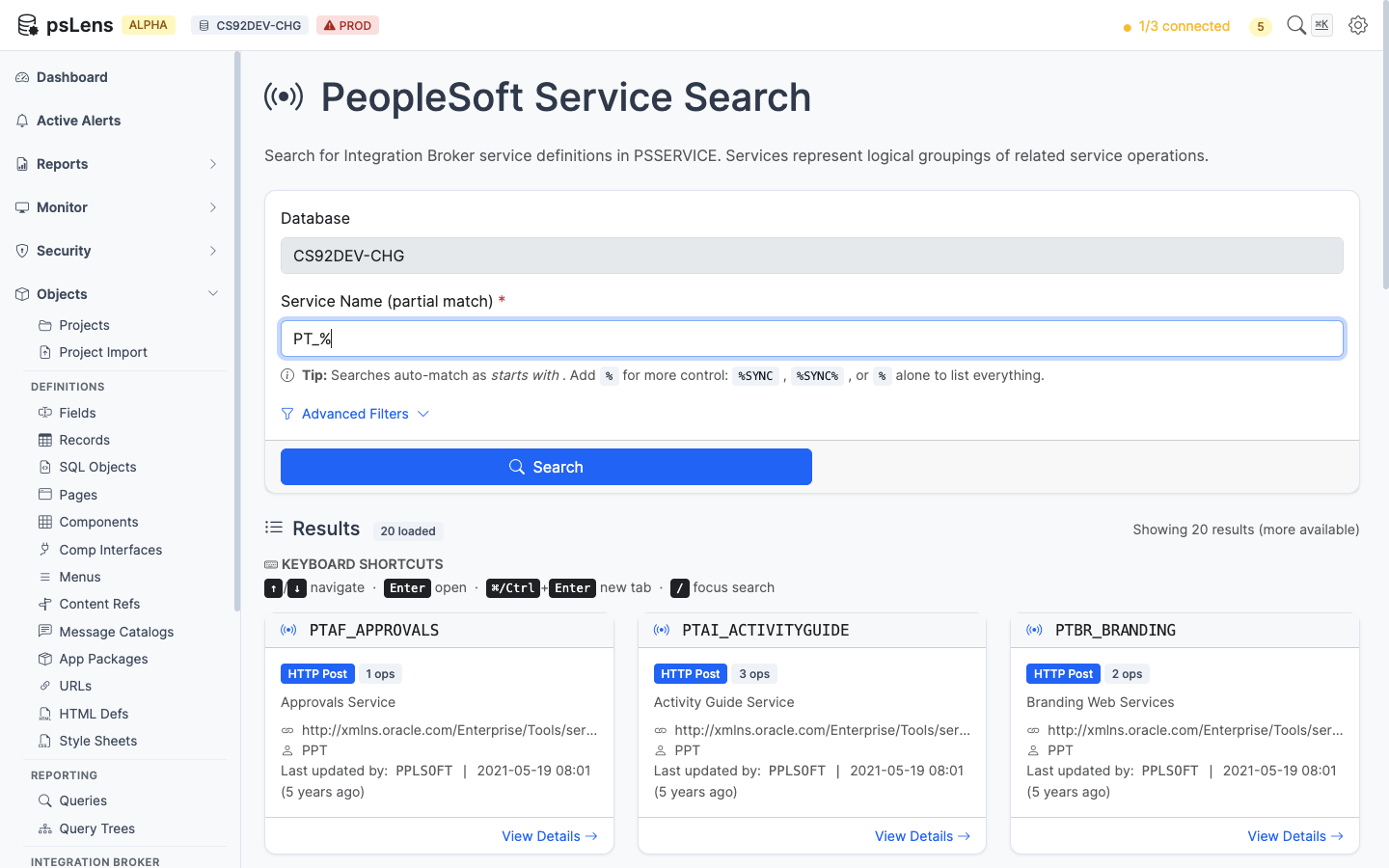
Service search results for PT_%
Wildcard % search supported. Each card shows the service name, alias, and description.
Detail Page
URL: /services/{SERVICE}?db={database}
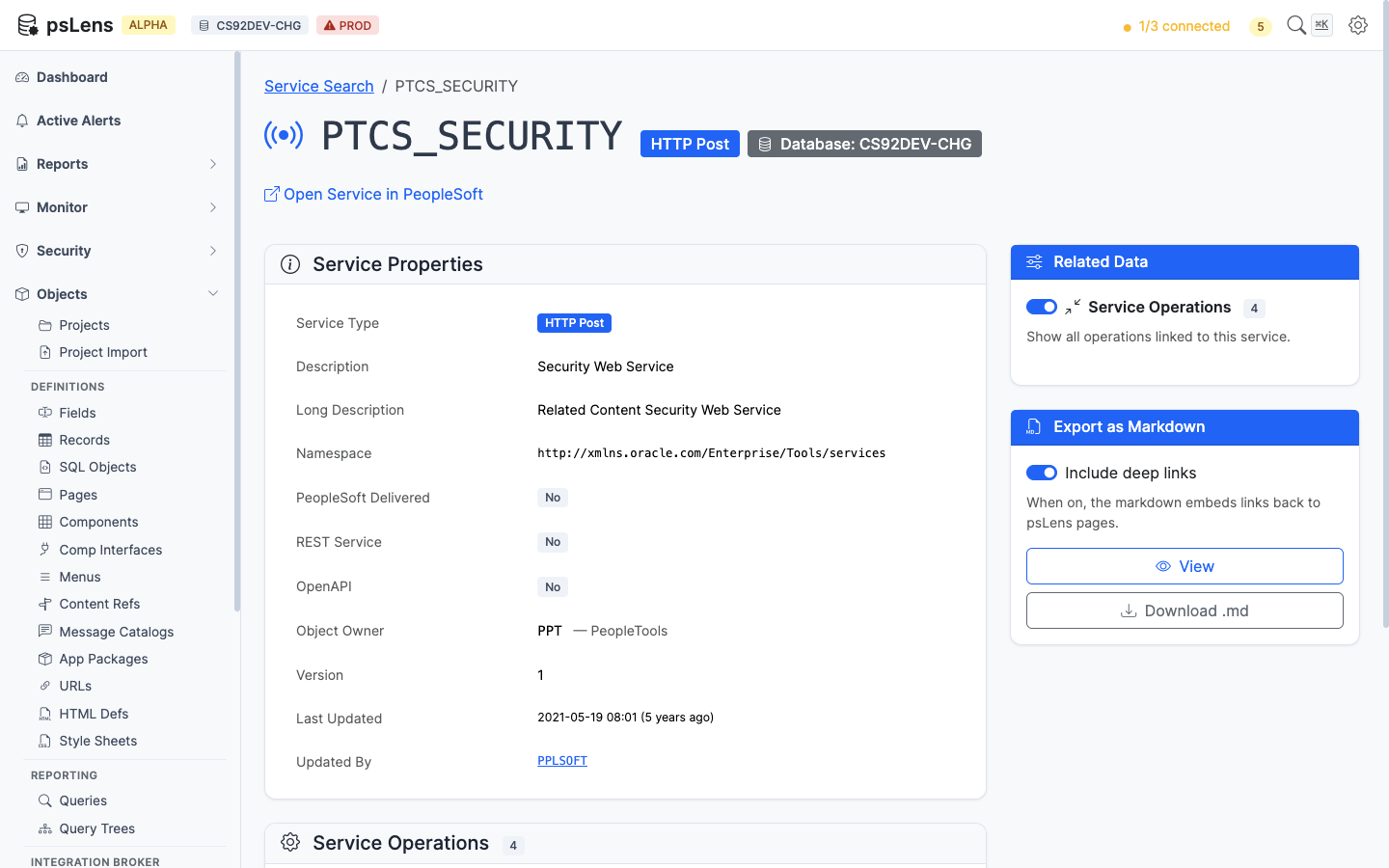
Service detail page for PTCS_SECURITY
The main pane shows Service Properties (name, alias, namespace, owner, description, audit metadata). The sidebar has one related-data toggle.
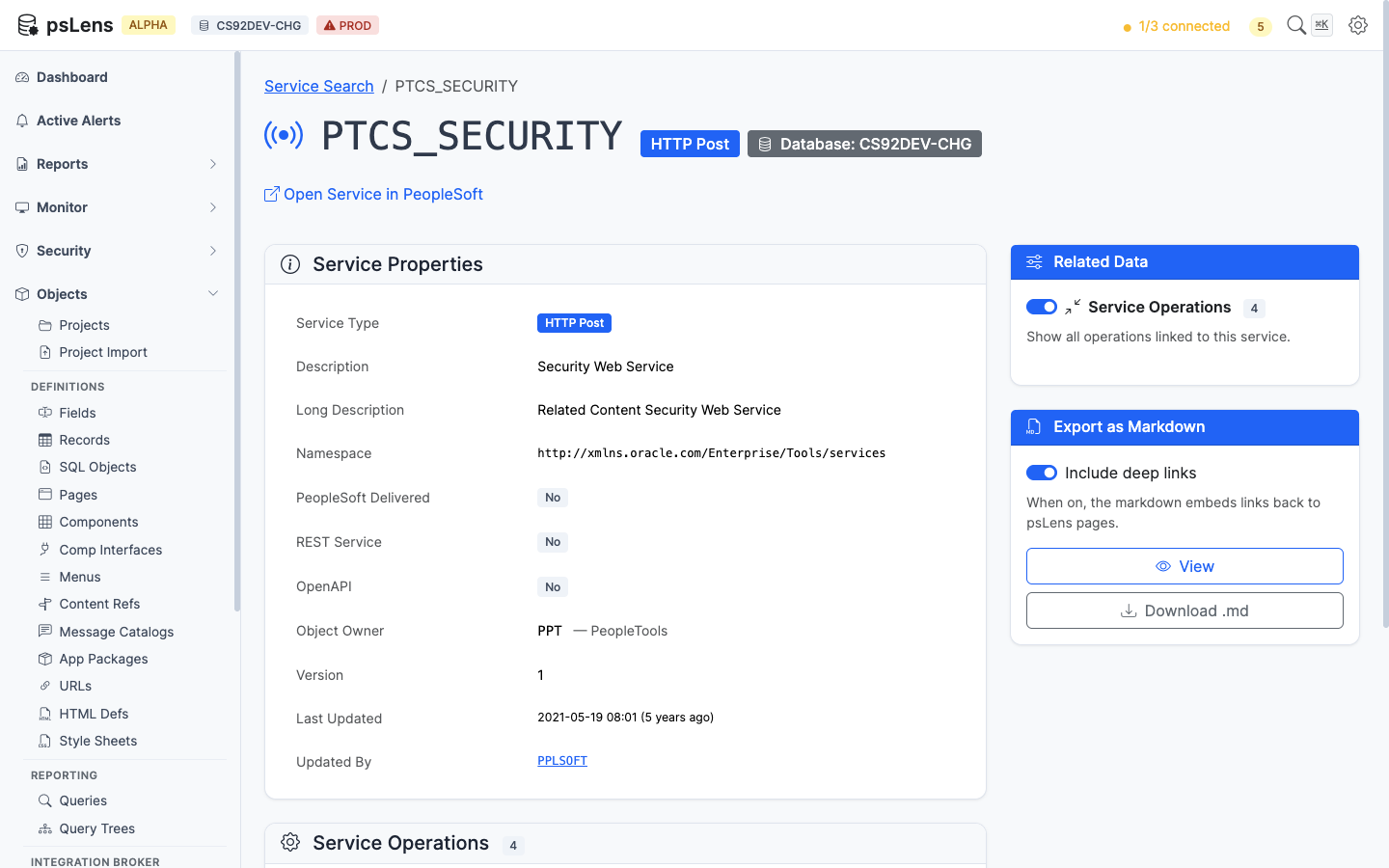
Full service page with Service Operations panel expanded
Related Data Panels
Service Operations
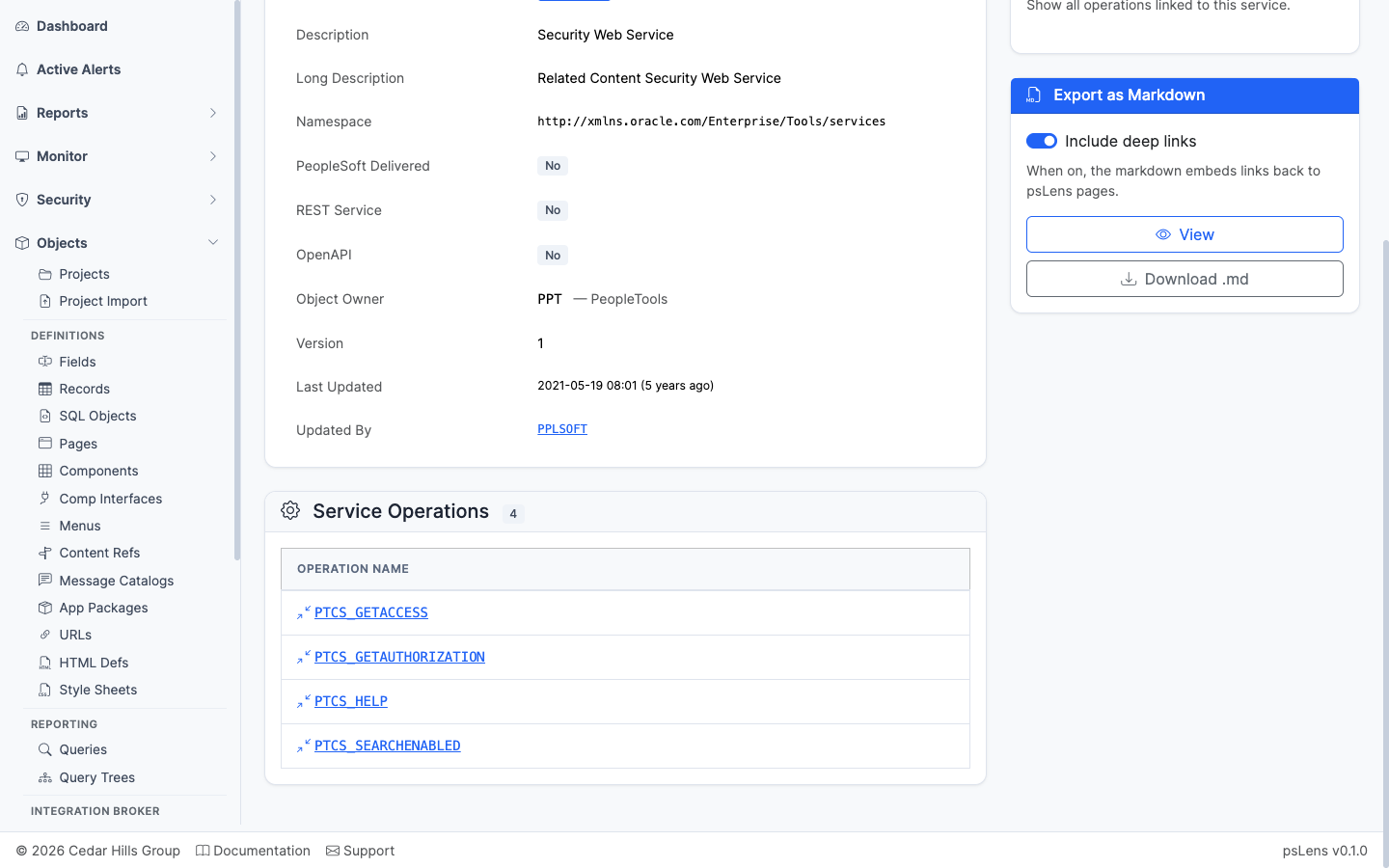
Every service operation belonging to the service
Every service operation belonging to the service, each link-resolved into its own detail page. The starting point for understanding what messages the service can exchange.