Style Sheets
Categories:
- Target Database: —
- Context Type: —
- Alert Severity: —
- Triggered Time: —
- Firing Context:
—
Style sheet definitions are PeopleSoft’s stored CSS objects (PSSTYLEDEFN) — the cascading style sheets that drive Classic and Fluid UI rendering. Tools, themes, branding overrides, and per-page substyle sheets all live here. psLens shows the full CSS body so you can read what rules a specific style sheet contributes without extracting it through App Designer or scraping rendered HTML.
Object Relationships
Style Sheets format user interface rendering across pages and themes:
- Attached to Pages & Themes: Style Sheets (
PSSTYLEDEFN) define CSS rules attached to page definitions, components, and portal branding themes.
How psLens Improves Style Sheet Inspection
In Application Designer, reviewing style sheets requires opening individual objects through File → Open → Style Sheet and examining CSS rules in separate tab windows.
psLens renders searchable, syntax-highlighted CSS source code directly in the browser alongside owning project membership.
Search Page
URL: /styledefs?db={database}
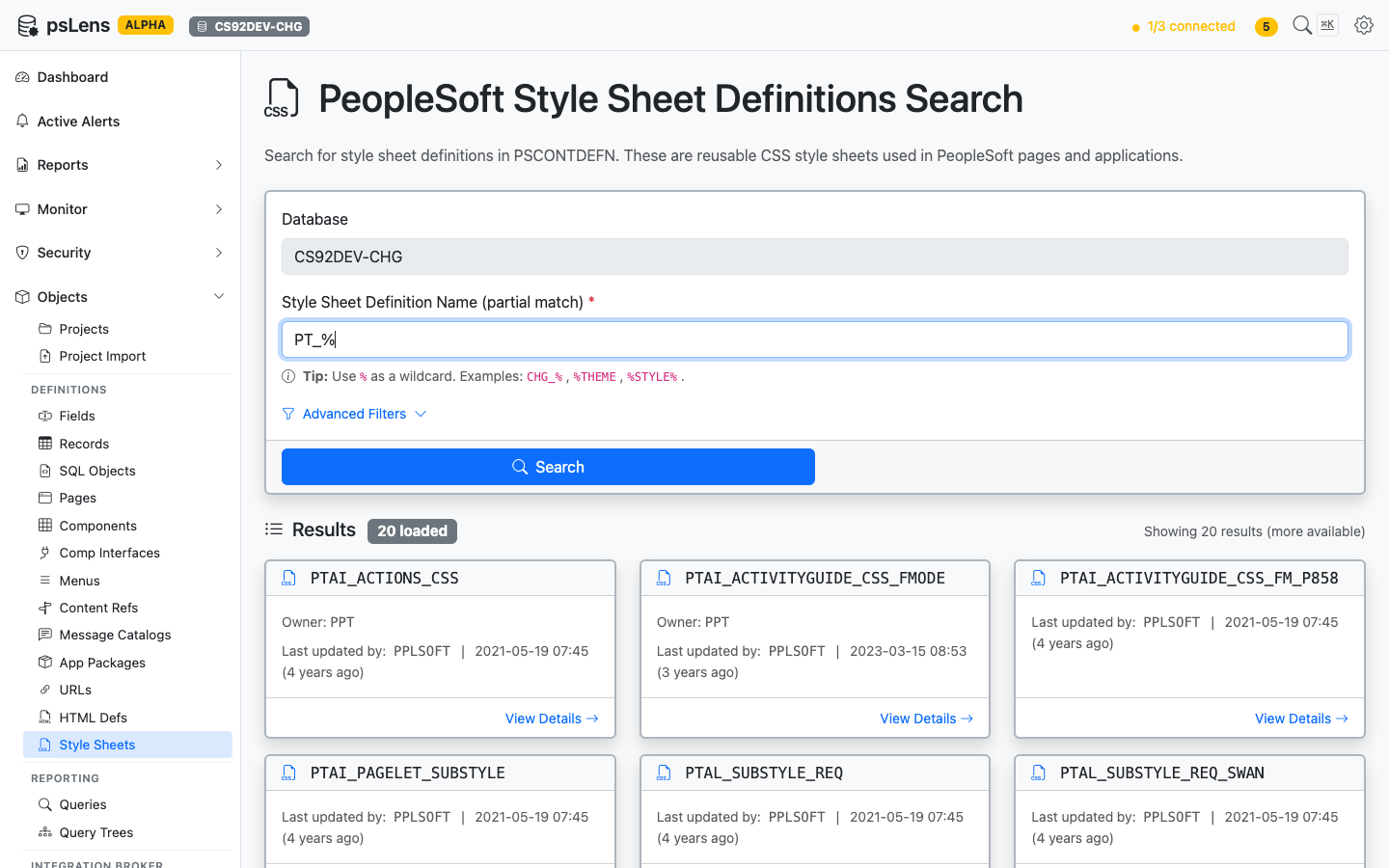
Style Sheet search results for PT_%
Wildcard % search supported. Each card shows the style sheet name and last-updated metadata.
Detail Page
URL: /styledefs/{NAME}?db={database}
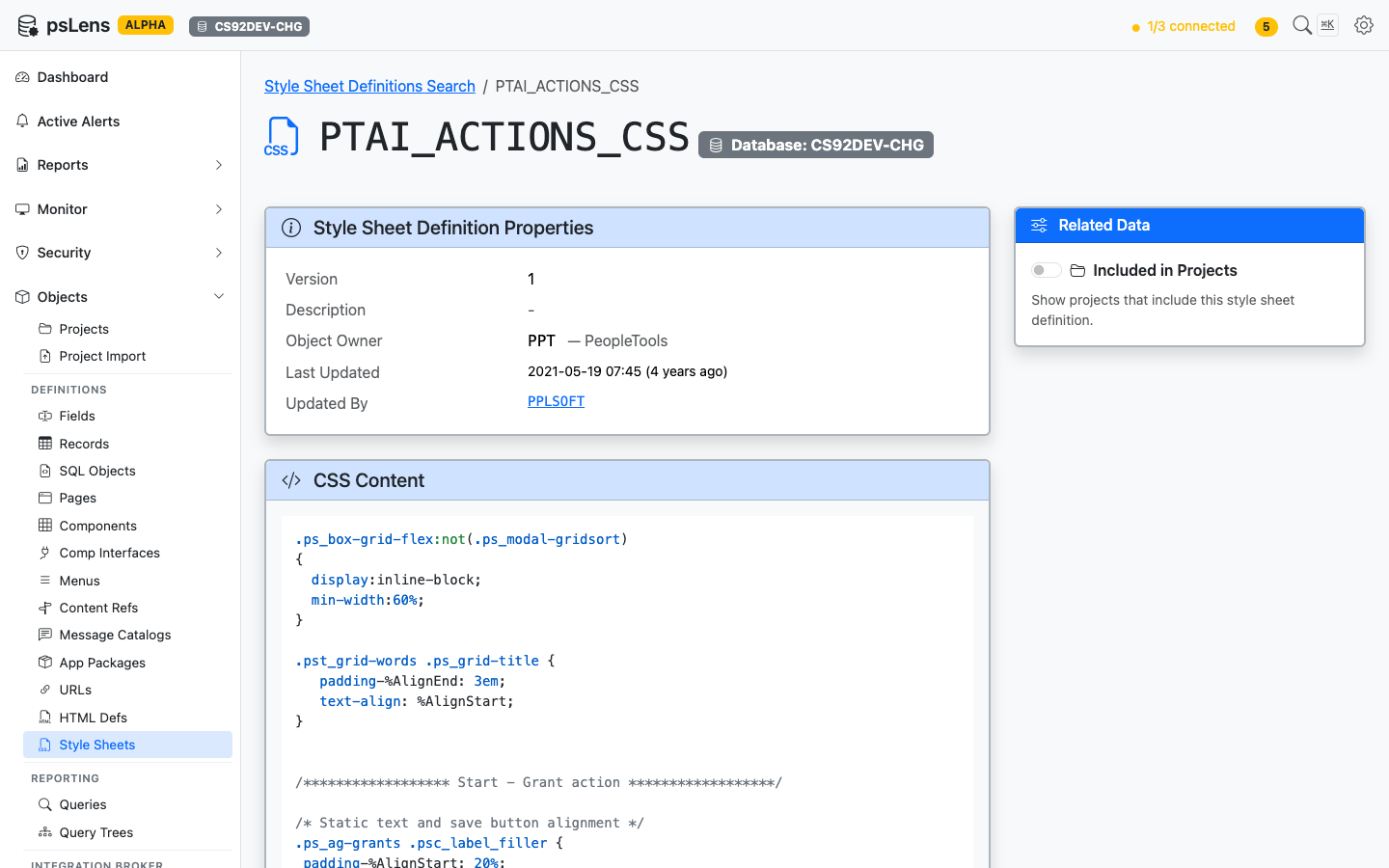
Style Sheet detail page for PTAI_ACTIONS_CSS
The main pane shows Style Sheet Definition Properties (description, audit metadata) and the full CSS Content body, syntax-highlighted. The sidebar has one related-data toggle.
Related Data Panels
Included in Projects
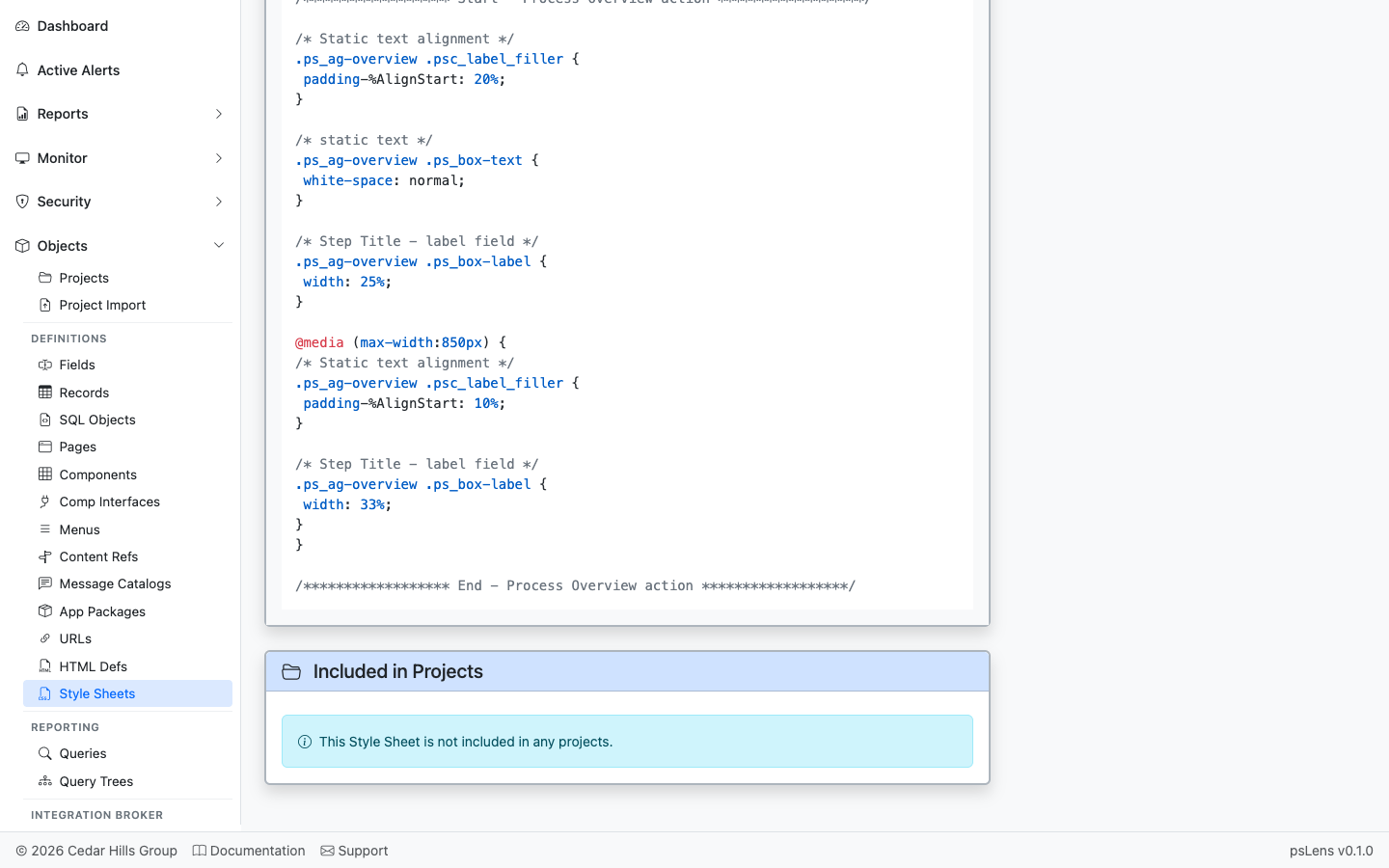
App Designer projects that include this style sheet
App Designer projects that include this style sheet.