Permission Lists
Permission lists (PSCLASSDEFN, sometimes called classes) are the lowest-level grantable security object.
psLens browses PeopleSoft security read-only: permission lists, roles, and users. Use it to audit access without writing SQL against PSOPRDEFN, PSROLEUSER, and PSAUTHITEM. Changes still have to be made in PeopleSoft.
PeopleSoft security flows in one direction:
User → Roles → Permission Lists → Menus/Components/Functions
When investigating access, work from the bottom up:
Or work from the top down:
User detail pages link out to each role. Role pages link to permission lists and back to assigned users. You can follow an access chain in three clicks without writing a join.
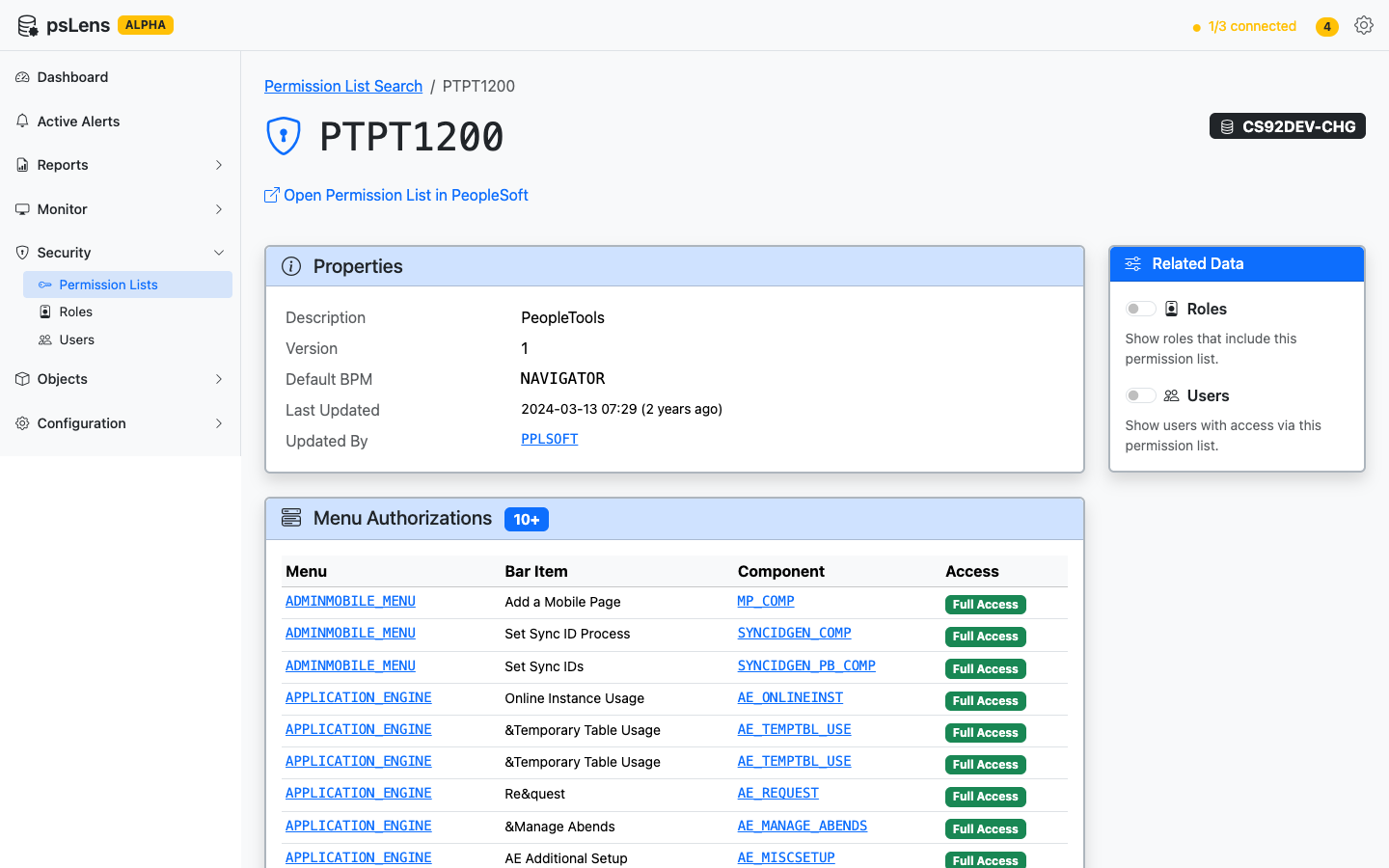
Permission List detail view with properties, menu authorizations, and related data options
Permission lists (PSCLASSDEFN, sometimes called classes) are the lowest-level grantable security object.
Roles (PSROLEDEFN) are named bundles of permission lists. Users get roles, not permission lists directly.
Users (PSOPRDEFN, historically called operators) are login accounts.
Audit Campus Solutions row-level security grants across user defaults, academic structure, 3C groups, and administrative domain tables.